The Spoke free route planner is a route optimization tool for drivers and small teams who need to quickly organize routes between multiple stops.
It's a web-based tool, so there's no need to download any apps. And no need to create an account either. Add your delivery addresses, optimize your route, send it to your phone, and you're ready to go.
Who is this free route planner for?
This free route planner app is built for independent delivery drivers and small local courier teams. If you're handling a light or occasional delivery workload, say two or three routes with up to 20 stops each, this tool fits the bill.
For professional courier companies running high-volume operations with multiple drivers, it may not be enough. Those teams have different routing needs and typically require last mile management software that goes beyond route planning.
How it works
Planning your route with the Spoke free route planner takes less than five minutes.
Here's how to do it.
1. Add your start and end location
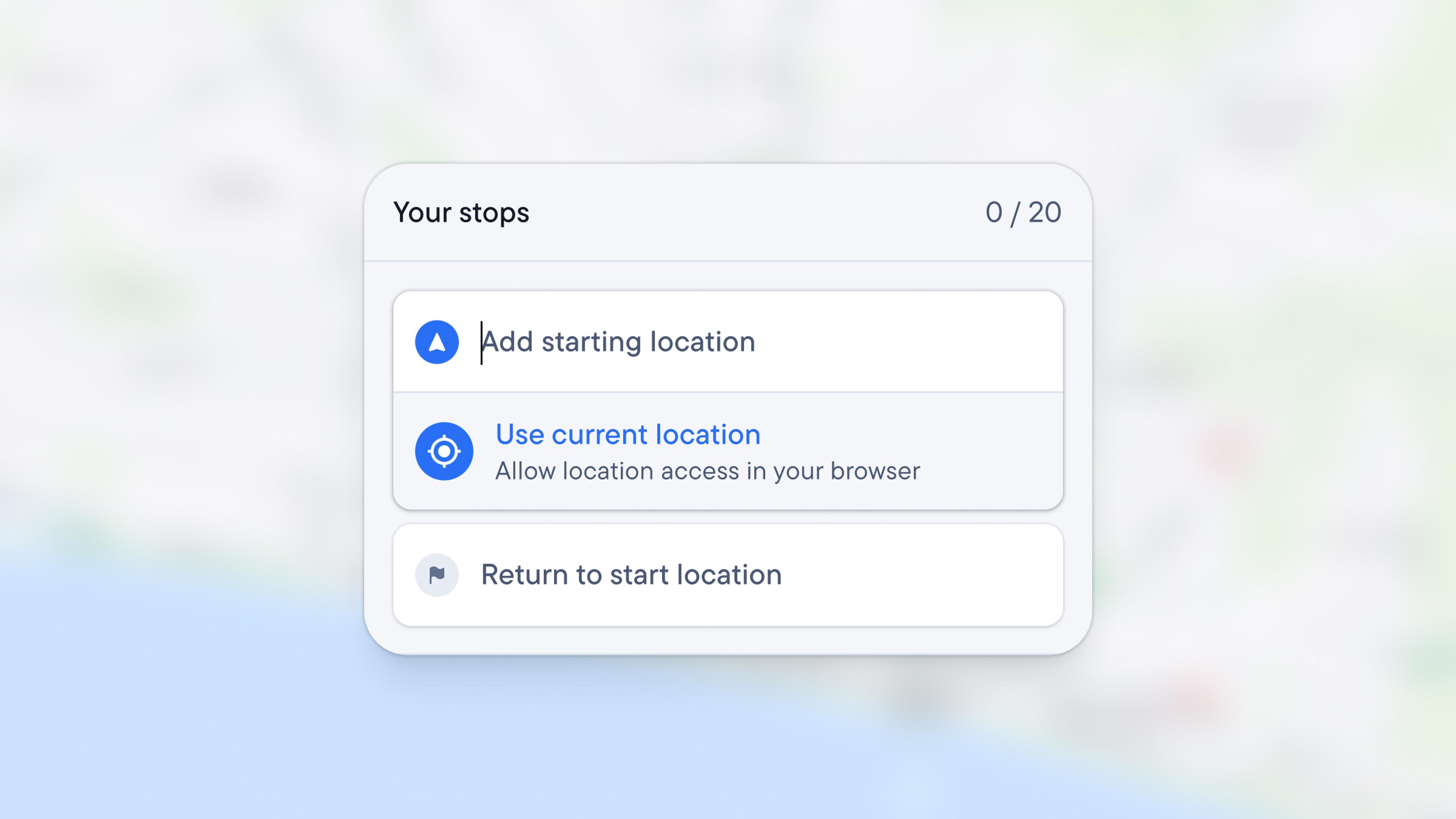
Set your start location by entering the address.
If you're planning a round trip, ending and finishing in the same place, hit "Return to starting location", and Spoke will populate the end location address automatically.
If your route ends elsewhere, add the address manually.
2. Add your delivery stops
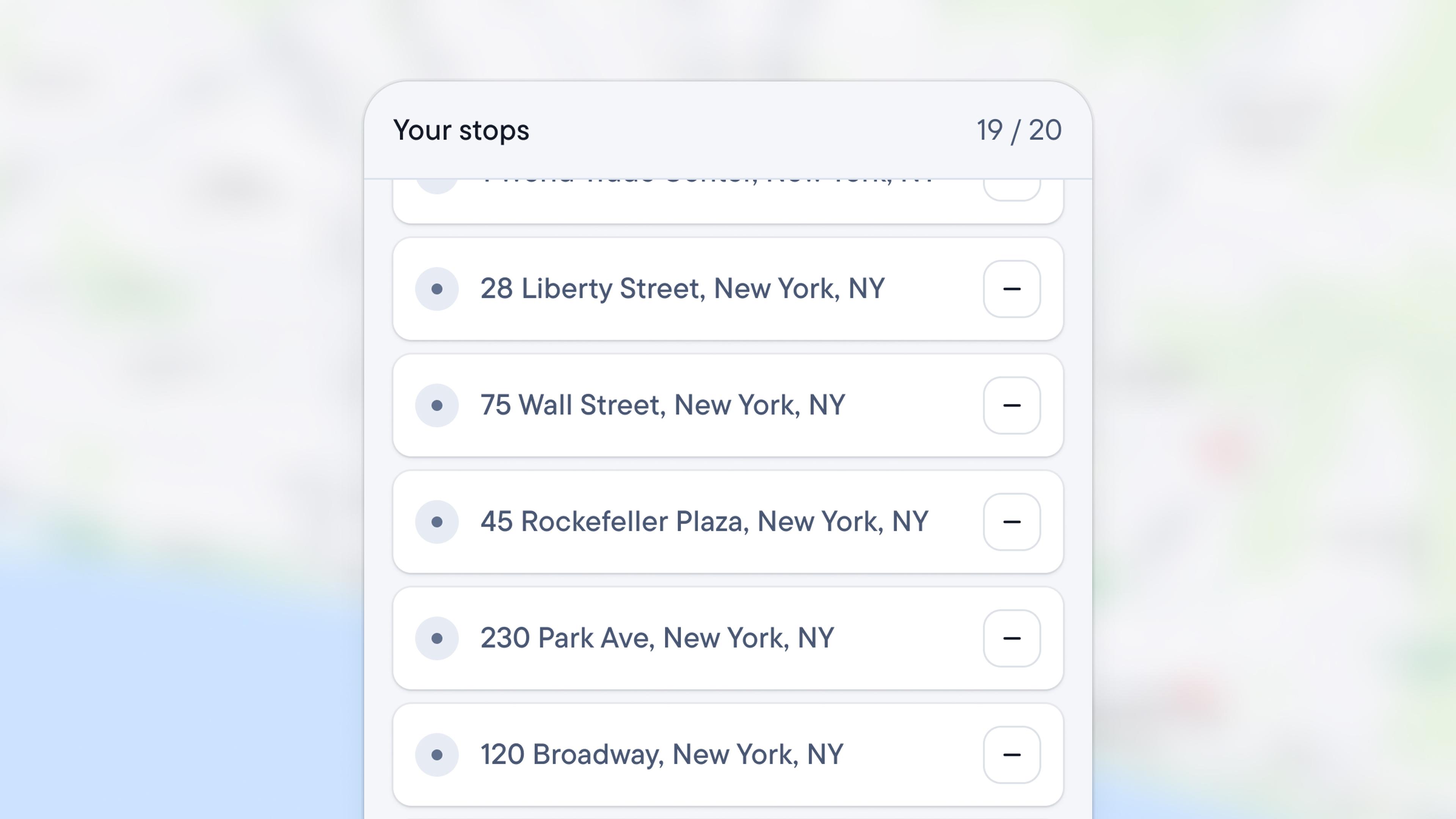
To add stops to your route, click the + button.
When the new field appears, paste the stop address or start typing it.
Our free route planner uses Google Maps for address autocomplete, which speeds up entry and prevents errors.
You can add up to 20 stops per route. The order in which you enter stops doesn't matter. The tool will organize them for you.
3. Confirm route settings
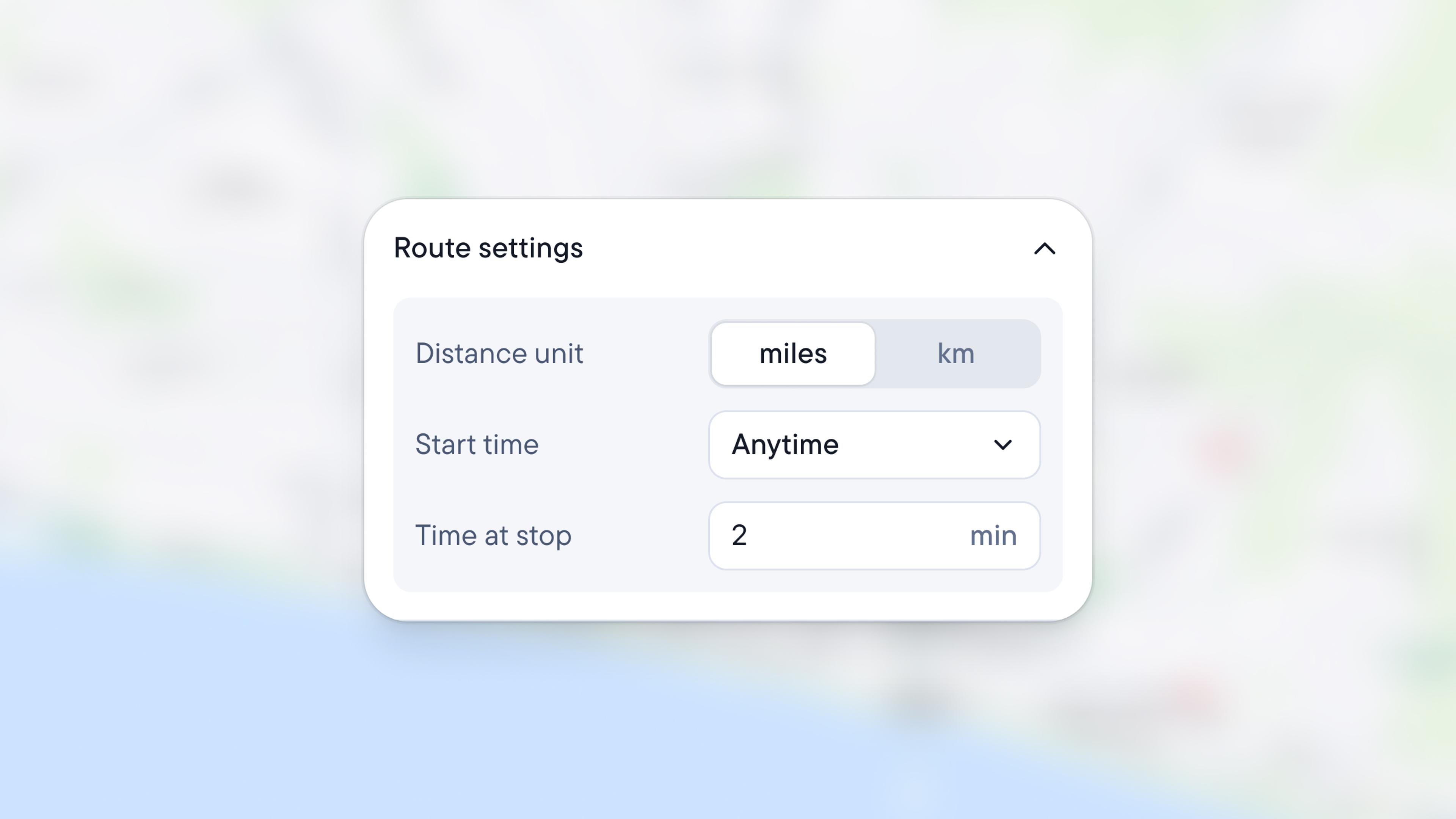
Before you optimize the route for the day, set your unit preference. Choose either kilometers or miles.
You can also set the start time and the duration of a stop. This allows the tool to estimate your ETAs and calculate the overall time needed to complete the deliveries.
These settings are optional. If you don't need the estimates, skip the step.
4. Optimize the route
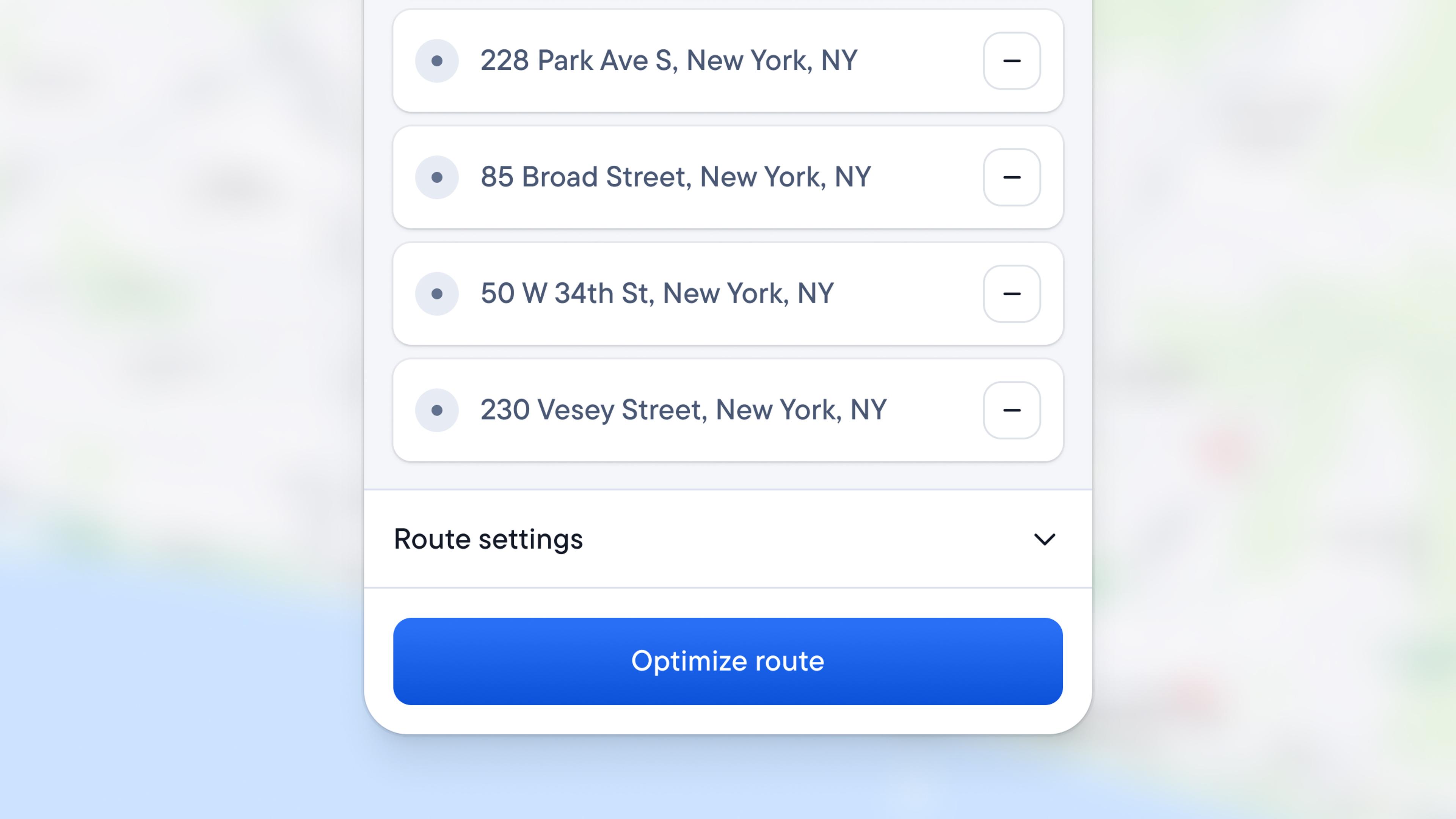
Once you add your stops and set preferences, click ‘Optimize route’.
The route planner will reorder the stops and calculate the most efficient route between them to minimize driving time and fuel costs.
When it's done, you get a clear route line on the map with distinct markers for your start, finish, and each stop.
All the stops are listed in the panel along with ETAs for each one. The tool also calculates the total time and distance.
You can optimize up to 3 routes per day.
5. Share or navigate the route
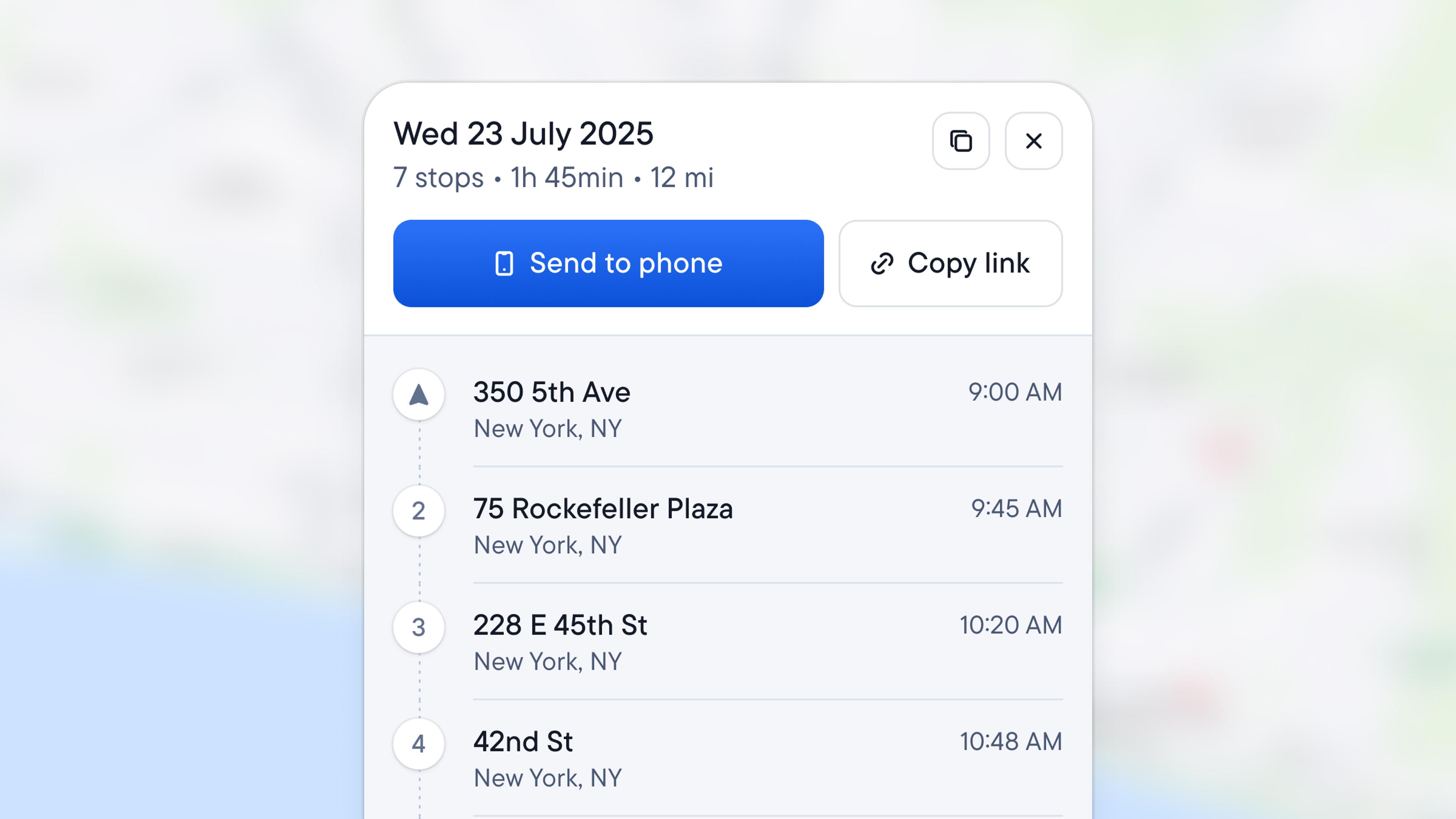
After optimization, send your route to your phone by sharing the link, for example, via WhatsApp or email, or by scanning the QR code.
When the link opens on your phone, choose your preferred mapping service: Google Maps, Waze, or Apple Maps.
The app doesn't provide turn-by-turn directions, but links to individual stops.
When you hit the Navigate button, it opens the mapping tool you've chosen. That's where you get your driving directions and real-time traffic updates.
Does this free route planner have unlimited stops?
No. The Spoke free route planner allows up to 20 stops per route and 3 optimized routes per day.
The truth is, there are no free route planners with unlimited stops. Some are free, some have a free plan, some offer a free trial, but they always come with a cap, normally around 10 stops. If they let you add more than 20 stops, it's only for a limited period.
Even Google Maps — often mentioned as a free option — limits you to 10 stops per route. And it doesn't optimize the stop order. You have to arrange addresses manually.
If you need more than 20 stops, you'll need to pay for route planning software. That's true across the industry, not just here.
When a free route planner stops being enough
A free route planner works well for simple routing needs. At some point, you may find yourself outgrowing what any free tool can offer.
That typically happens when:
- Your daily stops exceed 20. You're hitting the limit regularly and need more capacity.
- You're planning routes for multiple drivers. Free planners handle one route at a time. Coordinating a team requires more.
- Routes change during the day. Free-to-use route planners don't allow real-time route adjustments, for example, when a new order comes in or gets cancelled.
- You need proof of delivery. Customers and clients need confirmation that you completed the deliveries.
- Customers expect tracking. Live visibility and delivery notifications are becoming standard.
When these happen, you're no longer looking at free route planning but delivery operations management at scale.
That's where last mile management software like Spoke Dispatch comes in.
This software is built for professional courier operations, handling multi-driver route optimization, real-time dispatching, proof of delivery, and live customer updates.
Free Route Planner FAQs
Yes, you can edit routes in the Spoke free route planner. Tap on the Edit route button at the top of the panel. This will open the route builder, where you can add or remove stops. Editing a route will count towards your daily limit.
Yes, the Spoke free route planner saves your route automatically. If you close the browser and return within 24 hours, your optimized route will still be there, ready for you to jump back in.
Just click the "Routes in last 24h" button in the top right corner of the map to display your saved routes and pick the one you need.
Yes, you can create and optimize routes on your phone. For building routes with multiple stops, the desktop experience is easier to use on a larger screen. You can also send routes directly to your smartphone for navigation.