Spoke Route Planner
Import multiple addresses in one go by simply reading out a list of stops
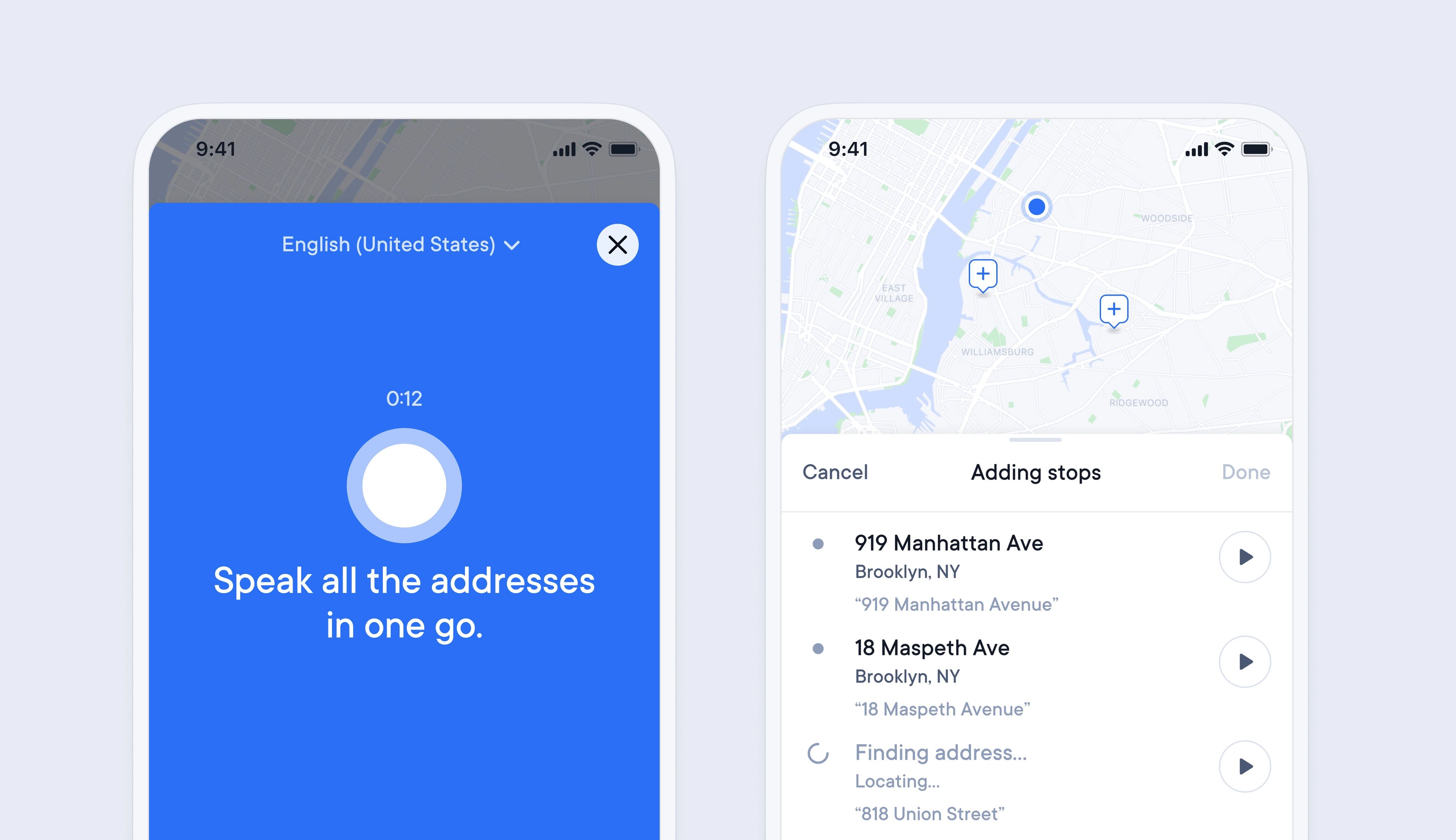
Adding multiple addresses to Spoke to create a route can be a lengthy process if you have many stops, which can delay the start of your route.
Now it is possible to simply read out a list of addresses to import them in bulk into Spoke.
This makes entering stops much faster and easier, as you can read off a manifest or stops list from start to finish and import them all in one go.
Once imported, Spoke also flags any address that looks incorrect, so you can manually edit it, and Spoke will remember the format of that address for the next time you add it, so it is correctly identified from now on.
- Tap create route
- Give your route a name, and select a date
- To add stops to your route with your voice, tap the mic button
- Next tap speak multiple addresses
- Continuously speak all your addresses into your phone, then tap done
- Your stops will appear in a list. Tap on a stop to edit it
- Next to a stop, you can tap the play button to listen to your recorded voice
