All updates
23 Jun 202523 Jun 2025
Use Spoke on a vehicle’s infotainment display with Android Auto or CarPlay
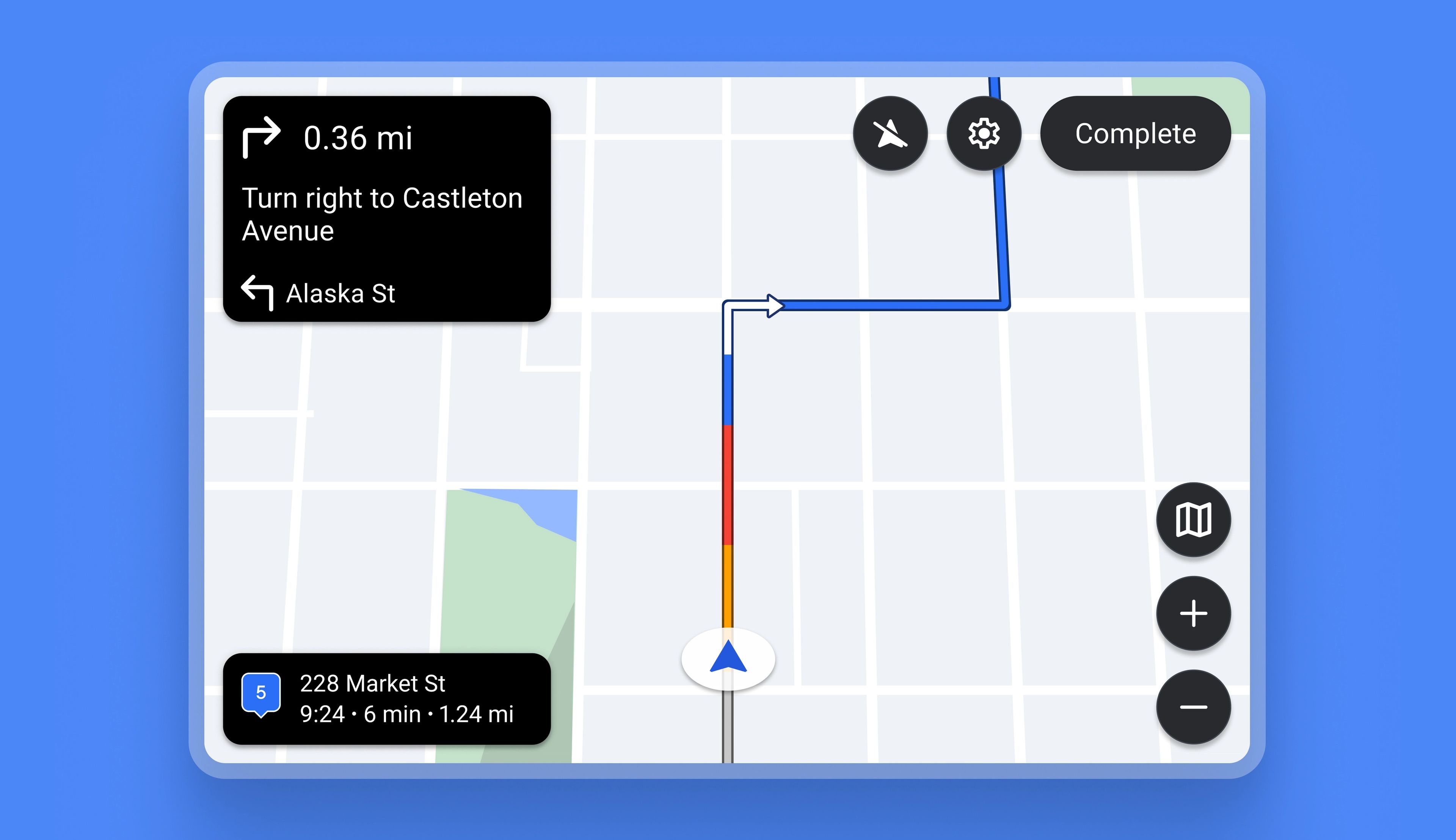
Previously, Spoke could not be used with in-vehicle technologies like Android Auto or CarPlay. Now the app is fully compatible with both.
Drivers on the Standard plan can connect their Spoke app with their vehicle infotainment display using Android Auto or CarPlay, which gives them the advantage of using a larger integrated dashboard screen for navigation and delivery.
How to use Spoke with Android Auto or CarPlay
- In phone settings, make sure that Spoke is selected as an app that will be available on Android Auto or CarPlay
- On the phone, create a route and optimize it
- Connect the phone to the vehicle infotainment display
- The phone will project a simplified version of Spoke onto your vehicle’s infotainment display
