Product updates
What’s new in Spoke Route Planner
Feature updates, bug fixes, and app improvements to make delivery easy
Feature updates, bug fixes, and app improvements to make delivery easy
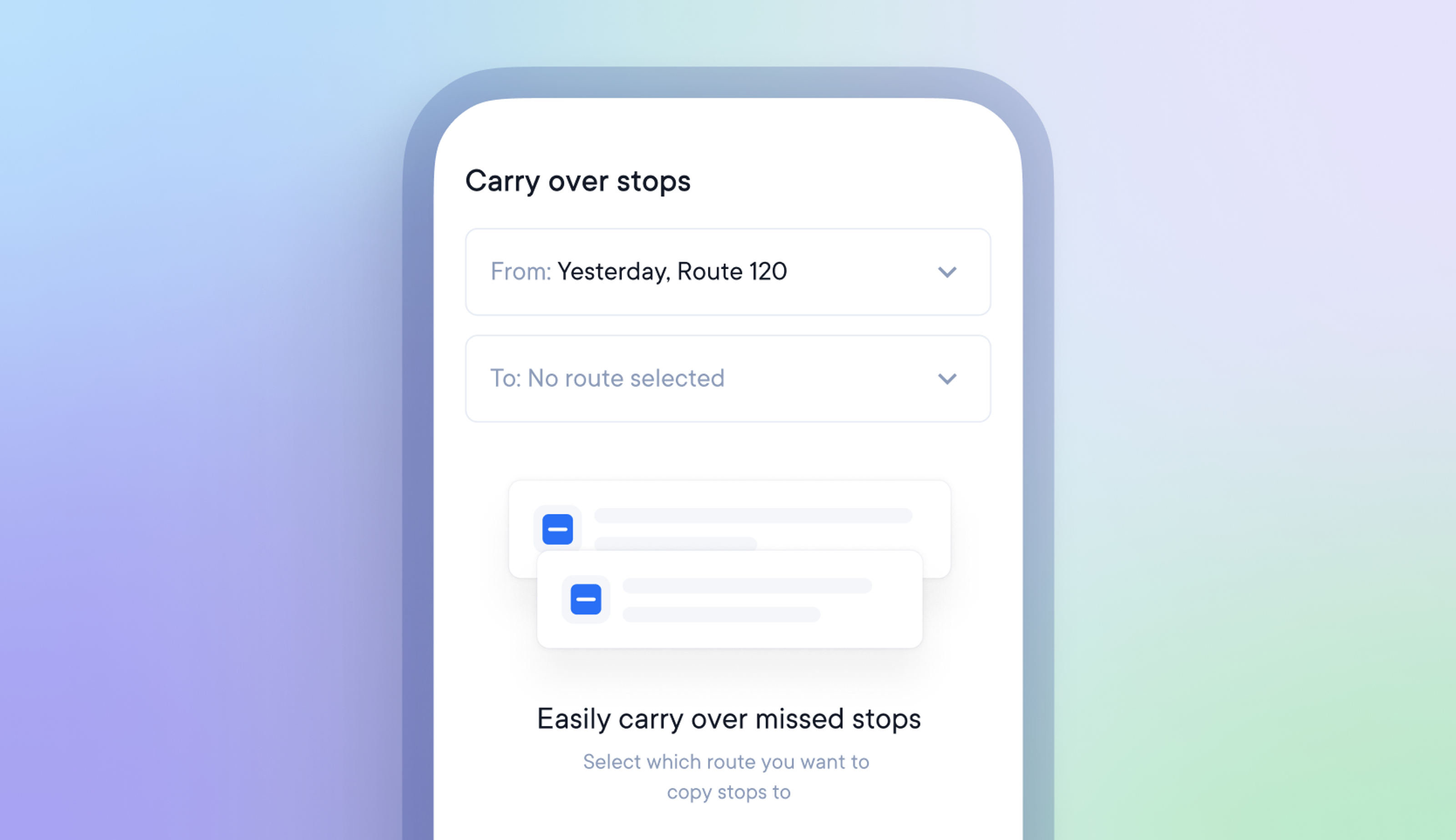
Most delivery routes finish, with some stops not being successfully completed.
Our copy stops feature allows drivers to select and copy across missed, failed, or specific stops from one route to another so that these stops can be attempted again.
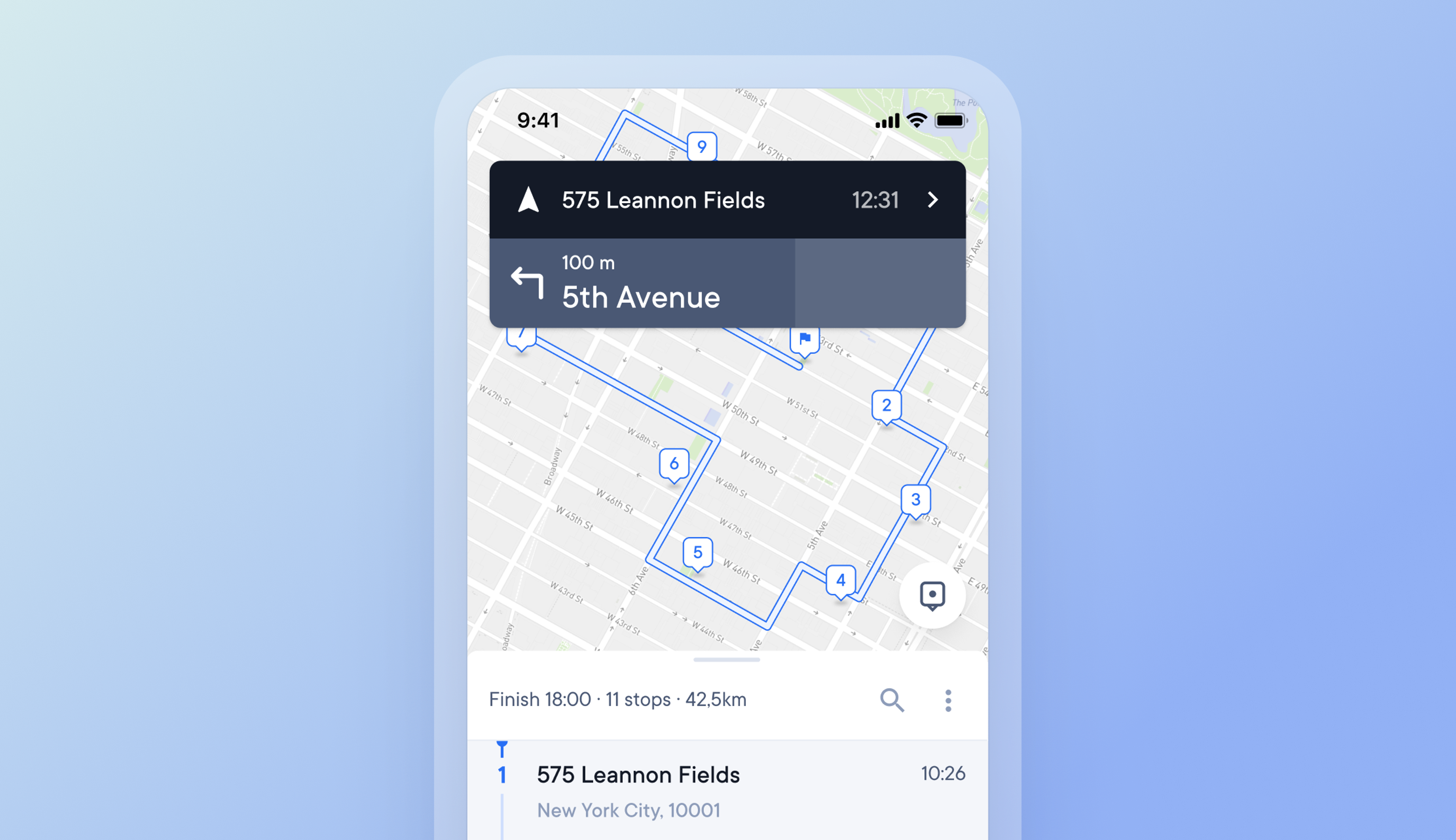
Drivers can now check their main route map view and stops list without pausing navigation functionality.
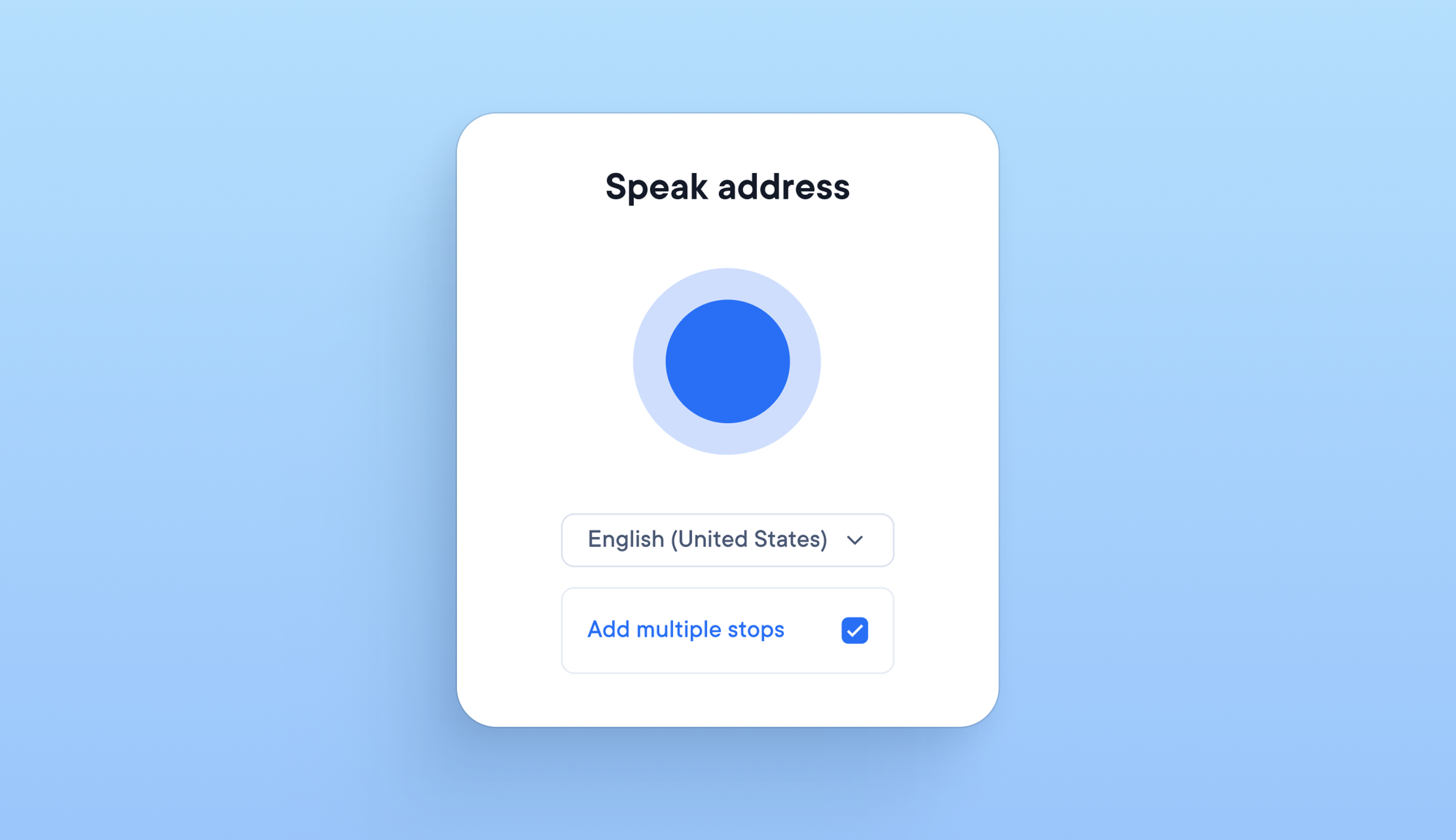
Adding stops to a route while loading a delivery vehicle means holding packages and a phone, which can be time-consuming and awkward for drivers. It is now possible to add multiple stops to a route with voice commands whilst using a phone with just one hand.
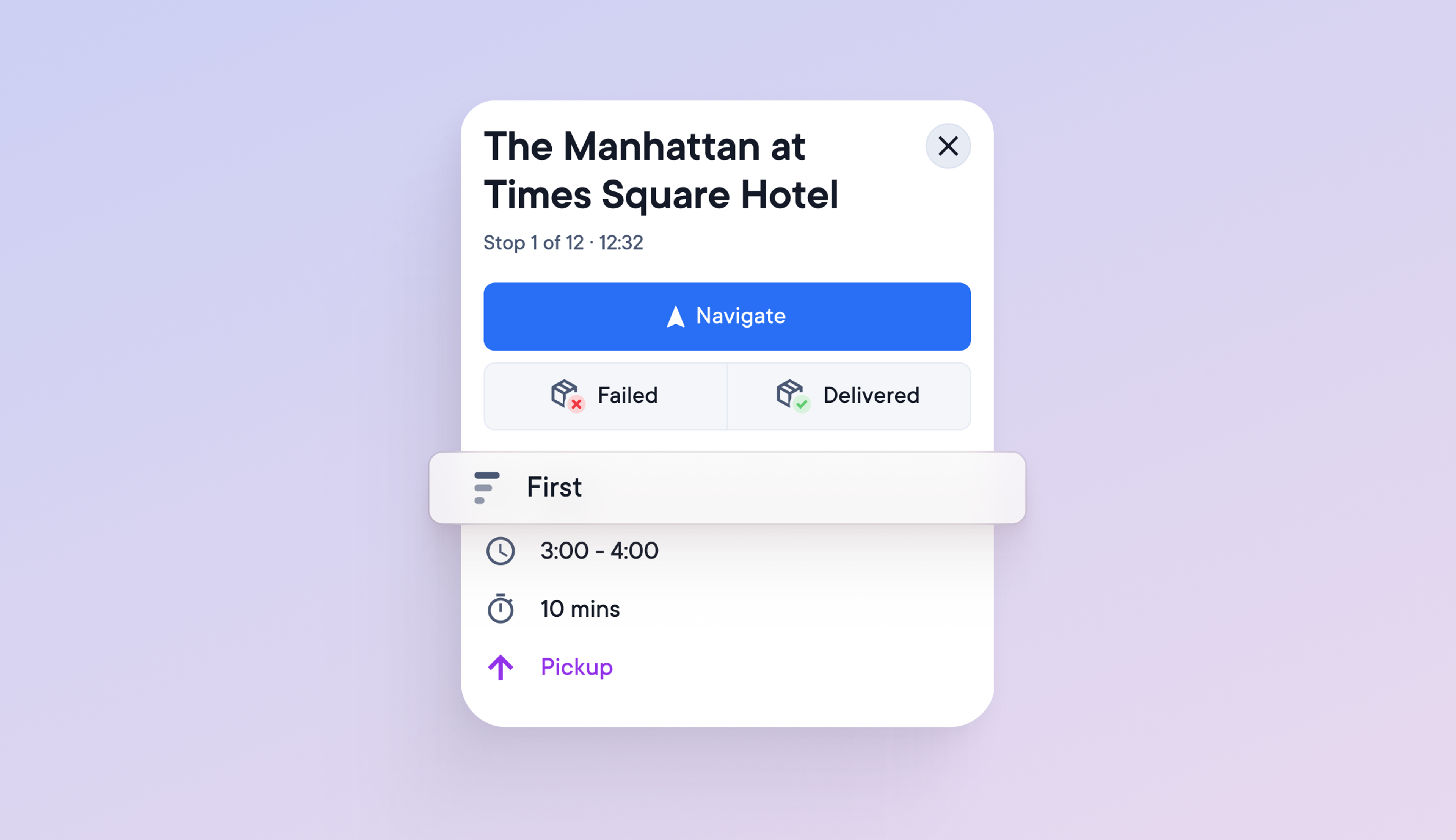
Drivers can select:
This allows them to complete priority deliveries first and leave less urgent deliveries until last.
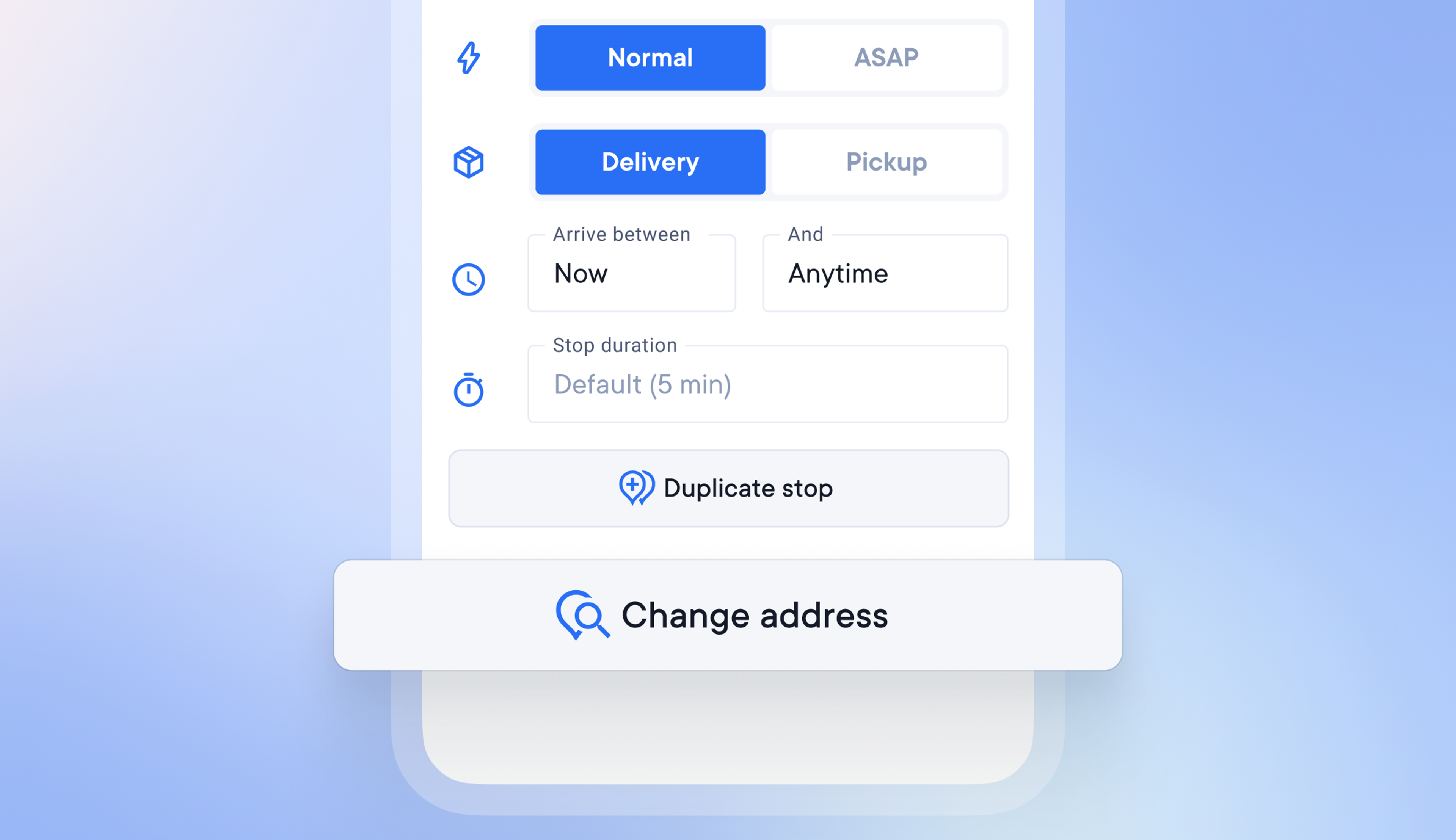
In the past, adding the wrong address to a stop meant deleting it and adding it again with the correct address. A driver can now edit the address of an existing stop if it is incorrect, saving them time and effort.
This feature is currently only available on the Android app version of Spoke Route Planner.
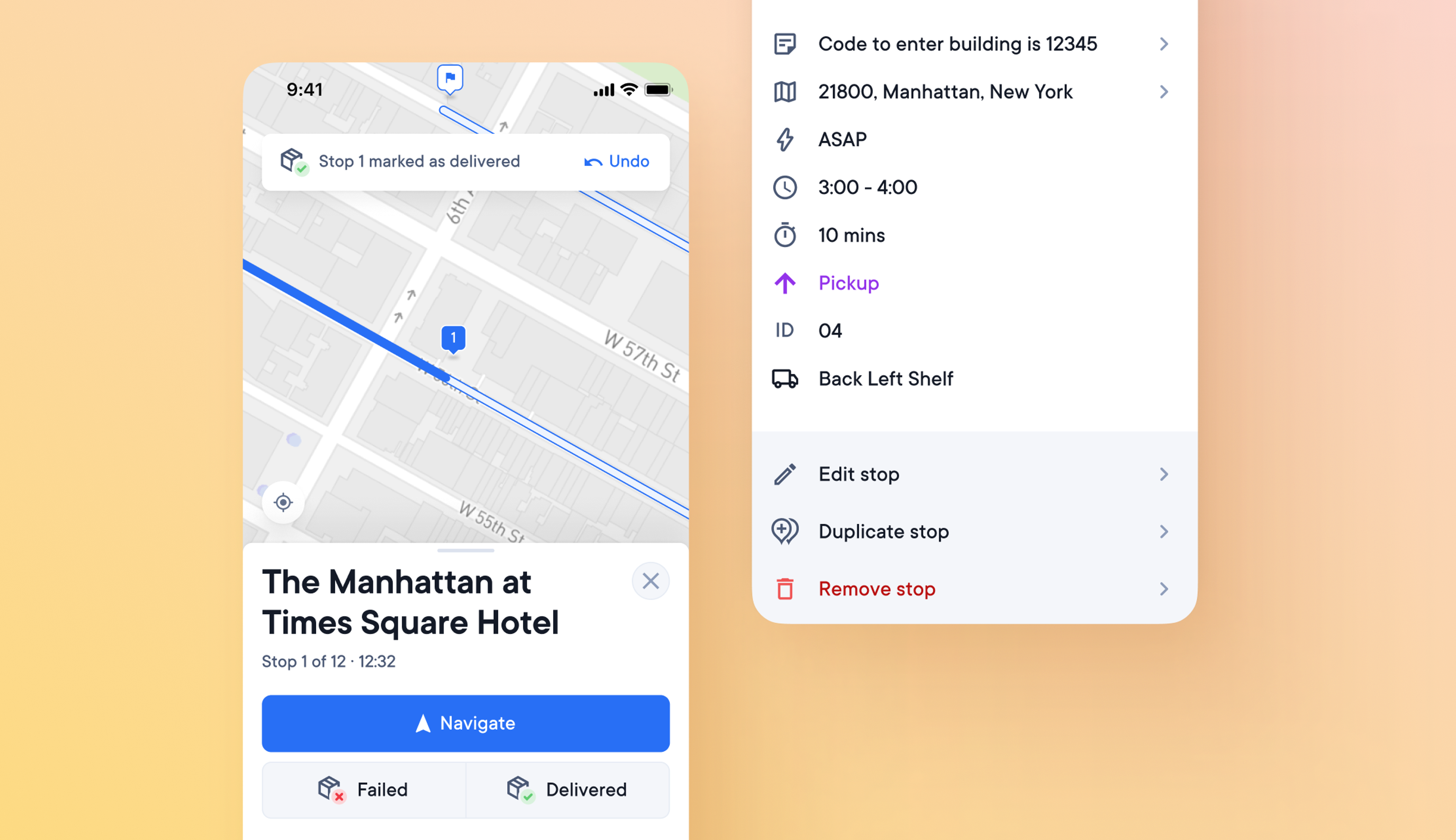
There is a lot of information associated with each stop on a route. It may be necessary for the driver to know the type of stop, the timing, where the package is in the vehicle, and many other details.
Drivers may have difficulty reading and using the app if all this information is displayed at once.
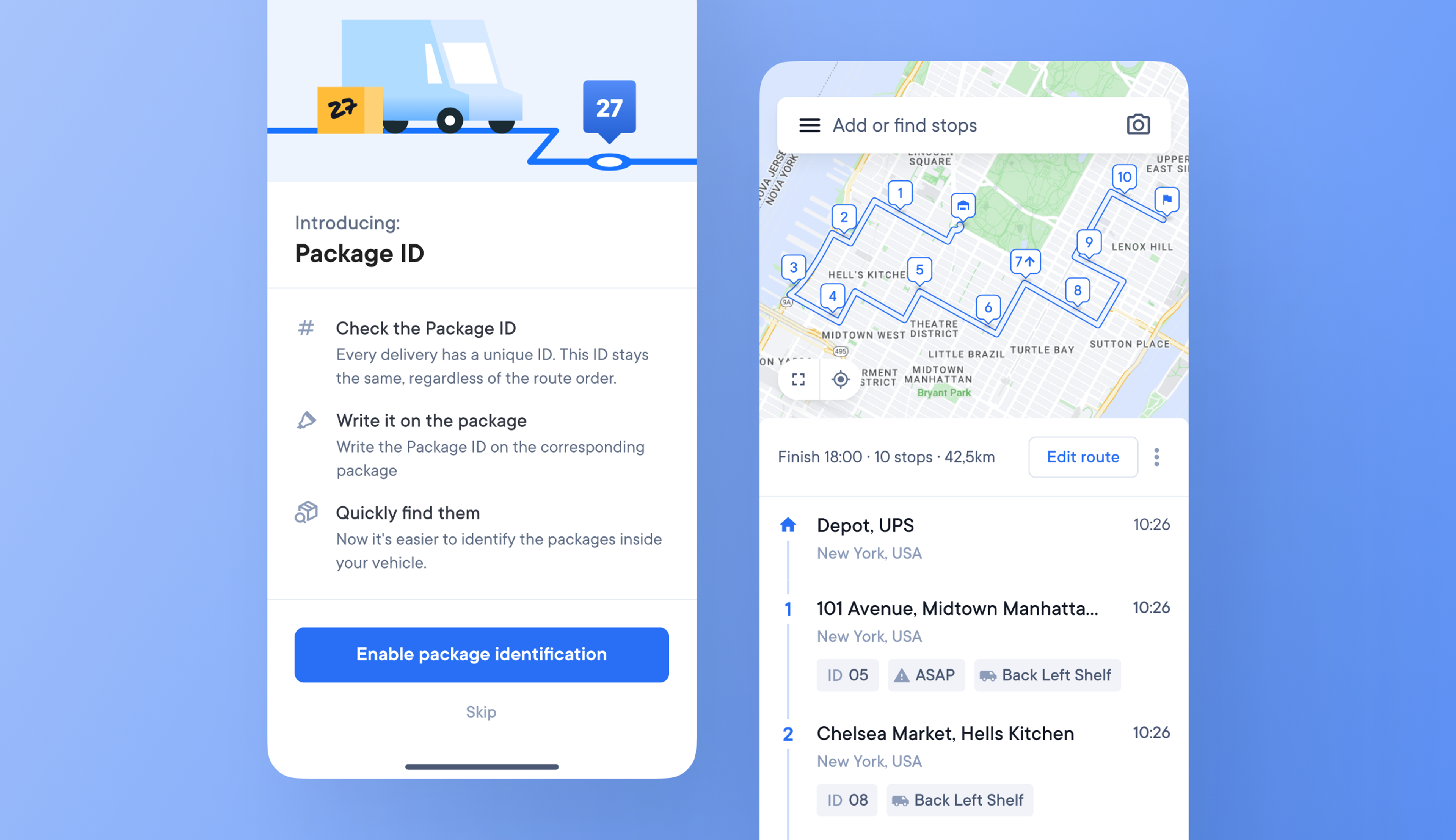
Having trouble finding the right package in their delivery vehicle can cost drivers valuable time. During a route, time spent looking for packages can add up and make their day longer than necessary.
We’ve introduced a simple Package ID feature to help make finding packages fast and more efficient.
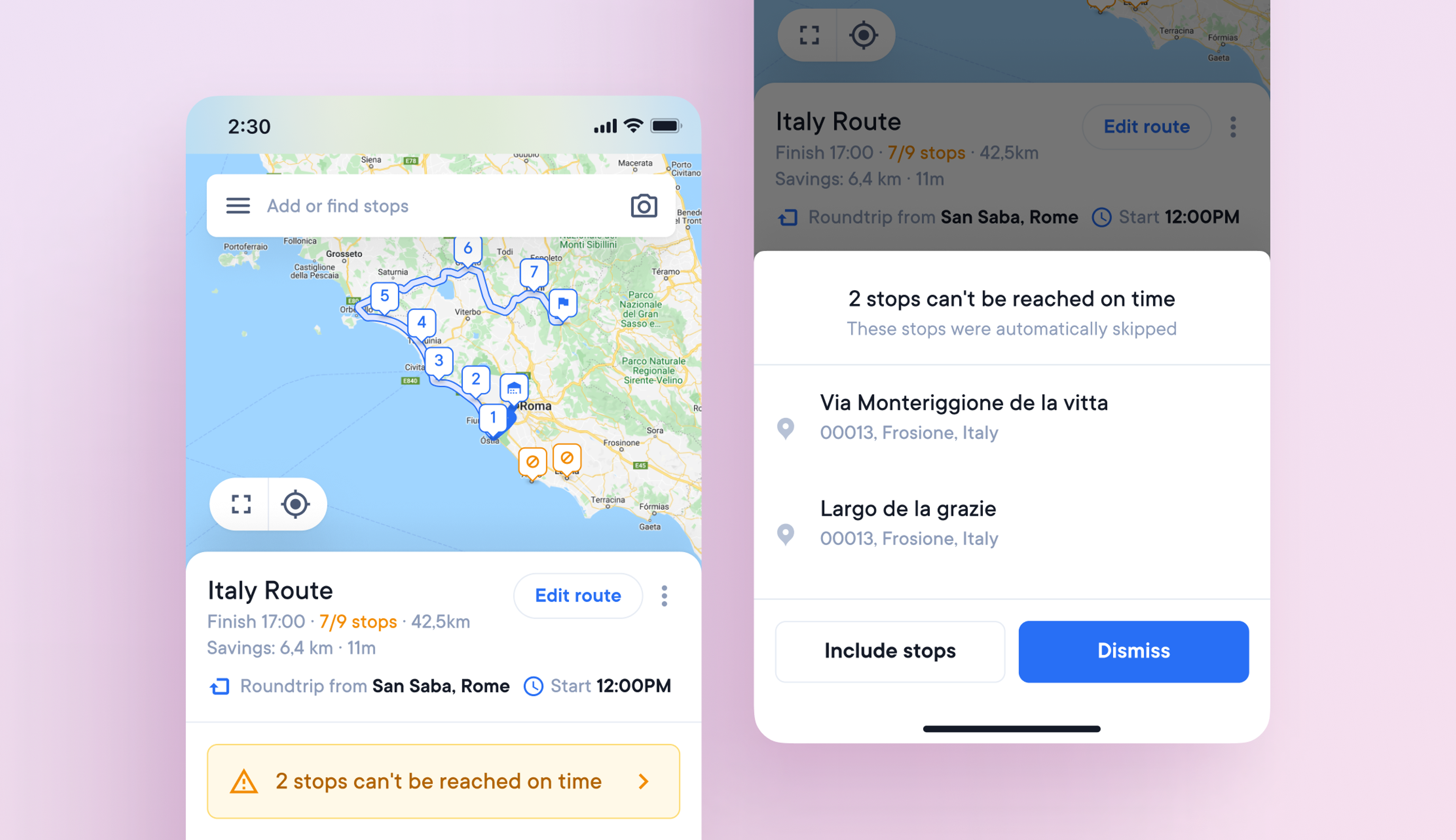
Some routes contain unreachable stops. For example, by mistake, a driver's route in Lisbon, Portugal, may include an address in Lisbon, Florida, making that stop unreachable.
If a stop cannot be reached by the end of that delivery day, it will be marked as skipped.
As a result, drivers must figure out how to correct these stop types and incorporate them back into their routes. On-the-go management of unreachable and skipped stops saves time and allows routes to be optimized more easily.
The status of a delivery stop is an essential attribute for drivers and dispatchers.
A dynamic stop marker on the map means you don't have to scroll the stop list to find important information.
We've created dynamic stop markers that show if a stop is:
Drivers often have to make changes to a route once it’s been optimized and the van has been loaded, but if a stop is added or removed, the change means the way the vehicle was loaded no longer makes sense.
Now, if the detail of a stop such as the time window or priority is changed, a stop is added or removed, the driver gets the option to: