All updates
24 Sep 202524 Sep 2025Spoke Dispatch
Successfully balance cash flow with custom billing dates and payment extensions.
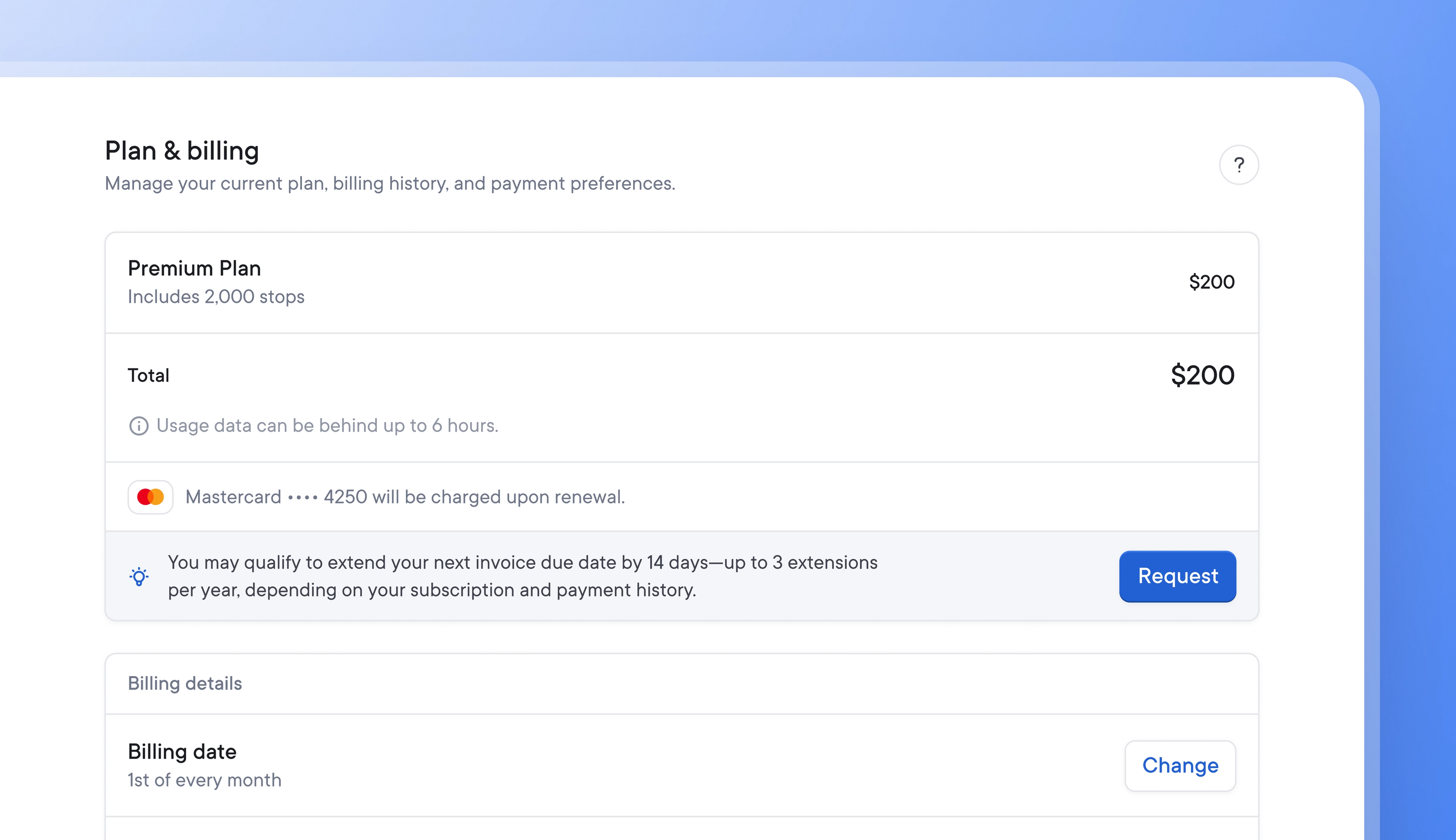
The seasonal nature of last-mile delivery can make balancing cash flow difficult at times.
Now, Spoke Dispatch users can choose a custom billing date that suits their business’s financial cadence and request a fourteen-day payment extension up to three times a year if they need a little extra time to help manage finances successfully.
- Go to Settings > Workspace > Plan & Billing
- Go to the Billing tab > Billing details > Billing date and click Manage
- Select the 1st or 15th day of the month and click Save
Your new billing date will be effective immediately.
- Go to Settings > Workspace > Plan & Billing
- Go to the Billing tab > Payments and click Request
Your account must have been active for at least six of the last twelve months and can have no more than one pending invoice in order to qualify for payment extensions.
Your extension request will be approved immediately if it meets the criteria. Your invoice due date will be extended by fourteen days, but your billing cycle will remain unchanged.
Get Started