reduction in operational costs
increase in successful deliveries
Doing more firefighting than dispatching?
Your phone keeps ringing with one problem after another, leaving you no time to tackle the root causes. Managing deliveries for five shipper clients means running five operations at once, while you deal with:
Every client wants things their way
One client demands signatures and photos. Another sends orders in their own format. A third wants reports every Friday. More clients means more manual workarounds, because generic delivery tools treat every stop the same.
Tools not built for courier work
A spreadsheet for routing. Text messages for drivers. A phone for clients. None were built for courier operations. It falls on the dispatcher to keep teams in sync as they copy-paste between tabs and juggle phone calls as the day slips away.
Drivers relying on you all day
Non-stop “Which package?” calls and address clarifications are draining. Drivers could solve these problems if they had better information. Every inbound call is a minute you don’t have. And there are dozens of them. Every. Single. Day.
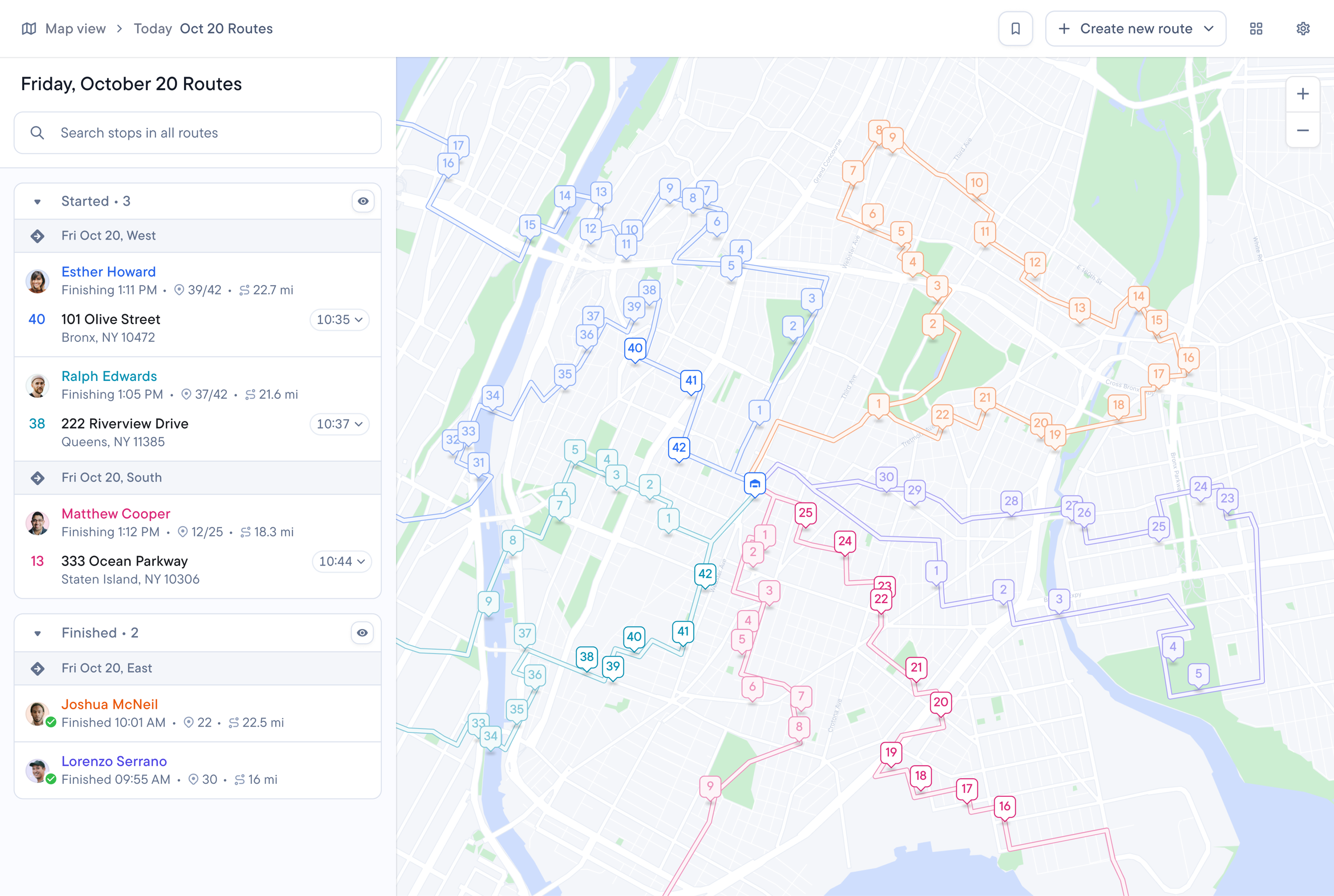
Last mile management software built for courier companies
Spoke Dispatch has the features you’d expect from last mile management software. The difference is that features are built for courier companies to run multi-client operations without losing hours setting up each client individually.
Build reorderable delivery services
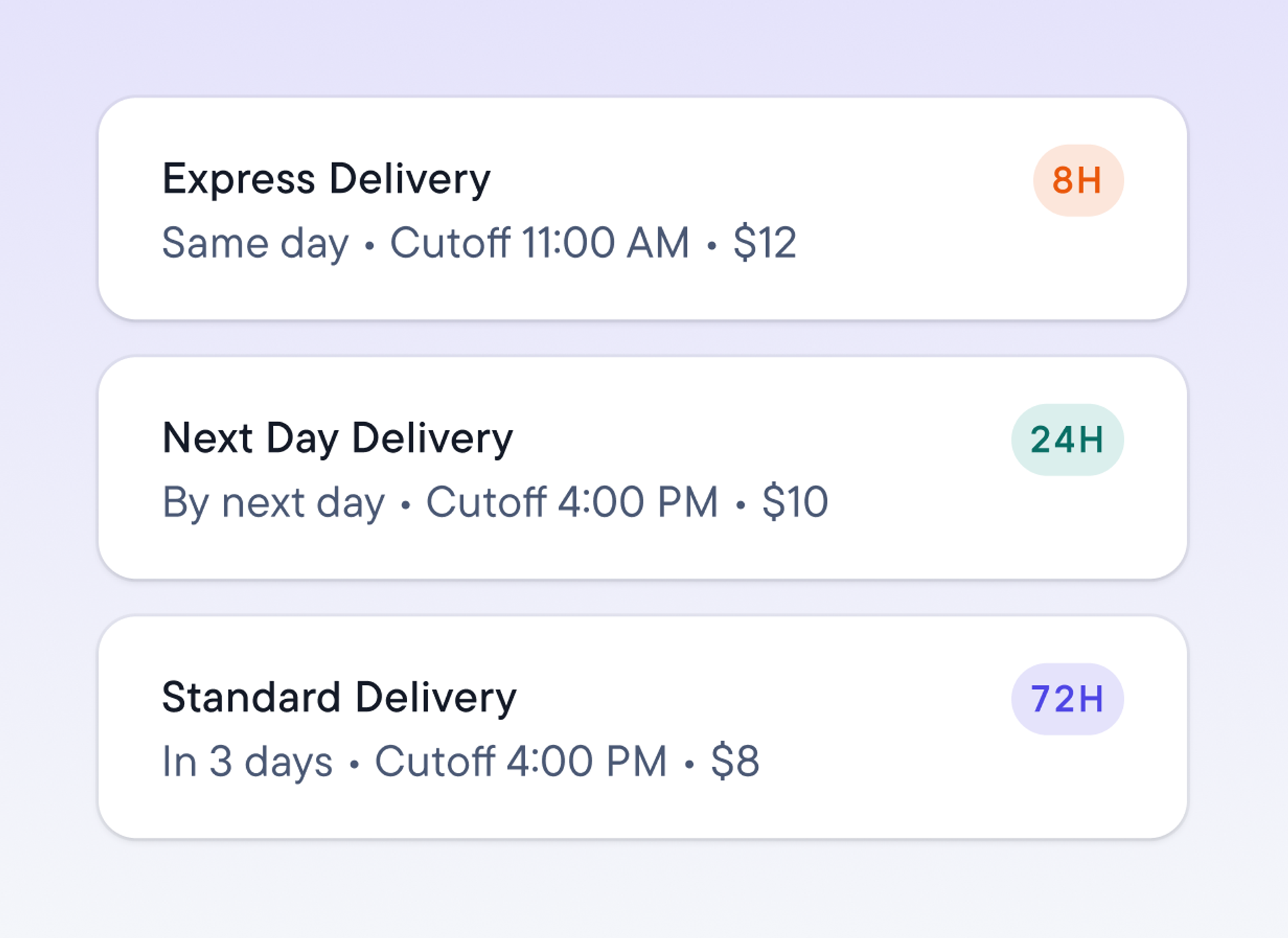
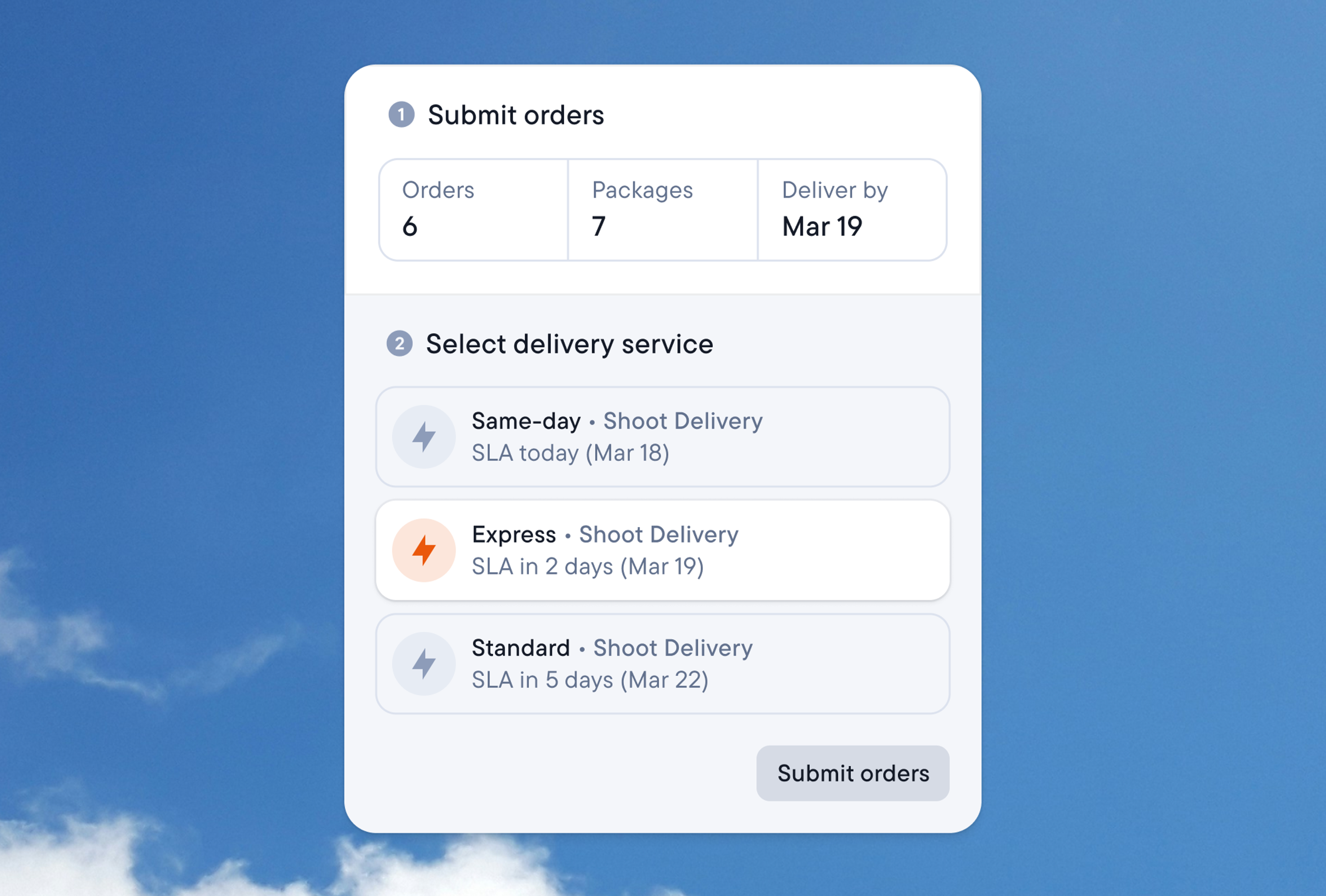
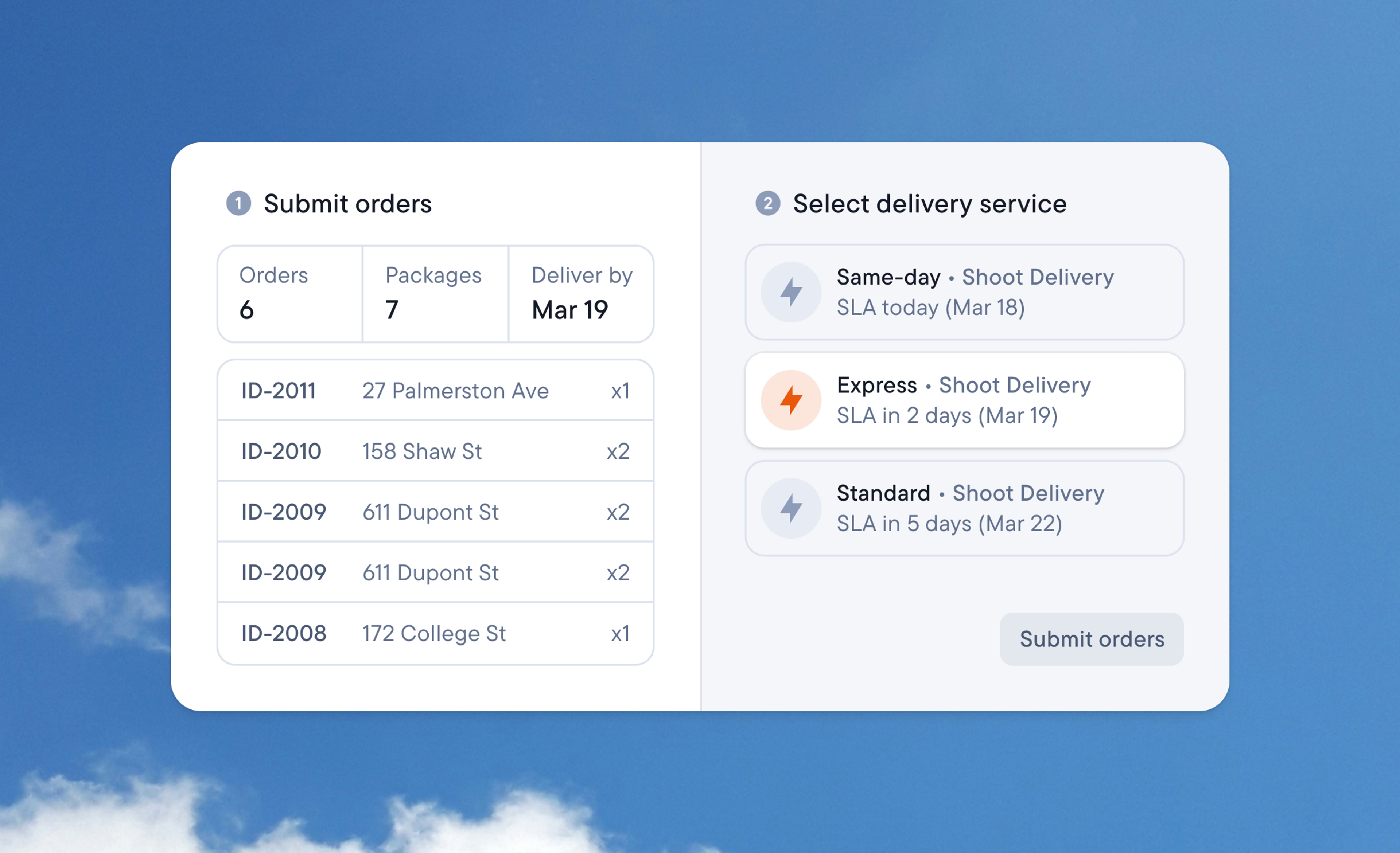
Name it (Same-Day, Next-Day). Set the cut-off time, proof-of-delivery requirements, notifications, price per stop, and more. Now dispatchers assign services to stops. Drivers see stops’ services but can’t change them. And clients can choose services when submitting orders via Spoke Connect.
Give clients their own order portal
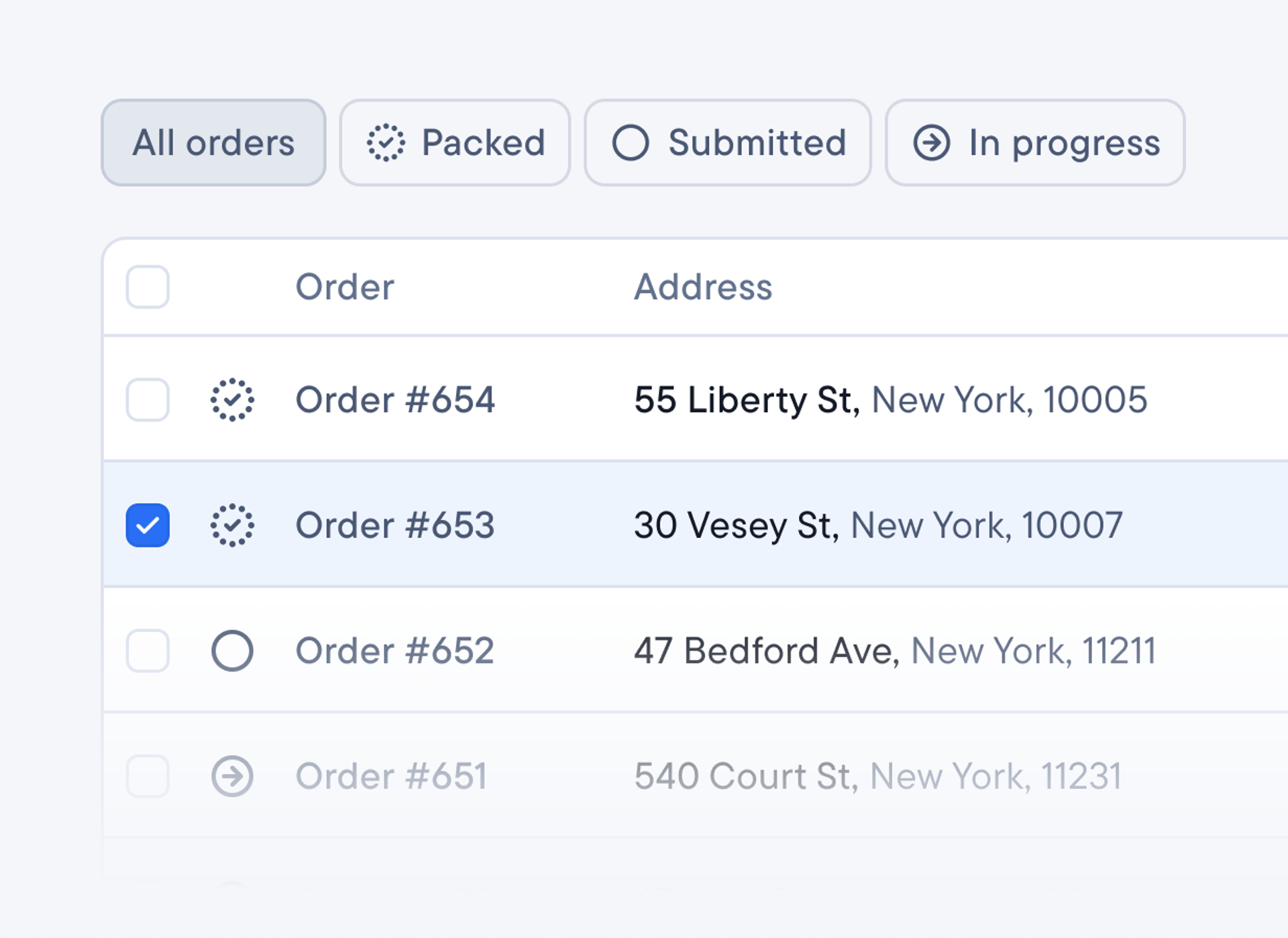
Spoke Connect lets every client bulk upload orders, check delivery status, and connect with their Shopify store. Stamp out problems early with custom required fields that catch missing details before they reach your dispatch screen.
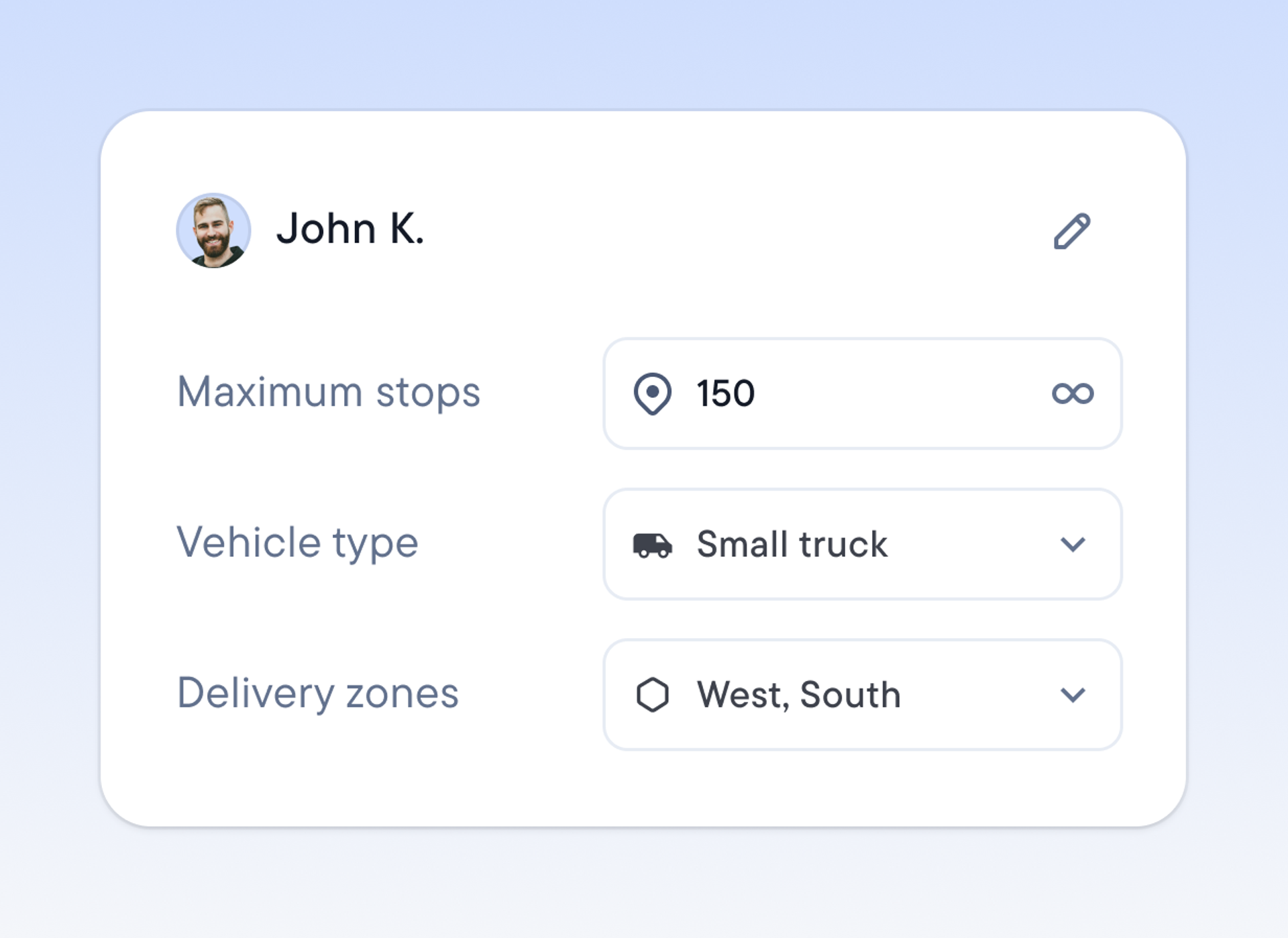
Customize routes to meet courier needs
Set vehicle capacity, max stops per driver, custom delivery zones, pickup or delivery stop types. Choose the constraints that will help your last mile operation perform to its full capacity. If you spot room for improvement, you can update your constraints.
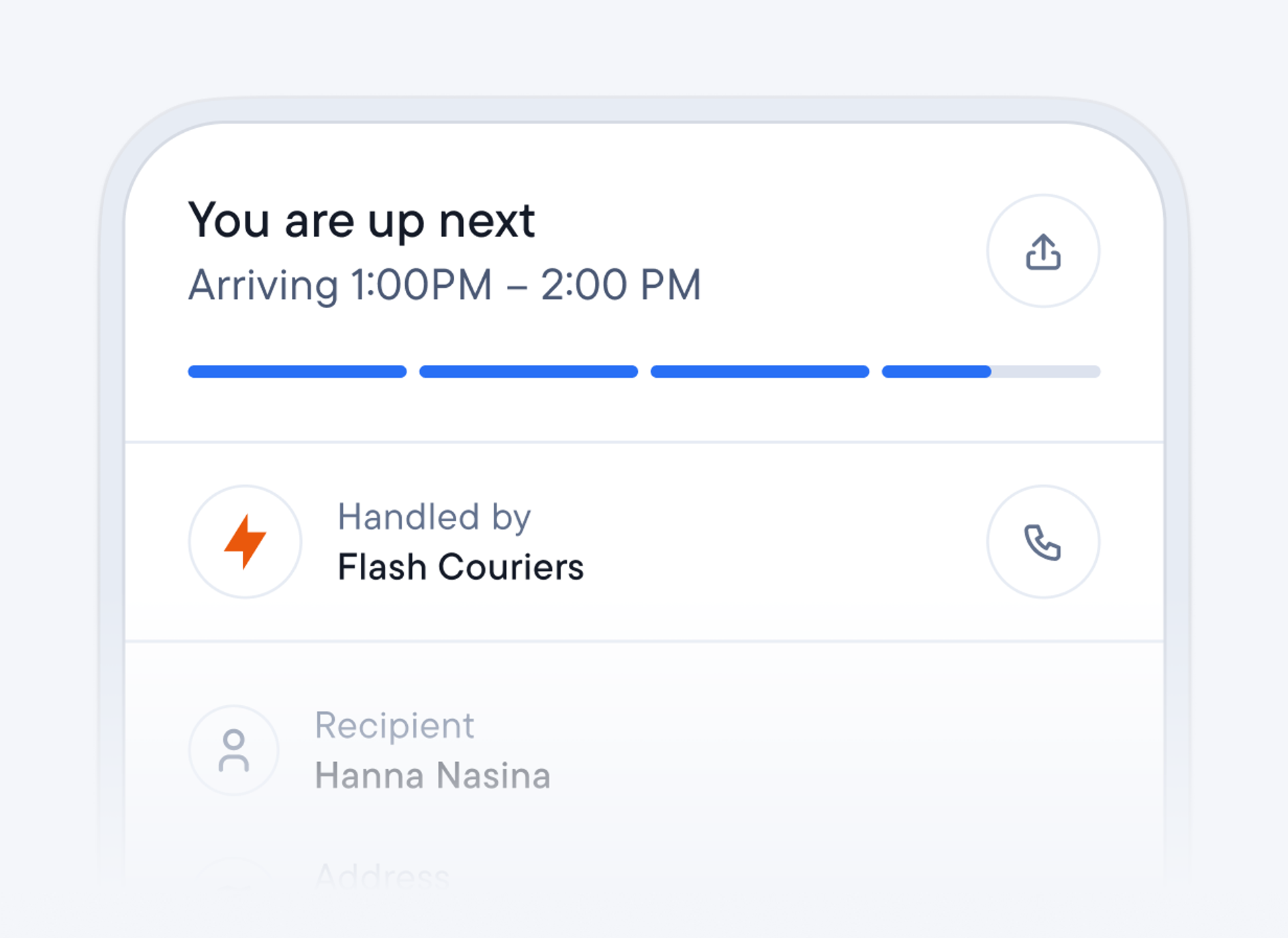
Brand every delivery
Upload your company logo in your account settings so it appears on all deliveries. Add the professional touch that builds trust through consistency with every stop you make.
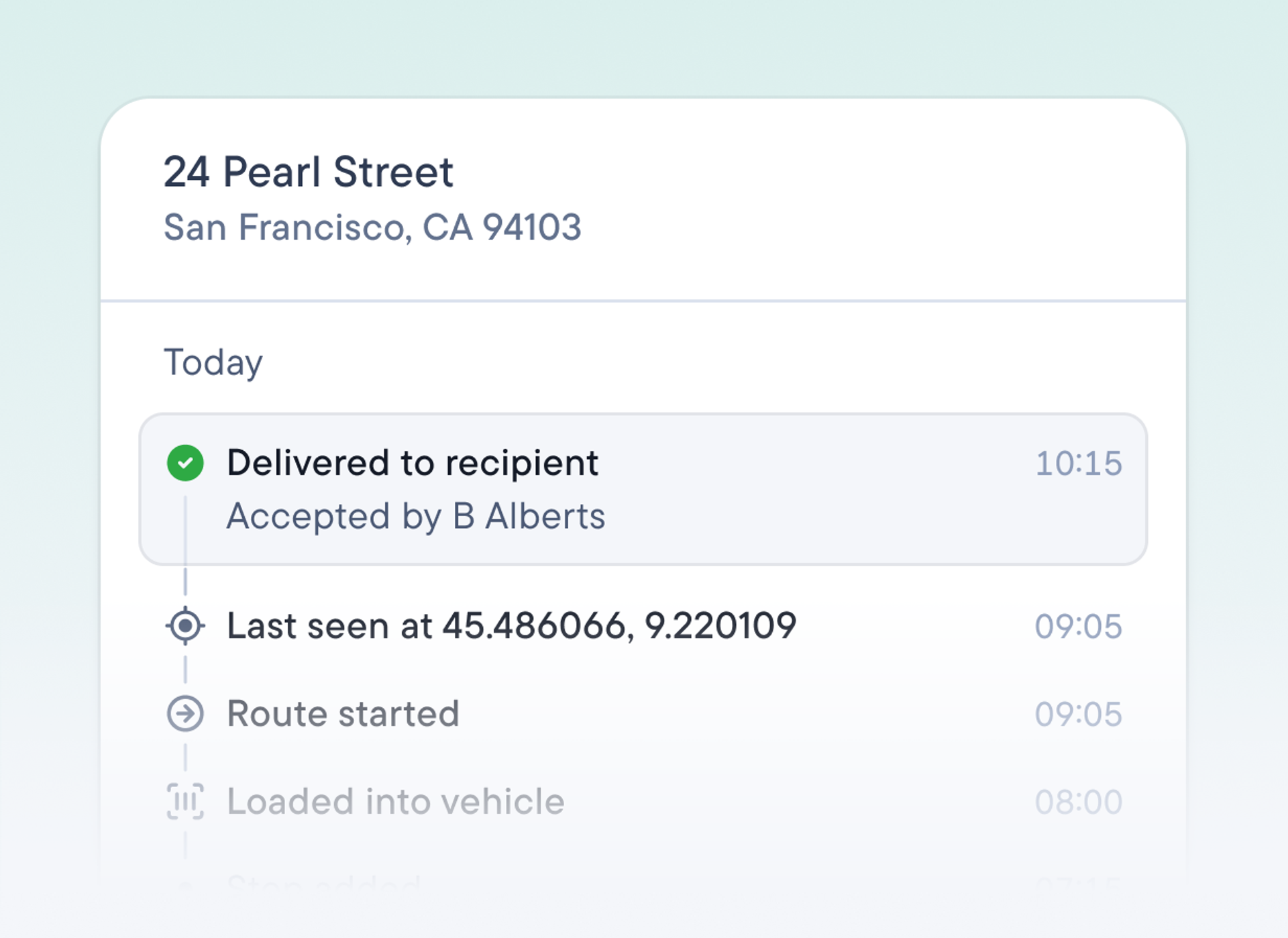
Prove custody from depot to doorstep
Drivers scan packages at loading and again at the door with GPS coordinates recorded for every delivery. So when a client asks where a parcel is, you have the whole chain on record.
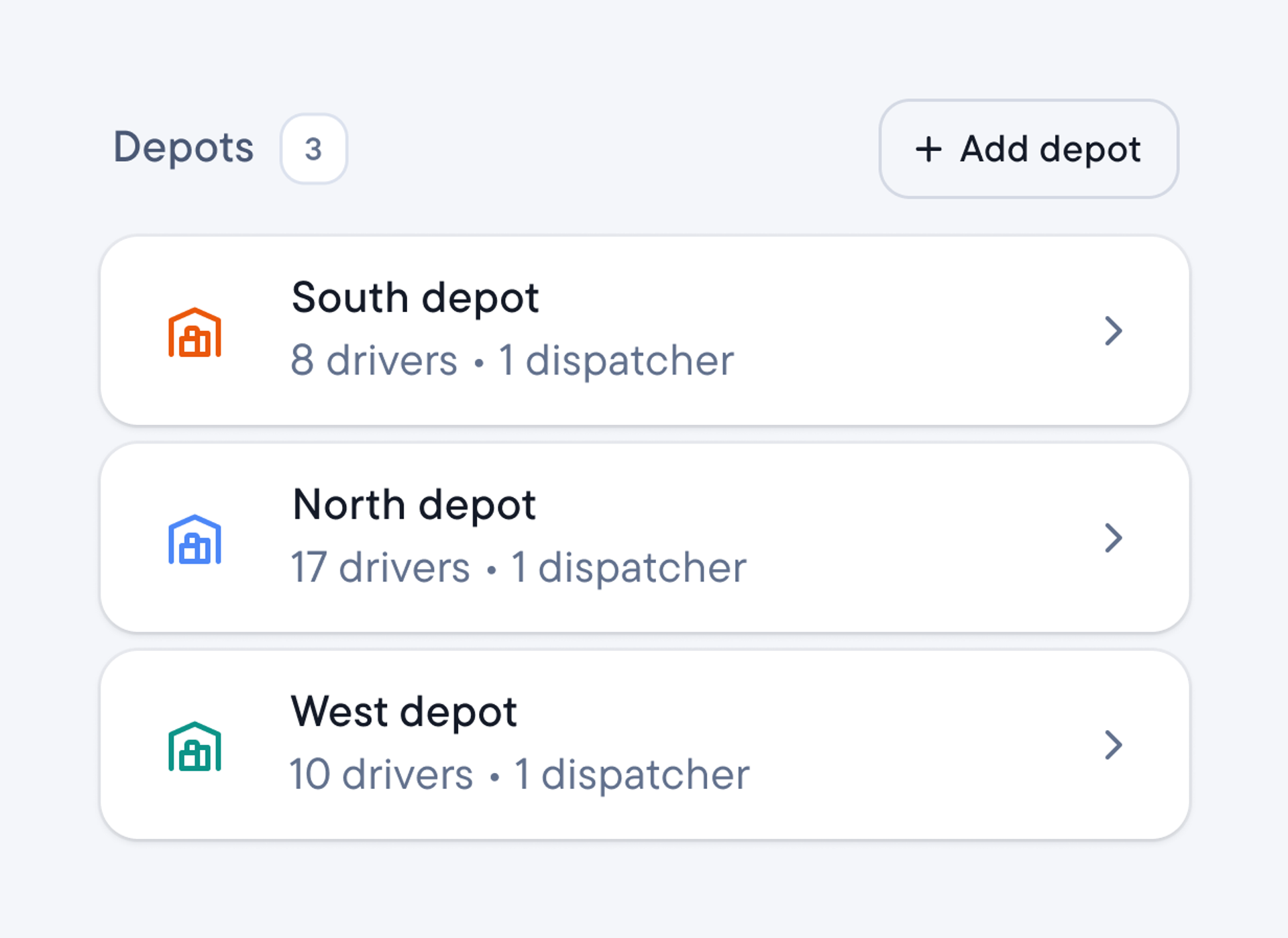
Run all depots from one account
Assign drivers and routes to their home depot, with delivery rules, permissions, and reporting set at depot level. Each location runs its own patch without breaking another’s routes.
Receive and deliver orders without delay
Clients submit orders via Spoke Connect and choose a service. Stops land in the unassigned list, tagged to clients and couriers. Dispatchers sort unassigned stops and report performance by service. And drivers see stops’ services.
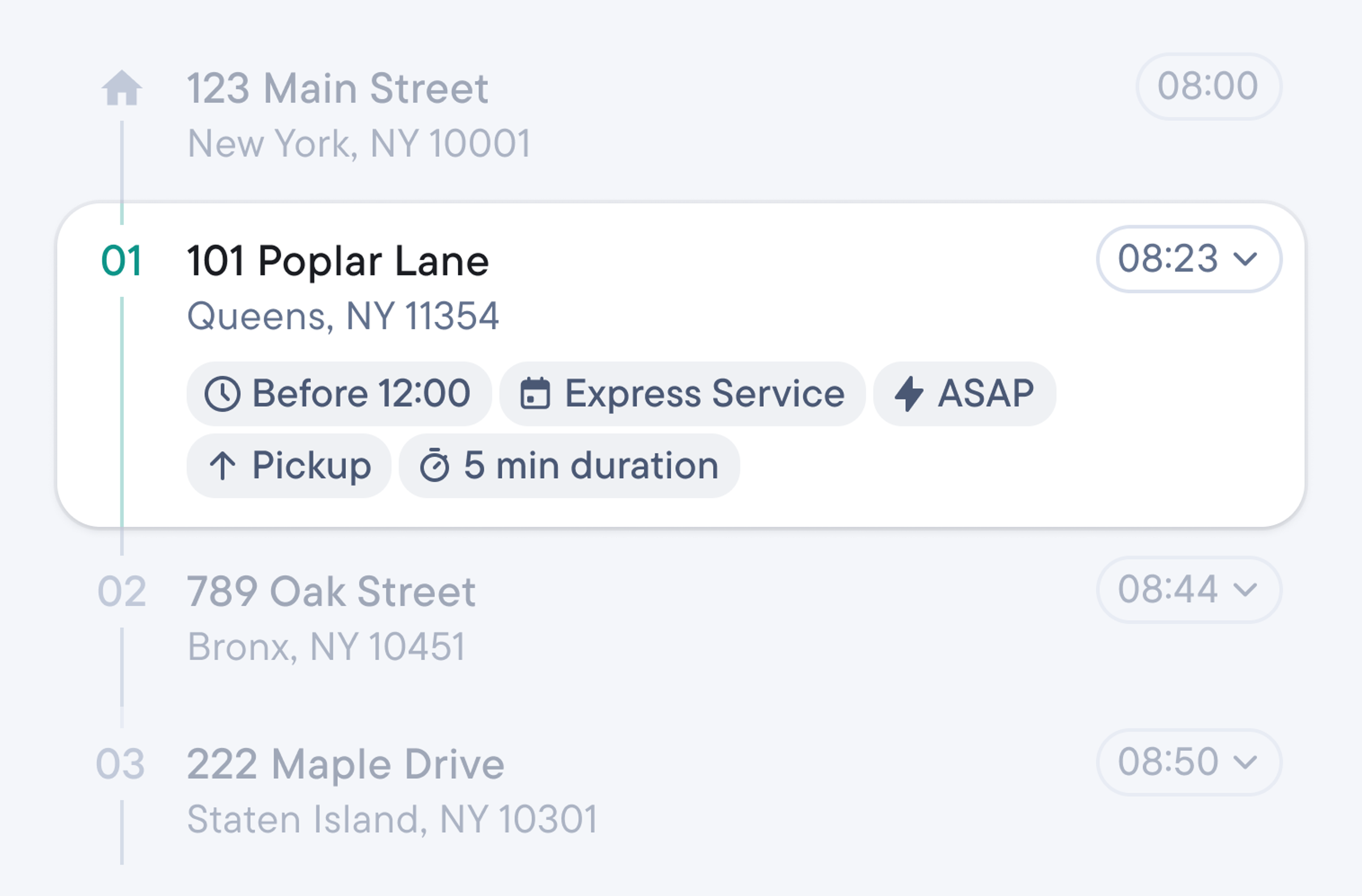
Customize stop cards. Add custom fields by spreadsheet or API to see invoice number, consignment ID, van position, and other required details. View stop cards in the driver app, tracking page, exports, and manifests.
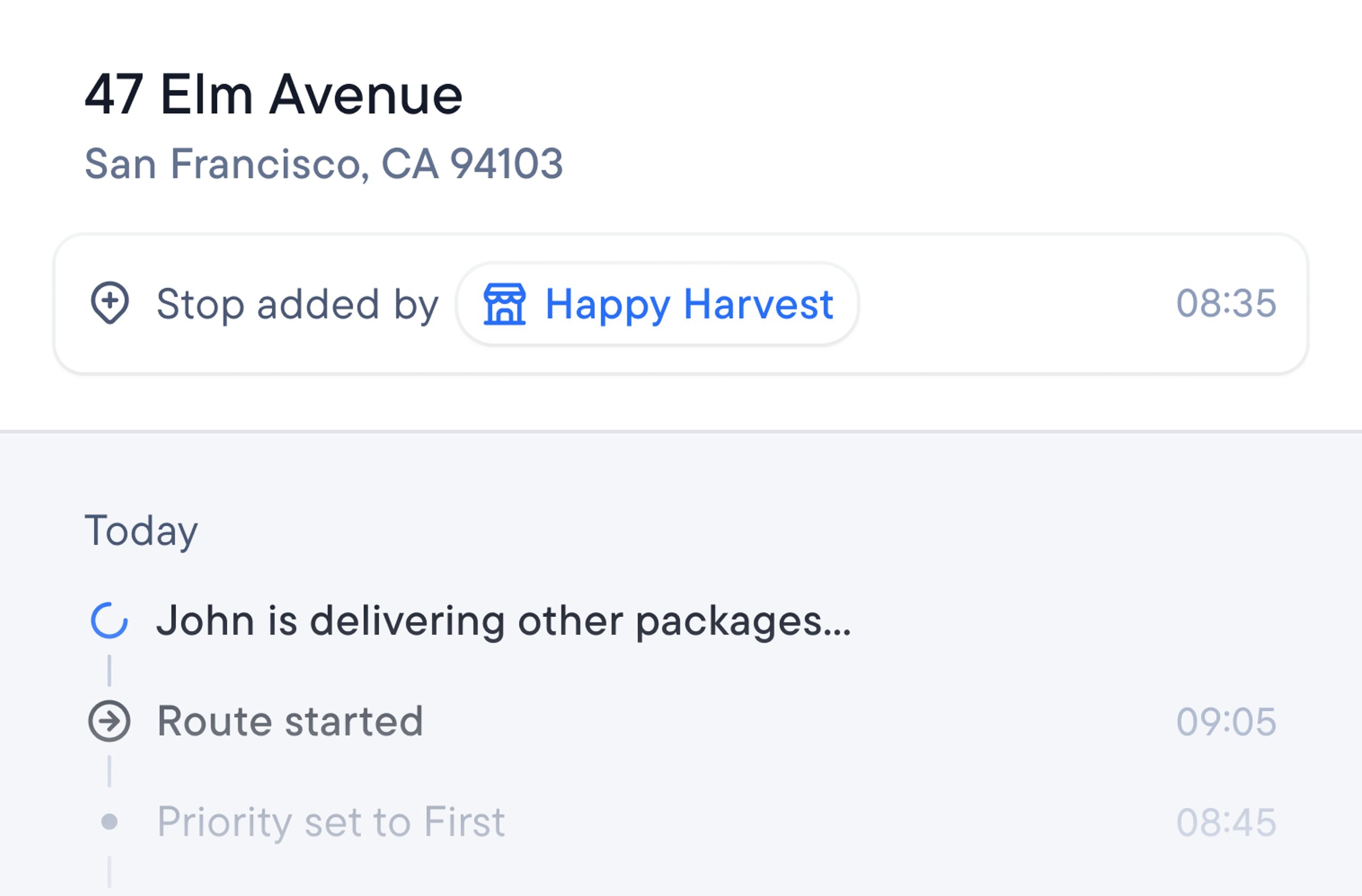
Tag stops to clients. Enter client IDs into spreadsheets to automatically tag stops to clients. Dispatchers can also tag them on the stop card. Client’s requirements follow the tag and disputes are traced to their account in seconds.
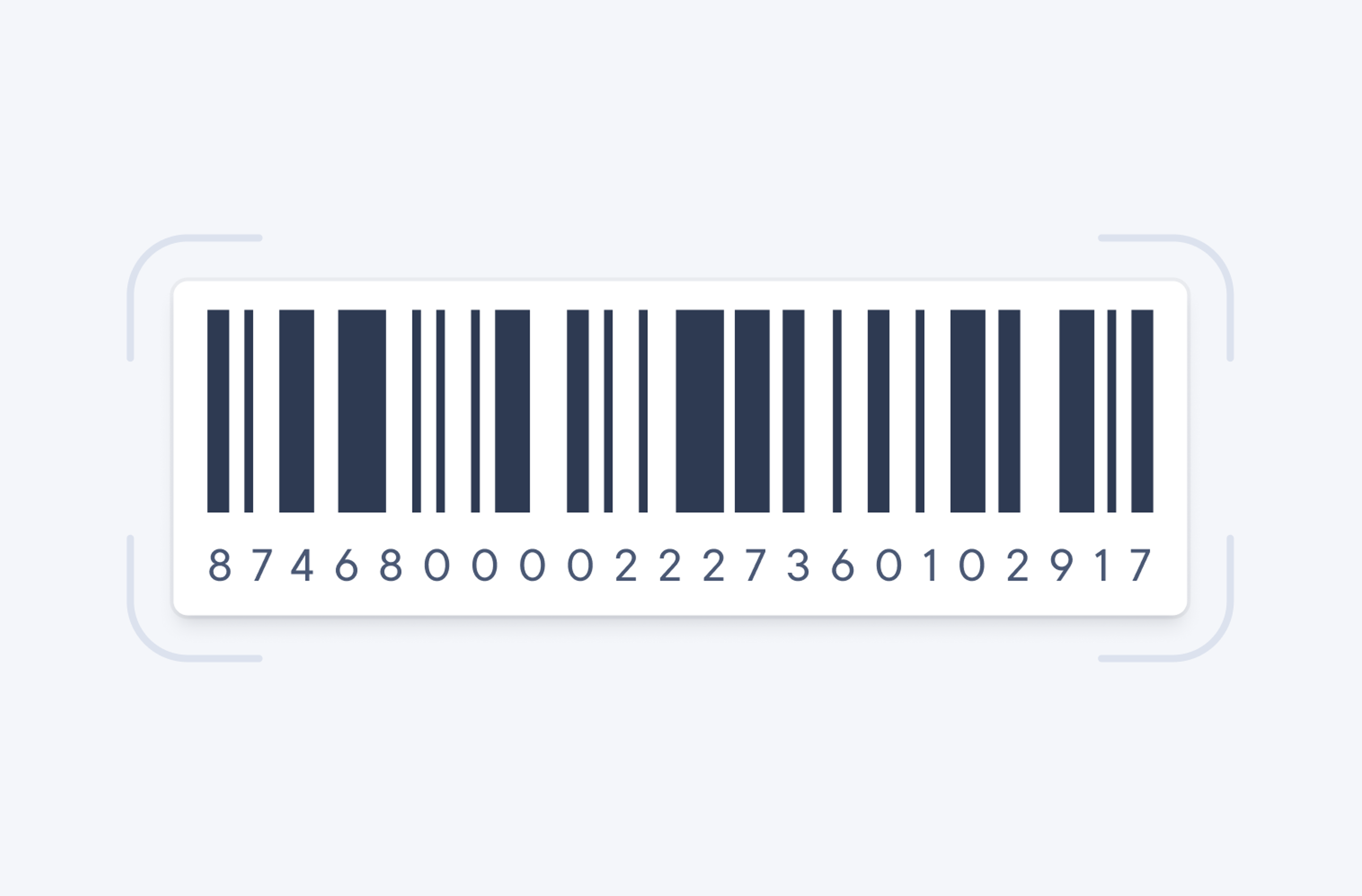
Import barcodes. Tick another task off your to-do list. Import barcodes along with your stop data. Or, you can let clients create them in Spoke Connect after they’ve picked a service and submitted an order.
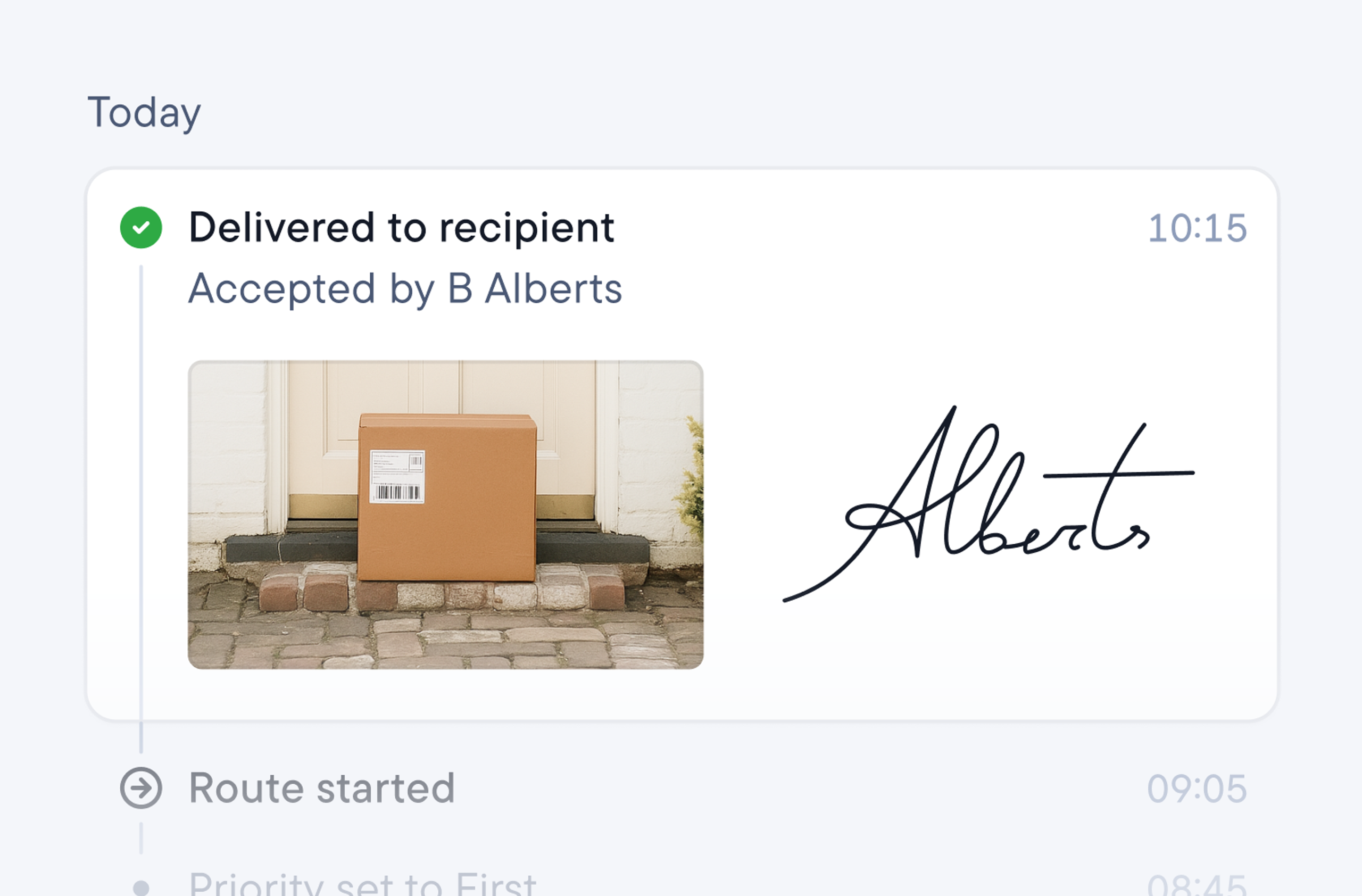
Create a chain of custody. Drivers can scan a package at three moments: when it’s added to a route, loaded, and delivered. Each scan timestamps the update, which shows on the dispatcher dashboard and recipient’s tracking page.
Clients won’t need to call for help
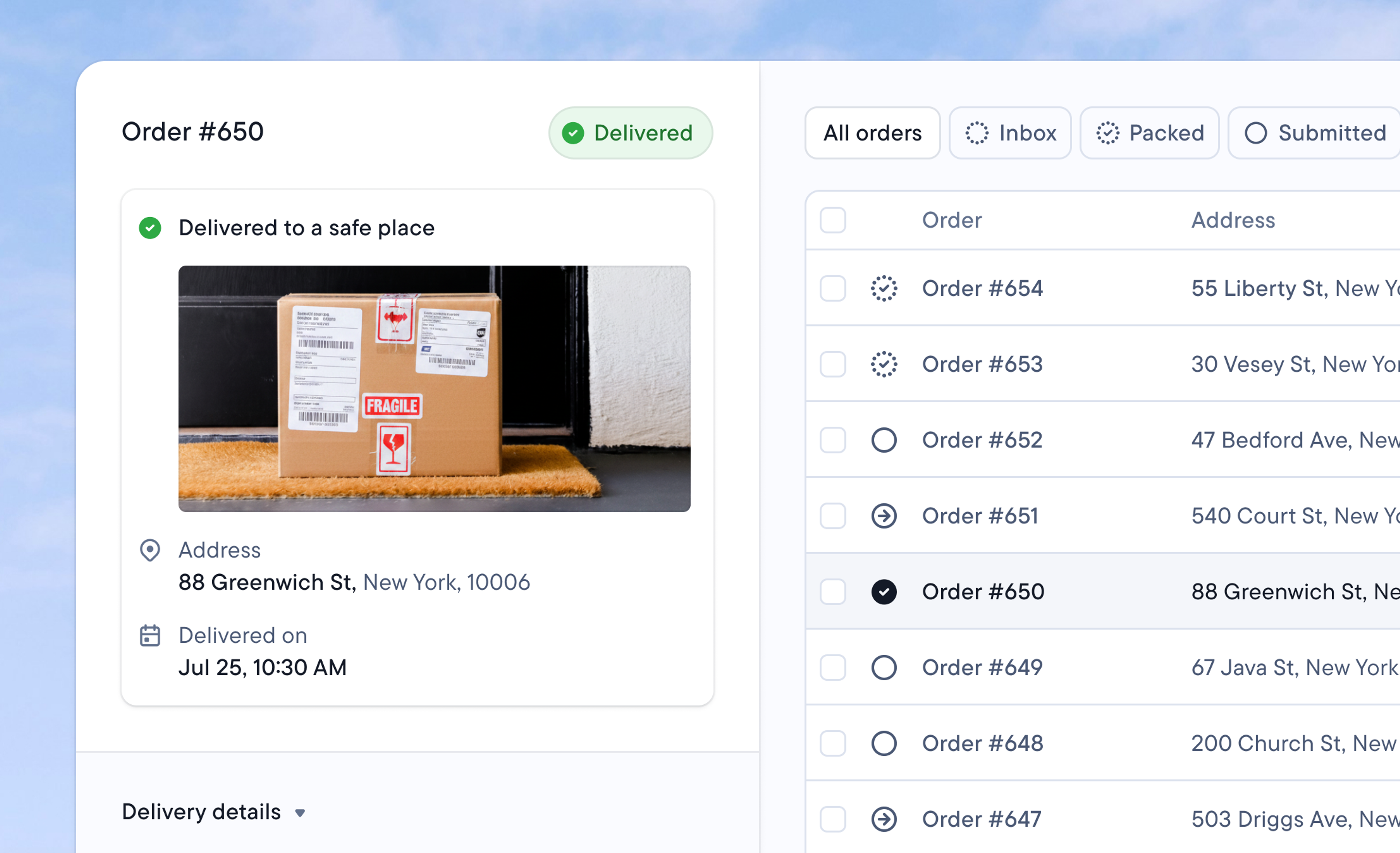
Orders stay visible at every step. Clients can view order status with a tracking link that’s active from awaiting assignment to delivery. Settle disputes from the platform, with the full delivery record in front of them.
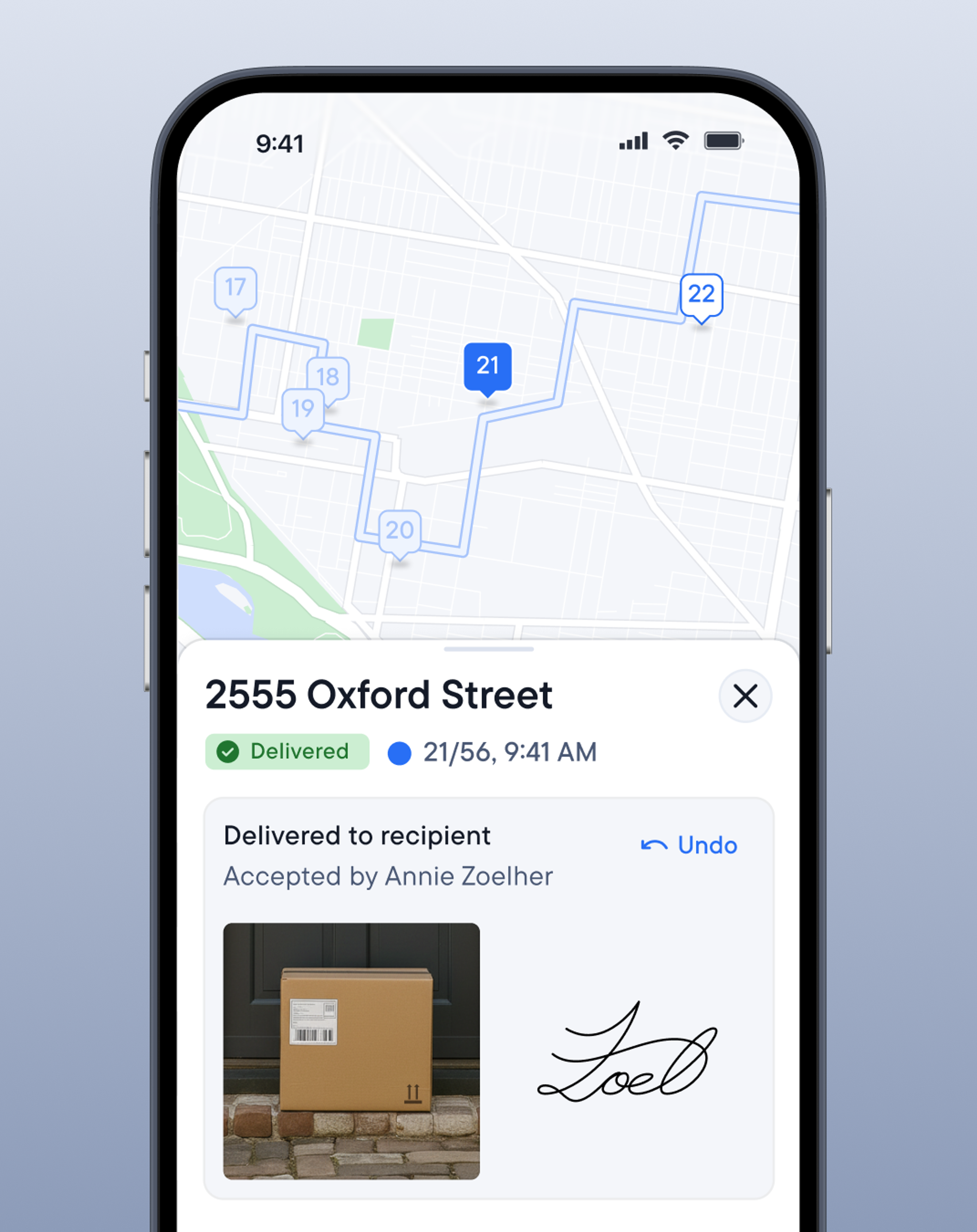
Dispatcher makes the plan, drivers manage the road
Every question a driver answers in-app is one call less for the dispatcher to deal with. Drivers perform better and stay longer when they trust their tools to manage the road.
Over 10 million downloads
Powers over 1 billion deliveries
Available on iOS and Android
“We love Spoke. An intuitive app for our drivers is crucial when making sure that deliveries are handled correctly.”
Sagar Bhat • Shoot Delivery • Canada
Did you know?
Spoke Dispatch is the only delivery management platform with a driver app built on Google Maps Platform Mobility services.
Stop having the same phone calls all day
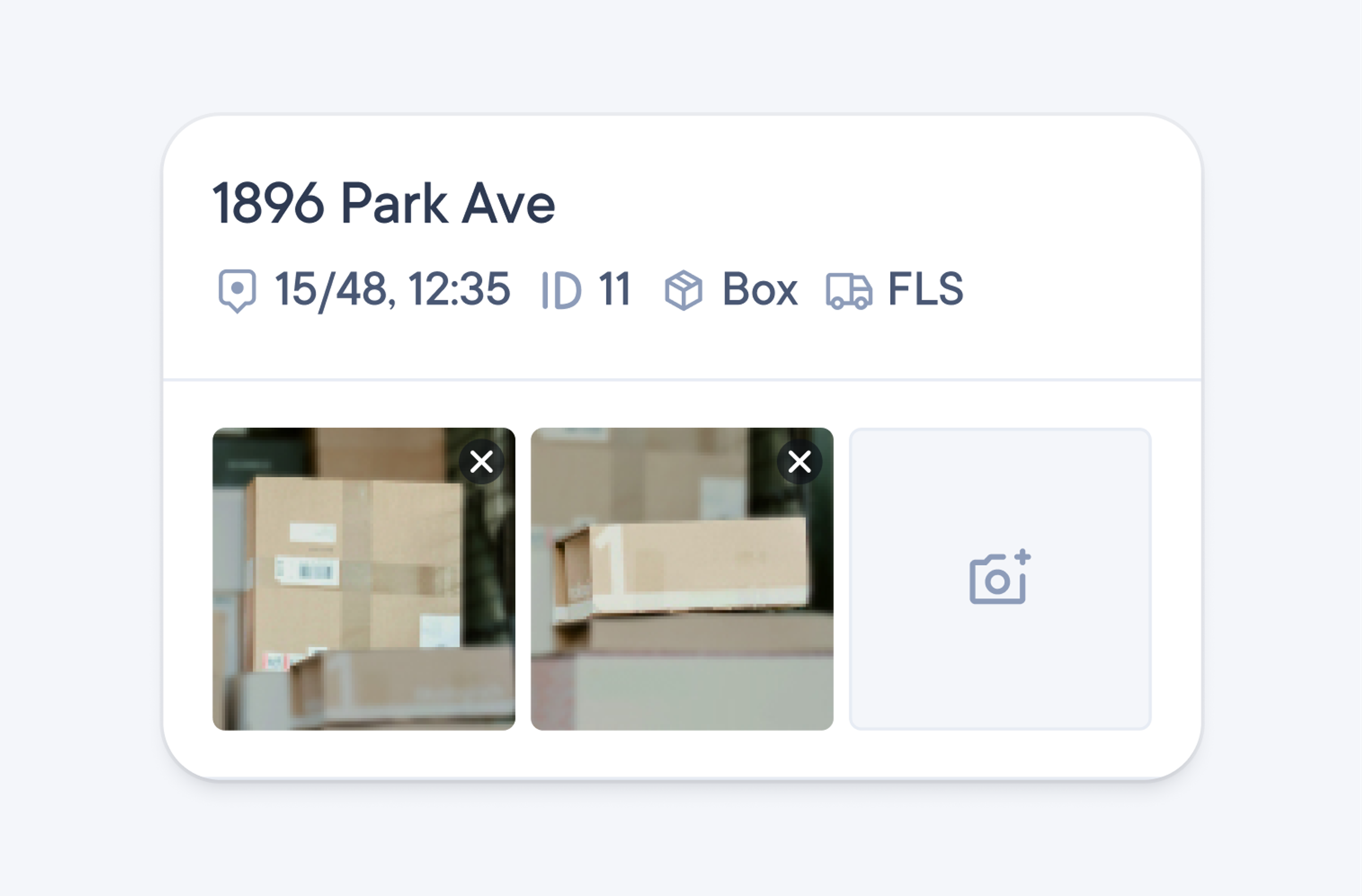
“Which one’s the package?”
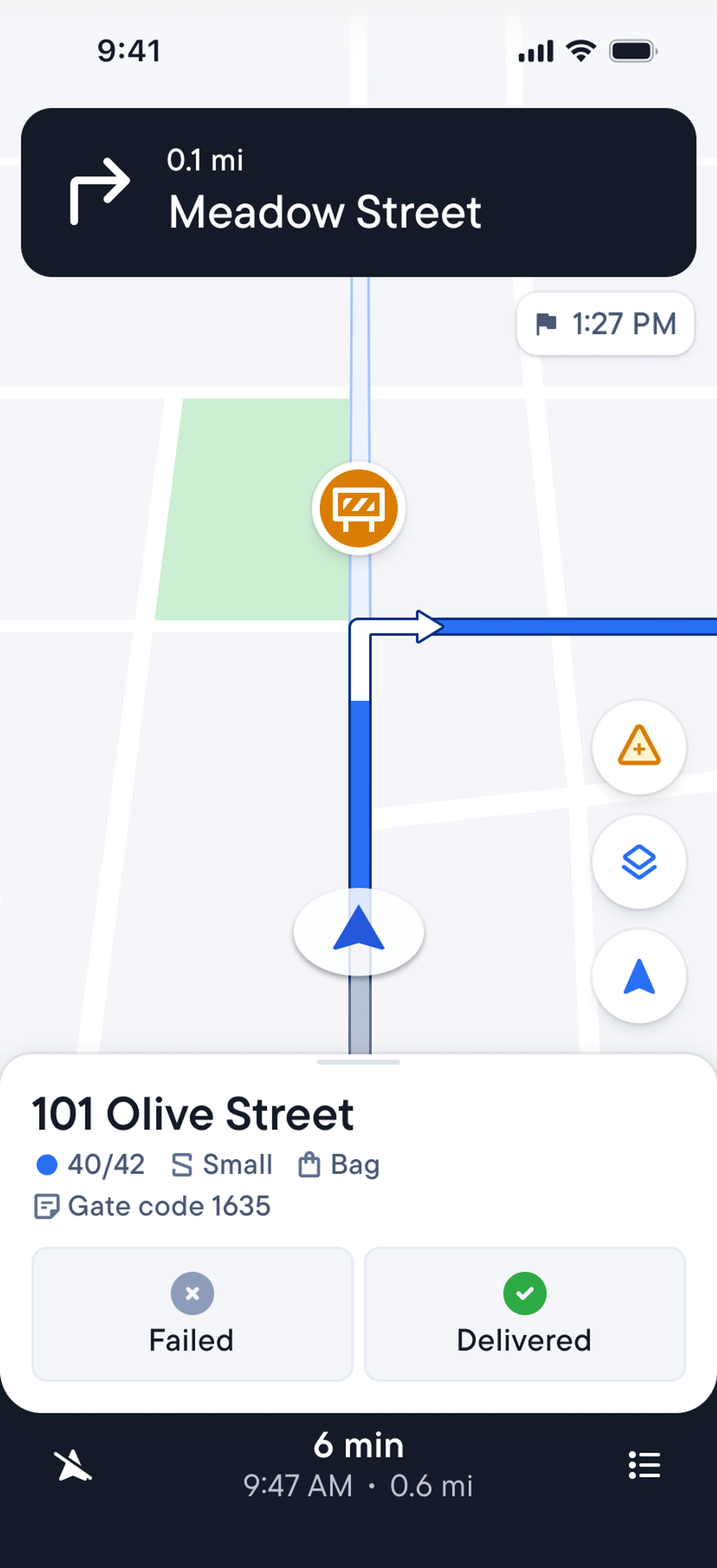
Stop IDs are assigned to packages at loading. These are short codes linking packages to stops. Drivers can also take a photo of packages when adding them, and the photo loads when they reach the stop. So, drivers don’t lose time searching the van. They know where the package is.
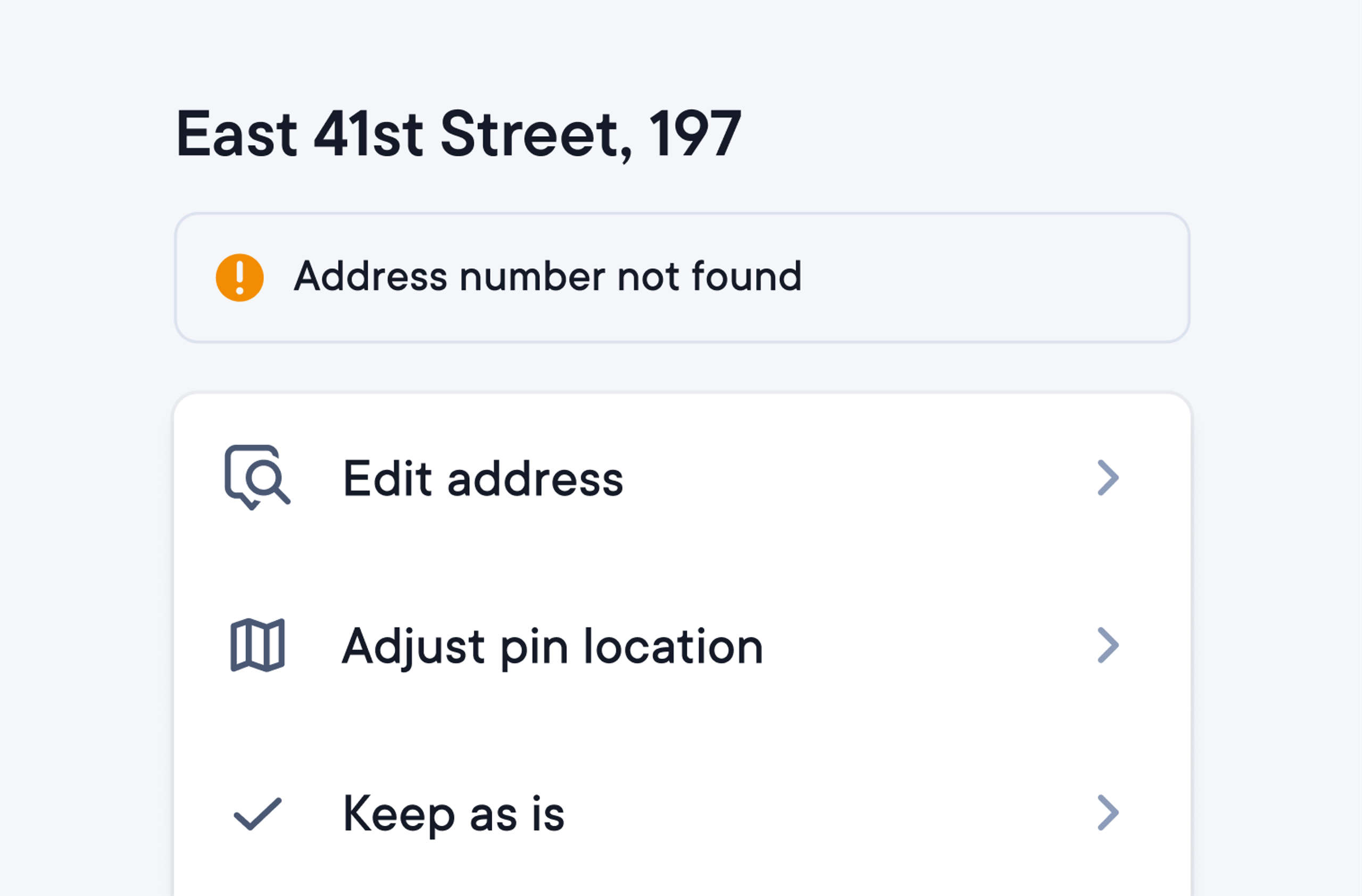
“This address doesn’t exist.”
Unclear and incomplete addresses are flagged on the dashboard and driver app before the route starts. Drivers can correct the address themselves in seconds via the app. Now drivers can start routes, knowing they won’t need to keep calling dispatch to check the address.
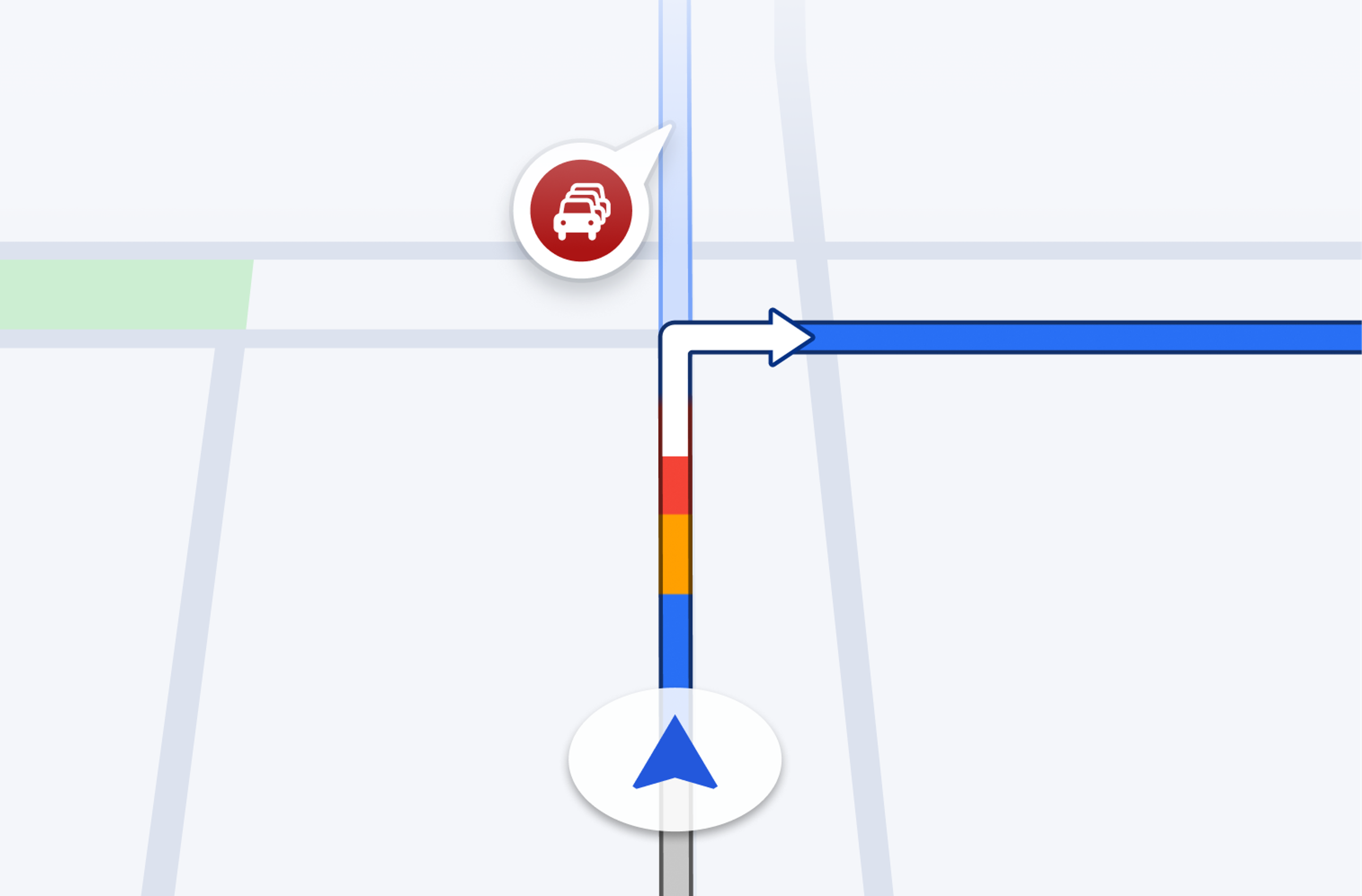
“I’m stuck in traffic.”
Driver app features Google Maps navigation. View live traffic and submit a disruption alert that instantly notifies the entire fleet on their CarPlay or Android Auto screens. Drivers can route around problems without needing to keep updating dispatch.
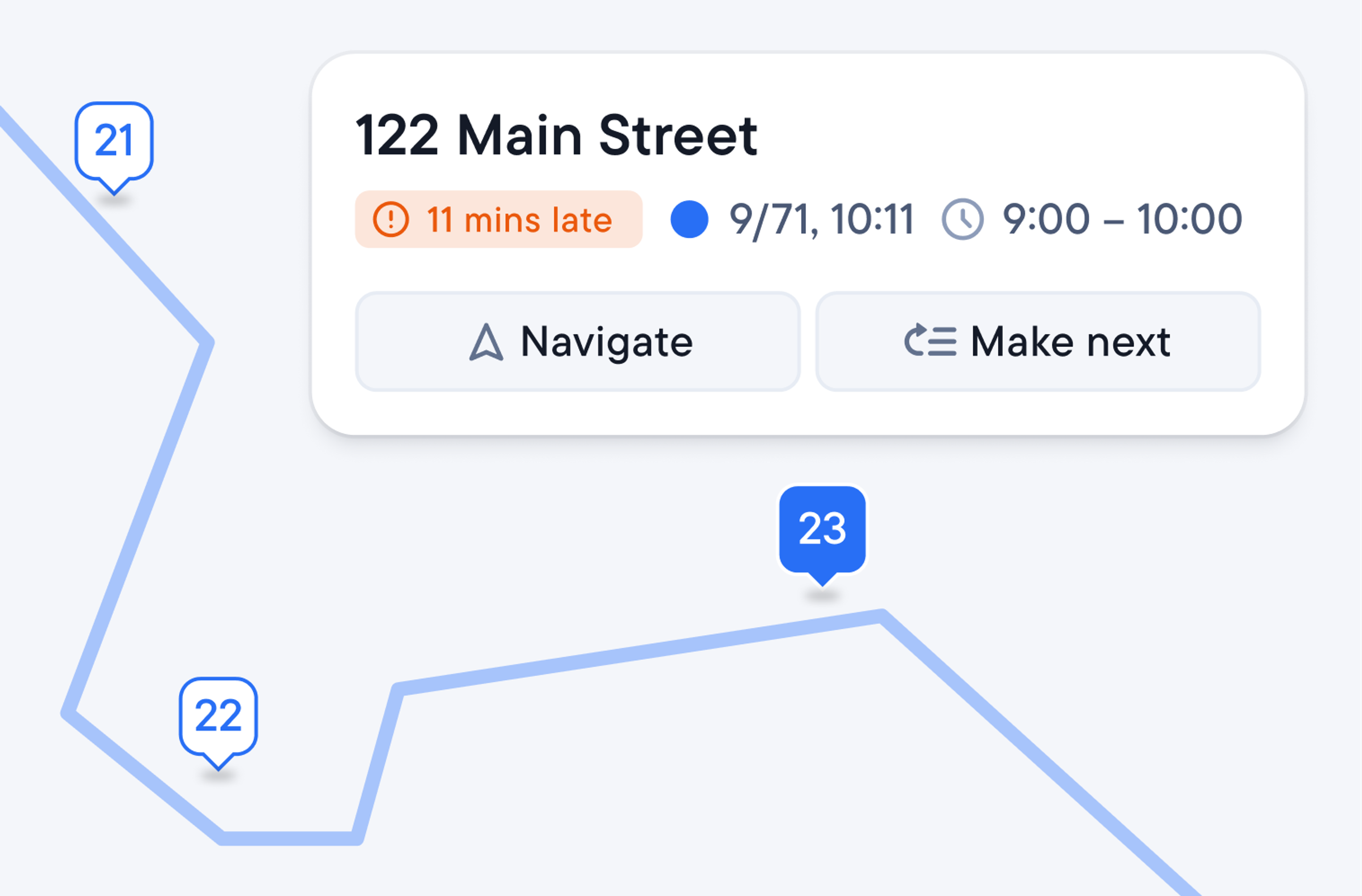
“Can I reorder my stops?”
Set granular permissions in the driver app to let them adjust routes if they know a better way. Drivers can now adjust routes themselves when obstacles interrupt their routes.
Take on more clients without growing pains
Sign new contracts and grow fast without straining your operation with an unrealistic workload. Spoke Dispatch plans five routes in the time it takes to manually plan three.
Manage multiple stops at scale
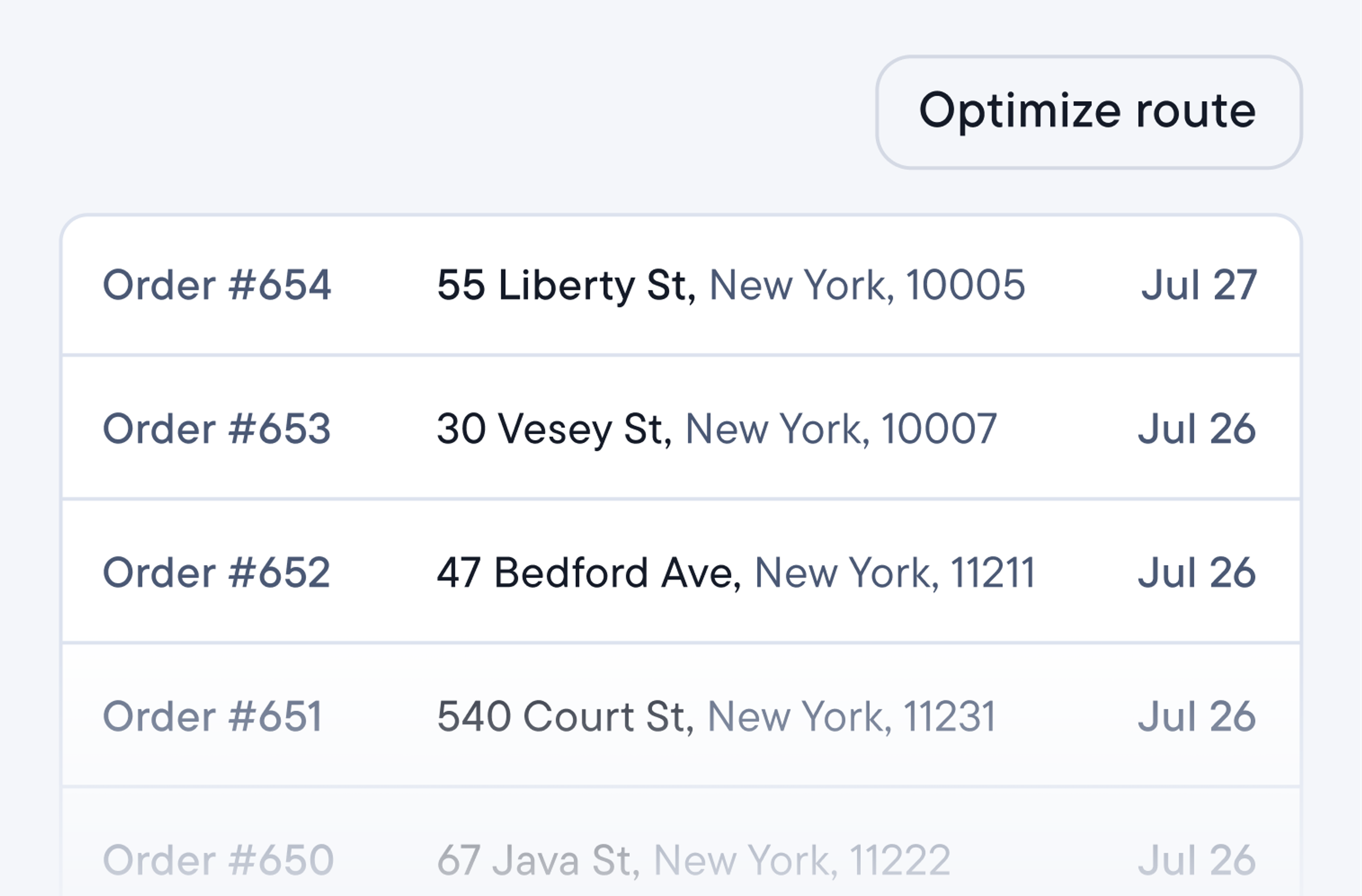
Assign multiple routes in seconds. Add hundreds of stops by spreadsheet, API, or the client’s portal. Each method places them in an unassigned list. One click assigns hundreds of stops into optimized routes for drivers, respecting dispatcher’s constraints.
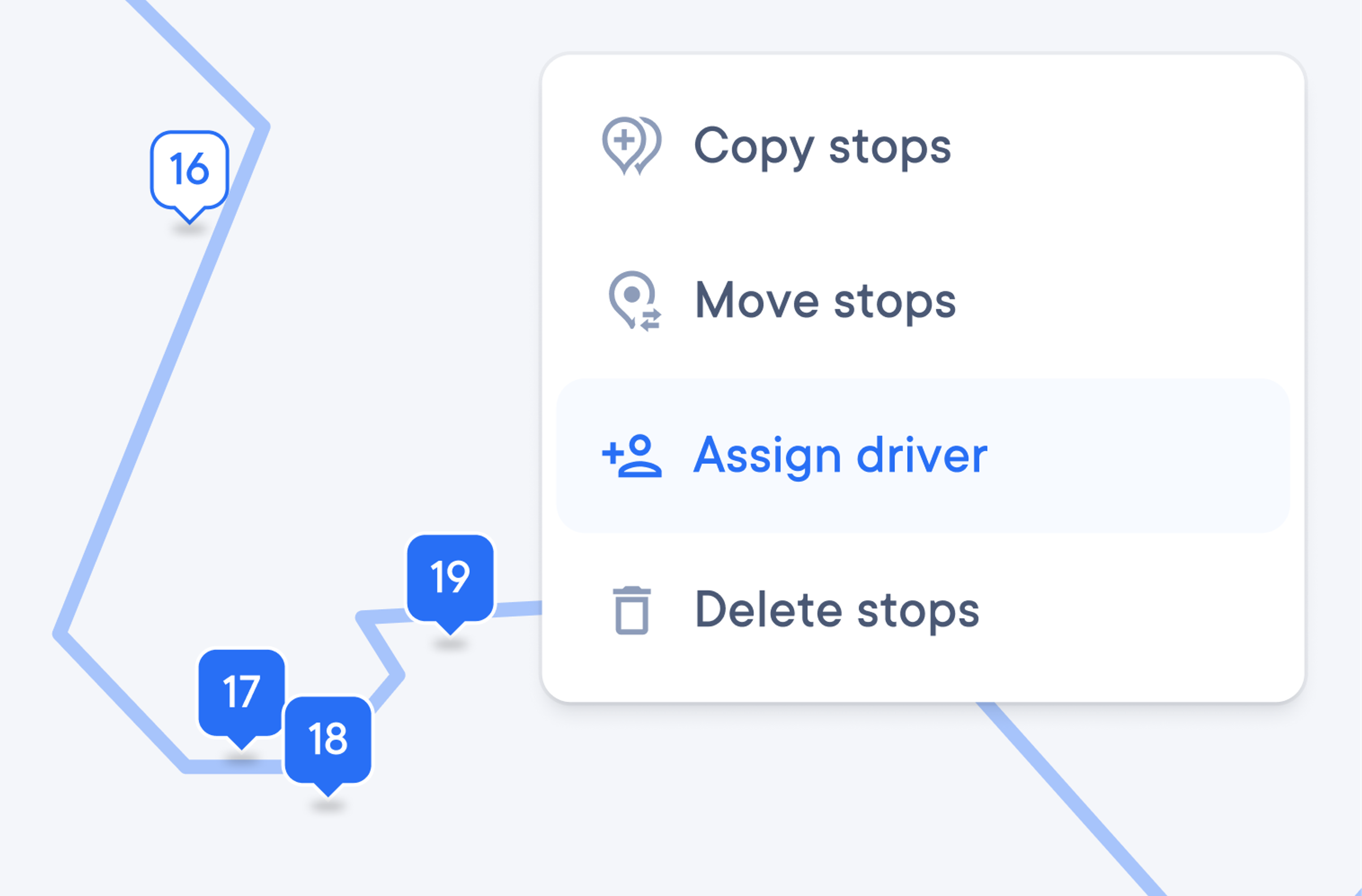
Batch edit stops at short notice. Stay calm and in control when clients drop thousands of extra packages on you hours before routes start. Re-optimise routes in seconds by editing drivers’ stop load.
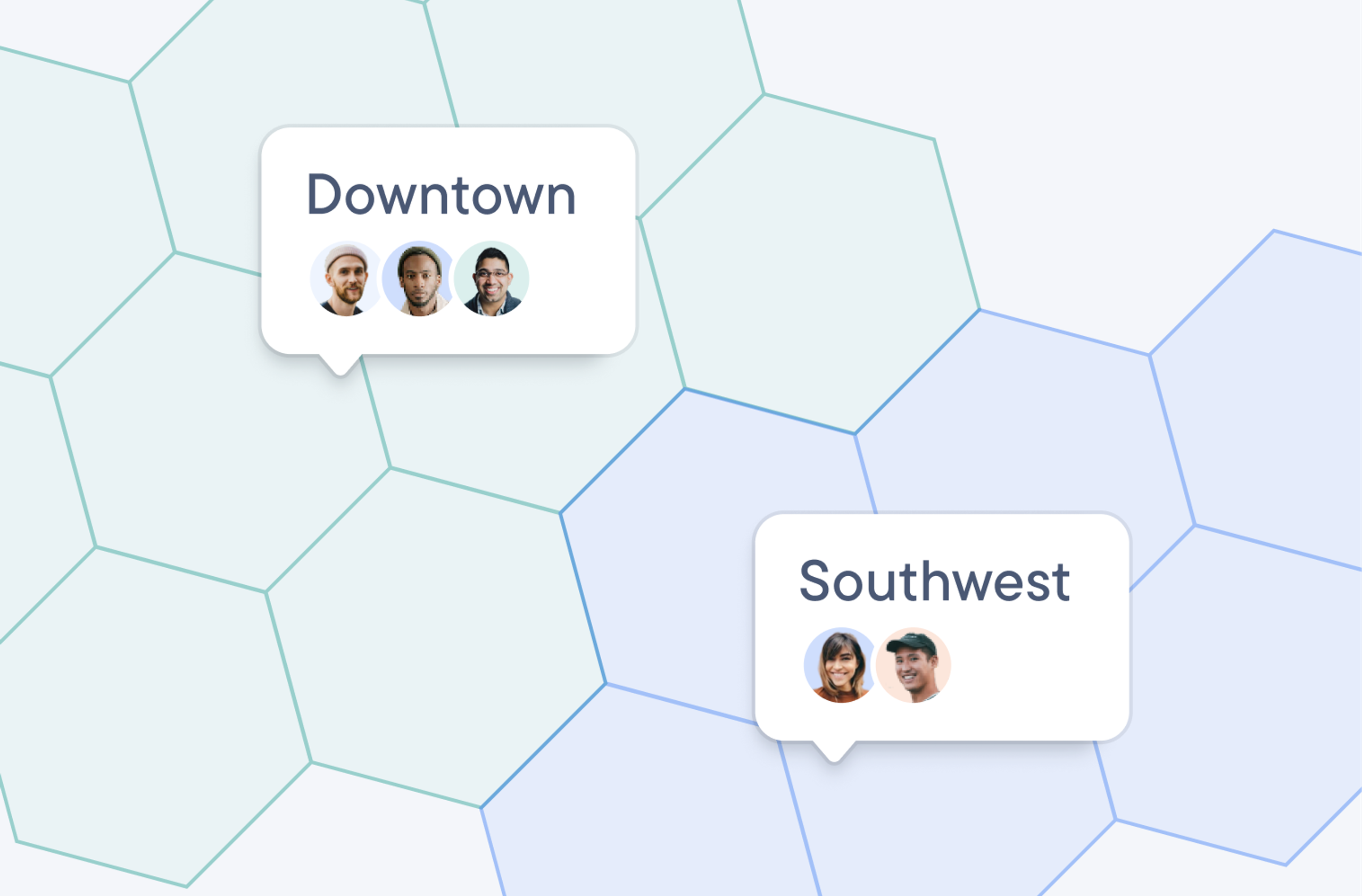
Automatically assign drivers to zones. Draw driver zones on the map and all stops inside the drawing will be automatically assigned to the driver for that zone. More drivers on familiar ground means more successful deliveries, time saved, and repeat business.
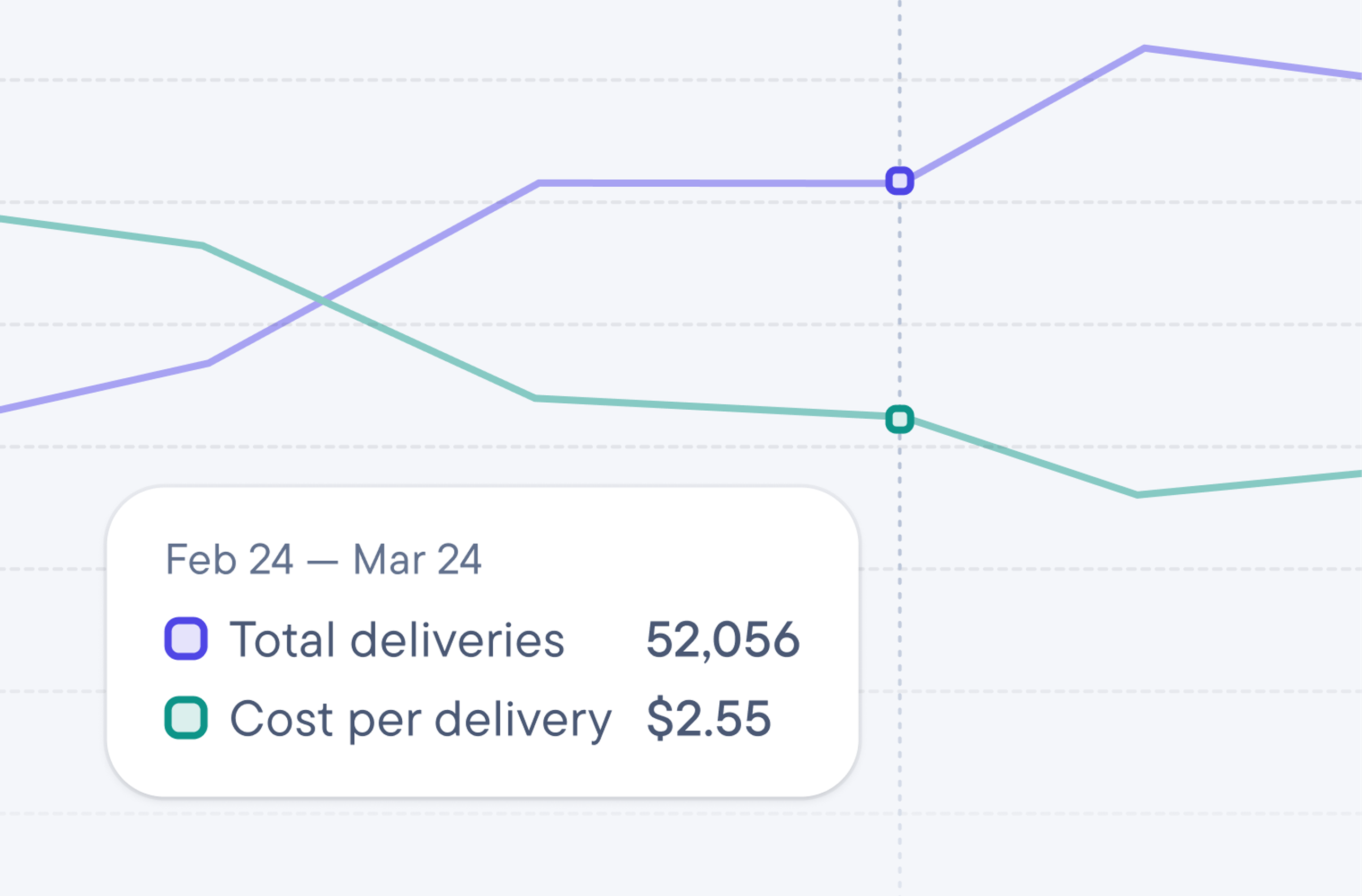
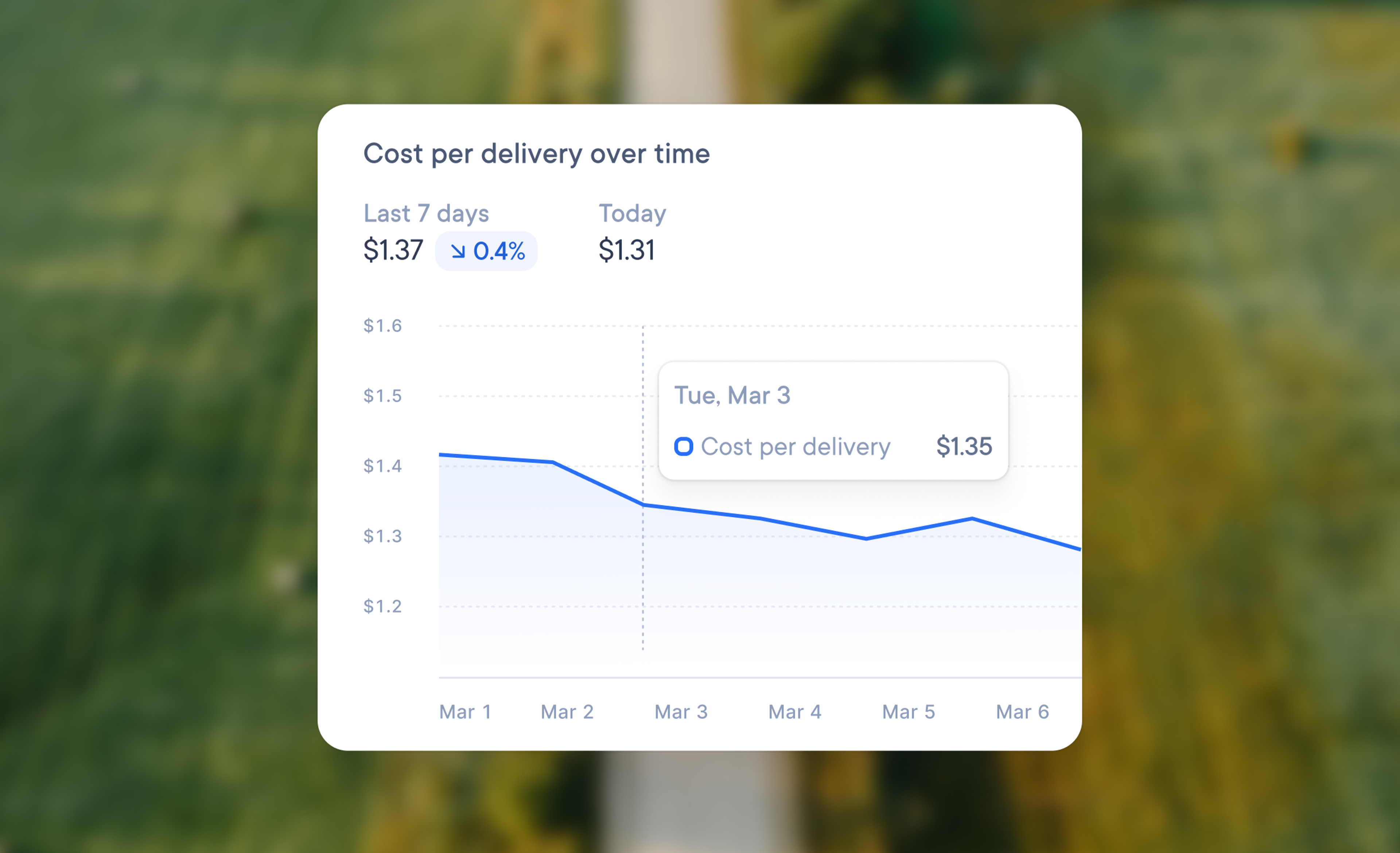
Price contracts with confidence. Cost per delivery is built from driver hours and mileage. Keep it simple to stay on top of financial performance, no matter how many drivers you have in your fleet.
Generic delivery software wasn’t built for last mile couriers
Standard delivery tools were made for businesses where deliveries are a part of their business model. But delivery is the business model for courier companies. Multiple shipper clients, rules, depots, and requirements require last mile management. And that’s exactly what Spoke Dispatch is built for.
Frequently asked questions
Last mile management software is built for courier companies running commercial delivery operations for other businesses. One operation can use it to coordinate drivers and routes for multiple shipper clients, meeting the unique delivery requirements for each one. Last mile management software features route planning and route optimization, driver management, live tracking, proof of delivery, client order intake, and performance reporting. Integrations are also available to connect to the software you already use.
Delivery management software is built for businesses that deliver, such as retailers, restaurants, and supermarkets. However, delivery is just one component for these businesses. Last mile management software is built for courier companies, where delivery is the business itself. Standard delivery software wasn’t built to manage multiple shipper clients, depots, and per-client customisation that courier companies need. Last mile management software is.
Spoke Dispatch is built for courier companies that deliver a minimum of 5000 delivery stops per month. Dispatchers or operations managers plan and assign routes via the dispatcher dashboard. Drivers view the routes and manage the road from the driver app. Companies using Spoke Dispatch quickly report how much time they save using the software, especially when serving more than one shipper client.
Many dispatchers at courier companies import stops, plan routes, and share them with drivers the same day they sign up. The driver app has over 10 million downloads and needs next to no training. It’s easy to use with simple instructions and screen taps kept to a minimum, making it suitable for bilingual teams. Spoke Dispatch’s free trial runs alongside your current setup, so it won’t get in the way of your operation.
Absolutely! Spoke Dispatch has an API, webhooks, and integrations for Zapier and Shopify. The API can be used to quickly add multiple drivers, stops, and orders straight from your own system. The Zapier integration can be used to pull orders and stops directly from a spreadsheet. And you can build an integration with Spoke’s webhook API: use it to trigger notifications in your system when something has changed. Clients can also link to their own Shopify stores directly through Spoke Connect and trigger notifications.
Visit our API and Integrations help articles learn more.