Spoke Dispatch
Link pickups and deliveries to ensure collections always happen first
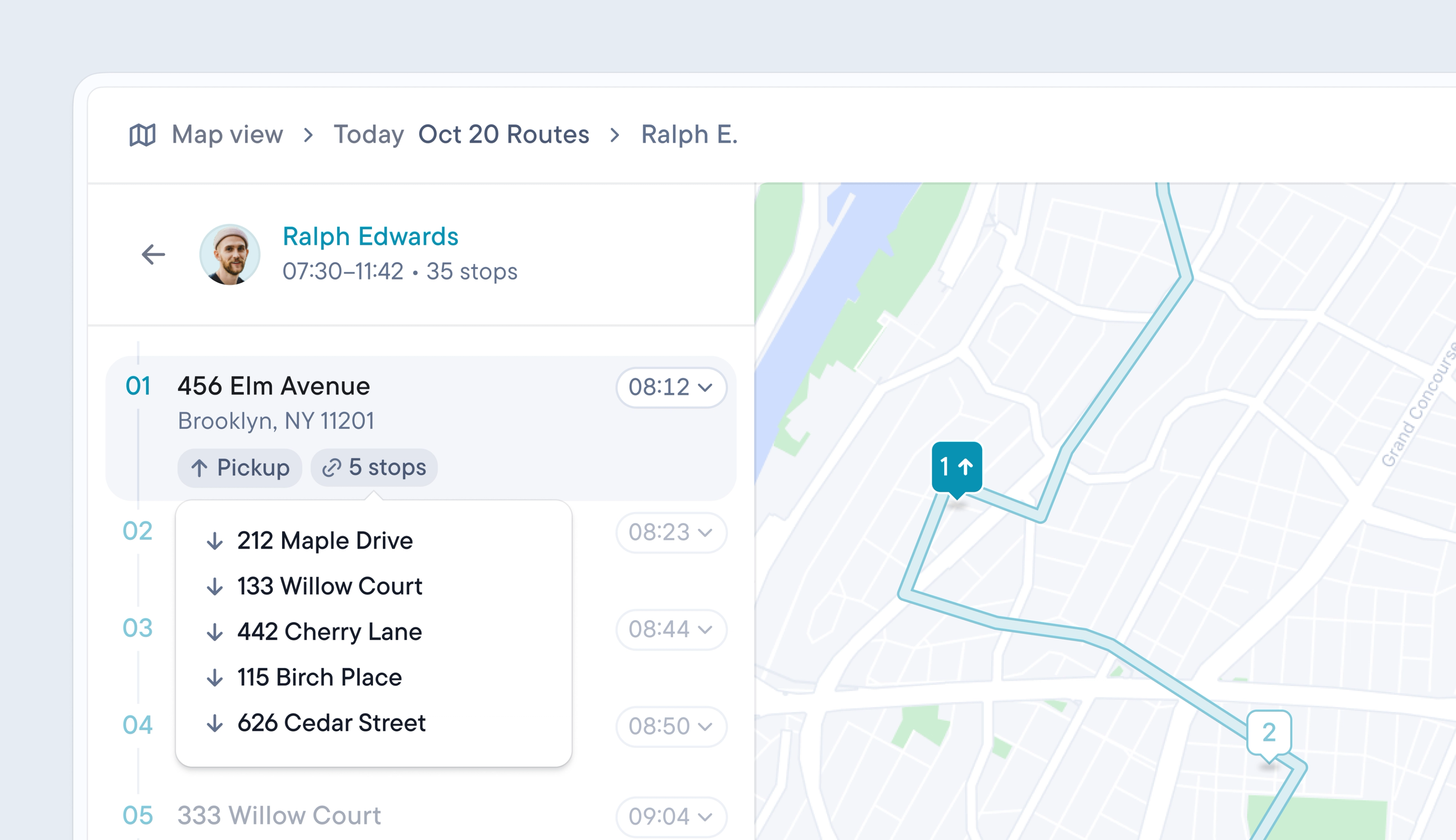
Routes often require drivers to pick up an item at one stop and deliver it later in their route. Until now, linking a pickup stop to a delivery stop had to be done manually by creating two unrelated stops, which required manual checks to prevent drivers from attempting deliveries before pickups.
Dispatchers can now link a pickup to a delivery when uploading their stop data or by setting a depot as a default pickup location. Once a pickup and delivery are linked, the pickup will always be placed before the delivery stop on the route, even when the route is edited or reordered.
- When importing a spreadsheet, mark a stop’s Type as Pickup
- Enter the pickup’s row number in the Linked Pickup column for the matching deliveries
- One pickup can be linked to multiple deliveries
- Or, go to Controls > Depots and turn on Use this depot as a default pickup location. This automatically adds the depot as a pickup stop to any route with assigned deliveries.