Allow drivers to edit specific route settings with customized permissions
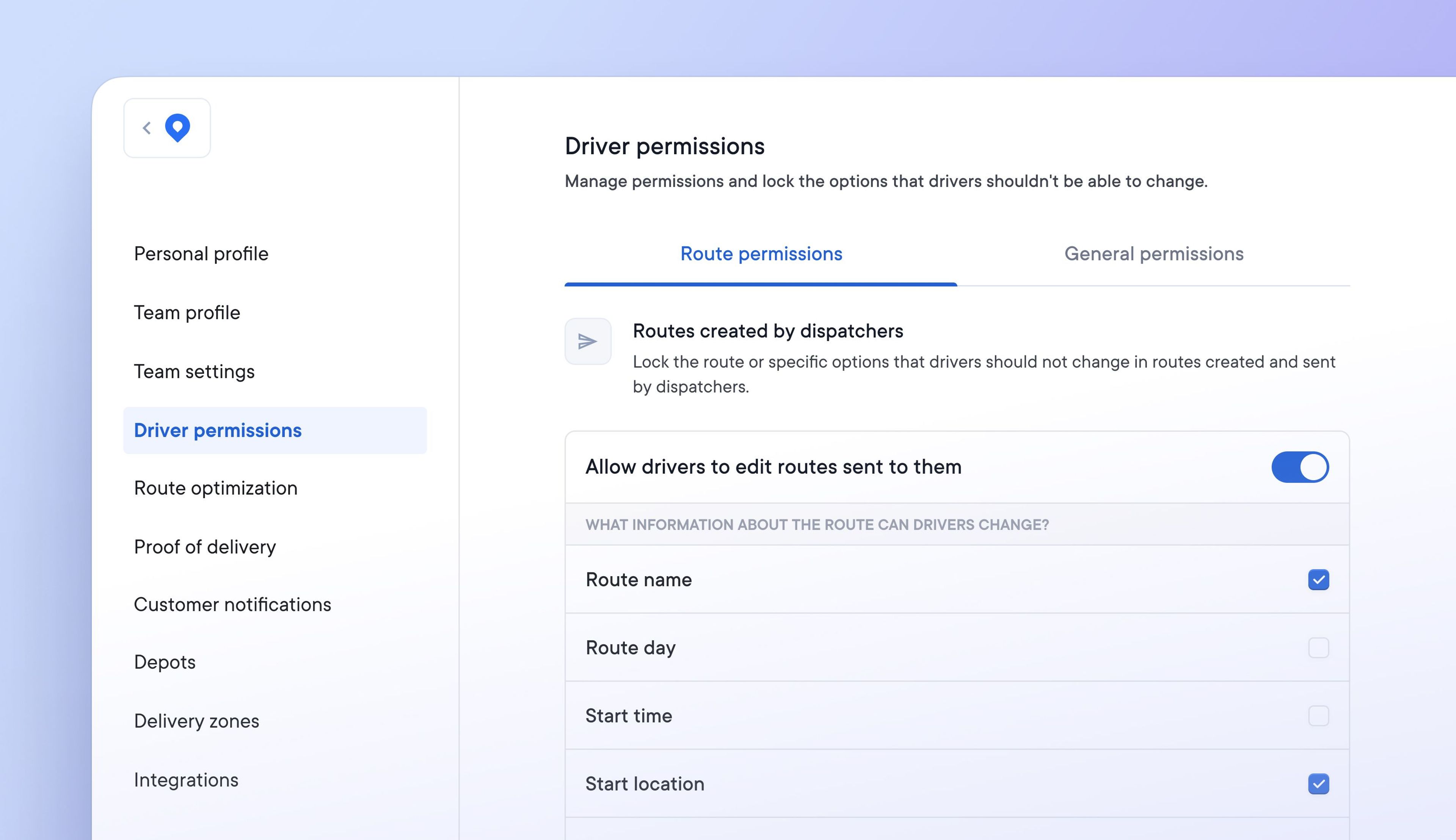
Previously there were no restrictions on a driver’s ability to make changes to routes. If changes were not communicated to dispatchers or had an unforeseen knock-on effect, this could cause problems.
It’s now possible to specify which aspects of a route drivers can edit by setting specific driver route permissions. Manage what drivers can and cannot do in order to suit your delivery process.
How to set driver route permissions:
- Go to Settings > Driver permissions > Route permissions
- Toggle permissions to on/off
- Tick each specific setting to enable it for your drivers