All updates
18 Aug 202518 Aug 2025
Clients can invite multiple team members to Spoke Connect
Couriers can choose to invite clients to Spoke Connect, which provides a custom dashboard where each client can upload, manage, and track all their orders in real time.
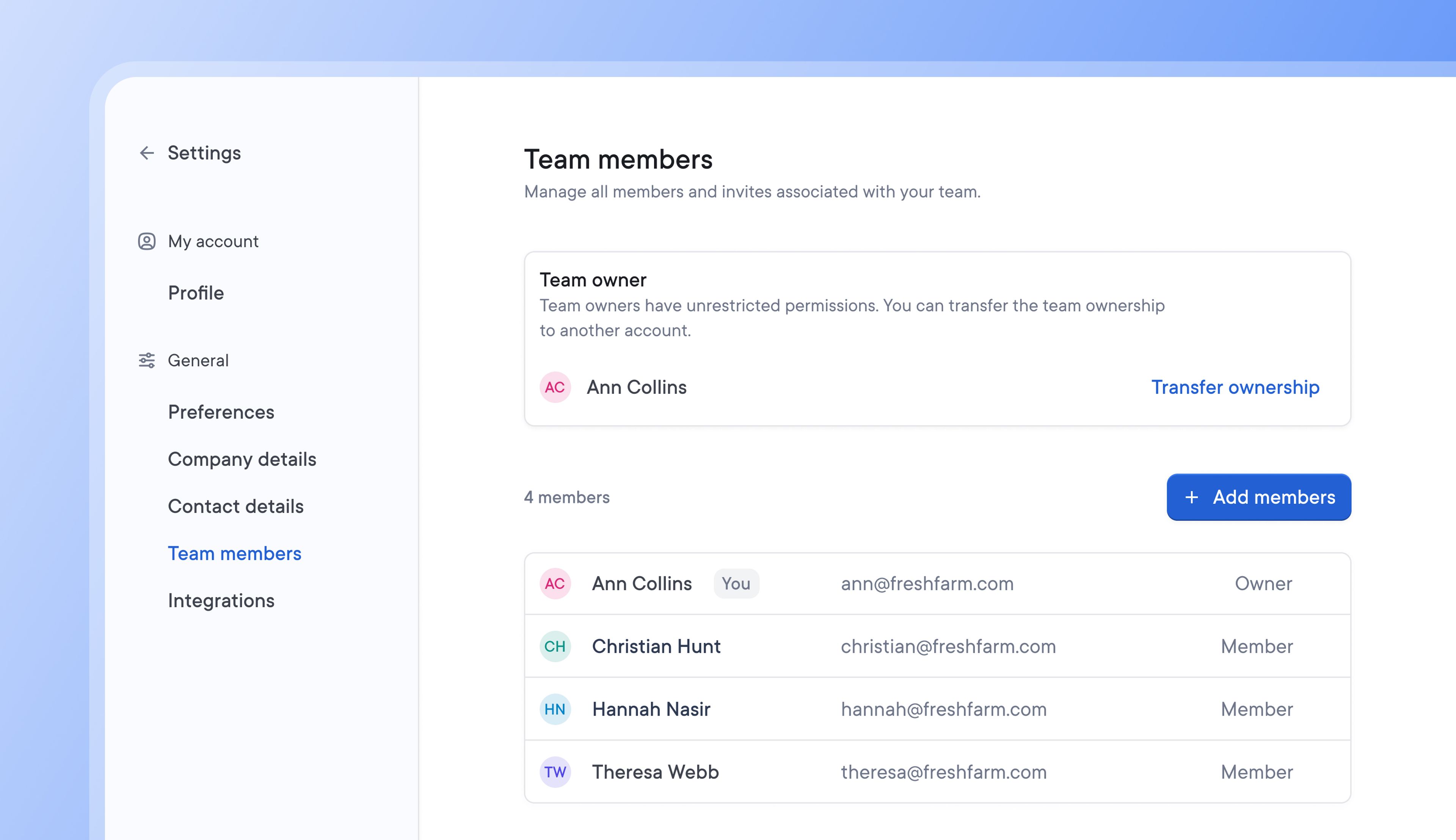
Clients can now add multiple team members to Spoke Connect.
By doing so, more team members can import, track, and manage order issues directly, making shipment information easily accessible and spreading responsibility for delivery across relevant team members.
How clients can add team members to Spoke Connect
- Go to Settings > General > Team members
- Click > Add members to invite a new team member
- New Team members will receive an email invitation to Spoke Connect
Get Started