All updates
07 Jul 202607 Jul 2026Spoke Dispatch
Create and assign custom delivery services to stops
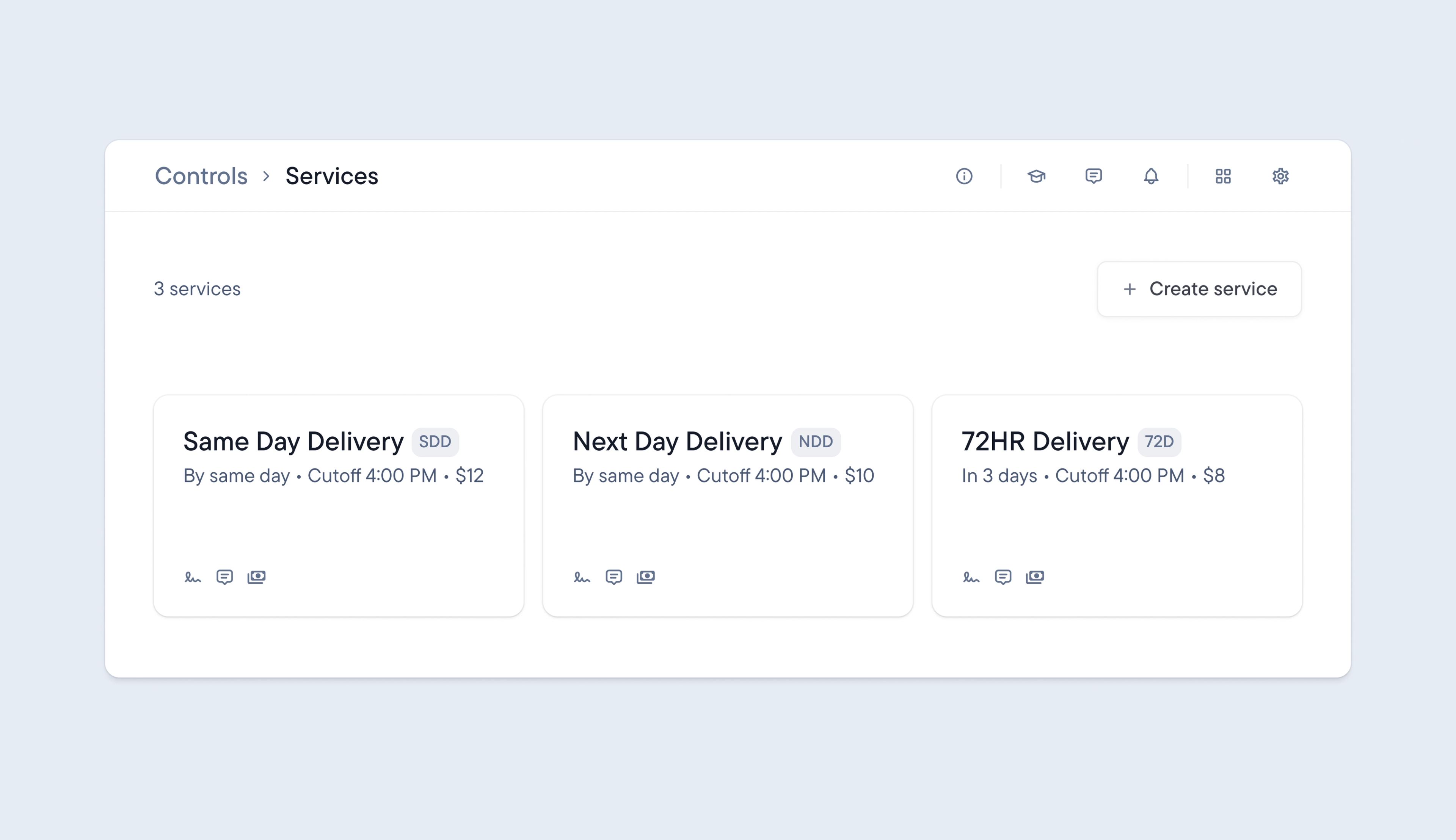
Until now, Spoke has not provided a dedicated way to include the delivery service for a stop. Stops with a specific delivery service, such as same-day, next-day, or 72-hour, have been handled the same way, and the service type has not been visible.
Now it’s possible to create your own custom delivery services and attach a delivery service to any stop.
The delivery service attached to a stop is reflected in the dispatcher dashboard and driver app, making it instantly accessible, helping drivers and dispatchers correctly prioritize their deliveries.
It’s also possible to sort unassigned stops by service type and export detailed performance analytics, including delivery service information, for more granular, insightful reporting.
- Go to Controls > Services > click Create service
- Set up your service with cost, service level agreement, and stop requirements
- Assign your service to a stop manually, by bulk editing stops, when importing a spreadsheet, or via Spoke’s API
- Filter stops by service type
- Export performance reports and include the service type
Get Started