All updates
24 Oct 202224 Oct 2022
Create and manage multiple depots
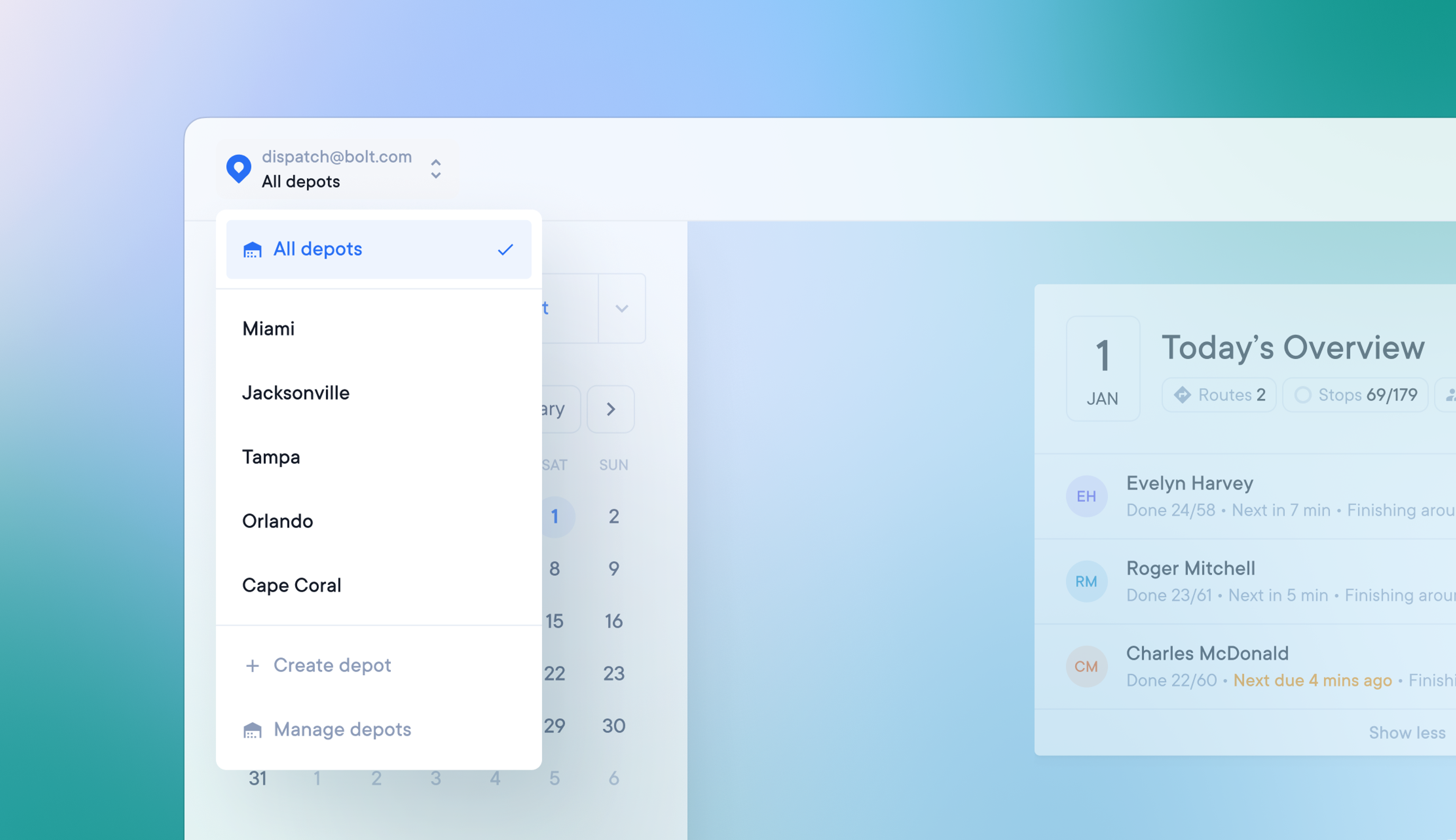
Companies with more than one depot location can now create multiple depots.
A dispatcher or admin can now:
- Filter their view to display activity from all depots, or one specific depot
- Create routes for and assign drivers to any depot
How to create multiple depots
- Go to Settings > Depots and click Create depot
- Name your depot and complete the route setup for that specific depot
- Click the Team members button or go to Settings > Team members to assign drivers to depots
- Once your depots have been created, you can view all depots or individual depots by using the drop-down menu in the top left-hand corner of the screen
How to delete a depot
- Go to Settings > Depots and click on a depot to edit it
- Select the option to delete the depot, and this will permanently delete the depot
- When a depot is deleted, any routes or drivers assigned to that depot will revert to unassigned
Get Started