All updates
02 Sep 2025Create your own custom stop properties to import key delivery information.
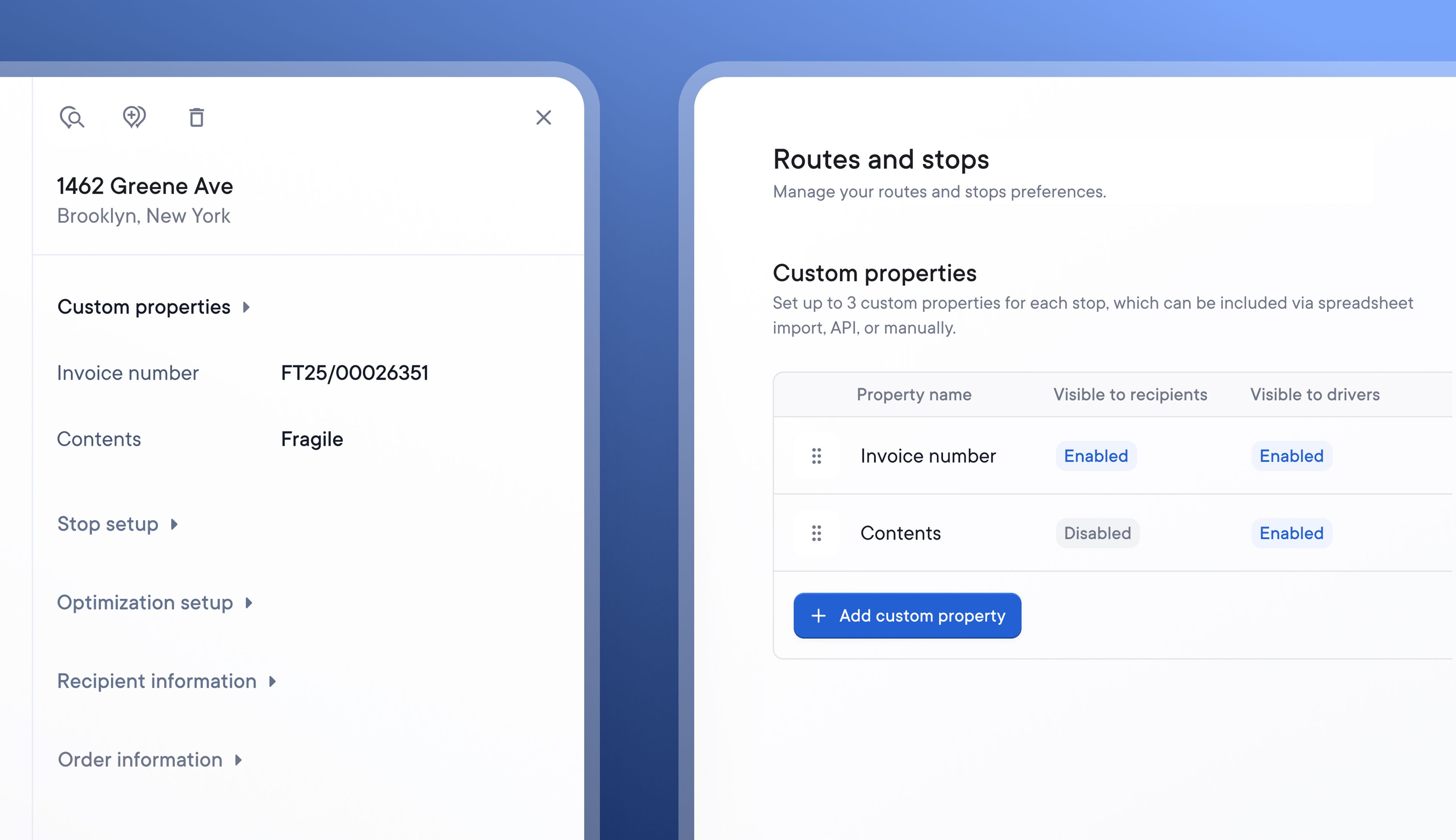
When importing stop data, Spoke allows Dispatchers to import all the essential stop details, such as the type of stop, time windows, and number of packages.
Now, users on the Standard and Pro plans can also import their own custom stop properties to add key information that’s useful for their business.
Once created and imported, custom properties are visible by default on stops displayed on the Dispatcher Dashboard, and they can be selectively hidden or made visible on the Driver app and Recipient tracking details.
Custom properties are set at the account level, making it easy to search and filter account activity by custom property. Once they have been defined in your account settings, they can be uploaded via spreadsheet or included in stop data imported using Spoke’s Public API.
How to create custom stop properties:
- Go to > Settings > Operations > Route and stops
- Under Custom properties, click > Add custom property
- Name your custom property eg Order Number
- Select if you want this custom property to be visible to Recipients on their tracking page and/or to Drivers in their stop details on the driver app
- If you are importing data using a spreadsheet, add your custom properties as fields at the end of the row when you next upload your delivery data
- If you are importing data using Spoke’s Public API, you will now be able to include custom stop properties in your API integration