All updates
28 Apr 2026Customize your exports to access the data that matters most
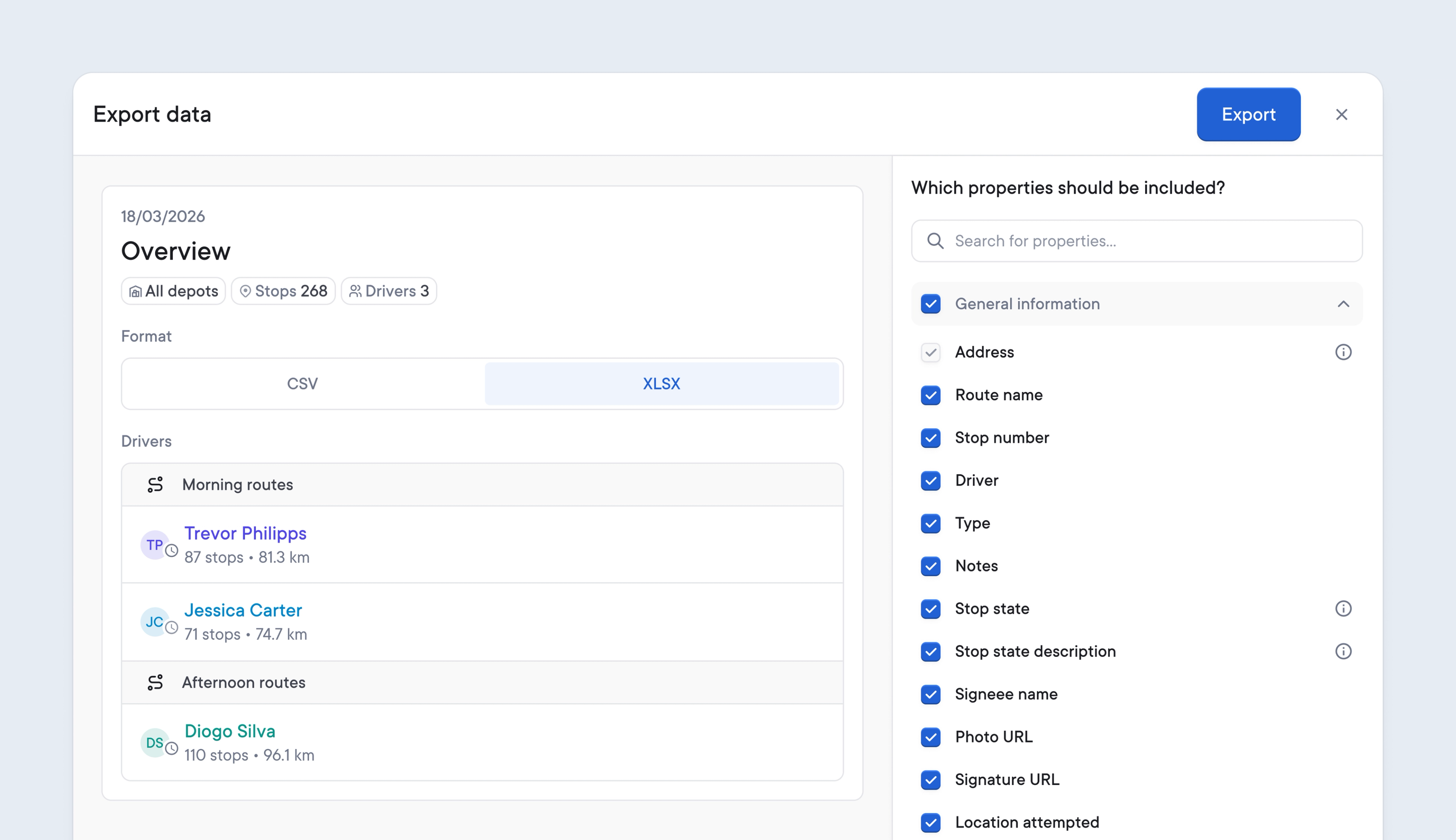
Digging through mountains of unnecessary data for the specific information required can be frustrating and an inefficient use of time.
Spoke’s latest update lets users customize which data to export, making it easier to access the information that matters.
Users on the Premium and Expert plans can now customize all reports, preview changes, and more efficiently download data that’s tailored to their business processes.
When exporting route data, delivery analytics, or printing a manifest, users can select all or any field to include. Spoke will automatically store each user’s specific preferences for each report and apply those settings to all future exports of that report.
Watch the video below to see how easy it is to customize your data exports and manifests.
- Click export data or print manifest
- Click customize
- Select the data you wish to include using the radio buttons
- Your report will update with a live preview as you make your selections
- When you are happy with your selection, click export or print
- Spoke remembers each report setting for each user