All updates
06 Feb 202606 Feb 2026Spoke Dispatch
Easily correct the delivery status of stops incorrectly marked in the driver app
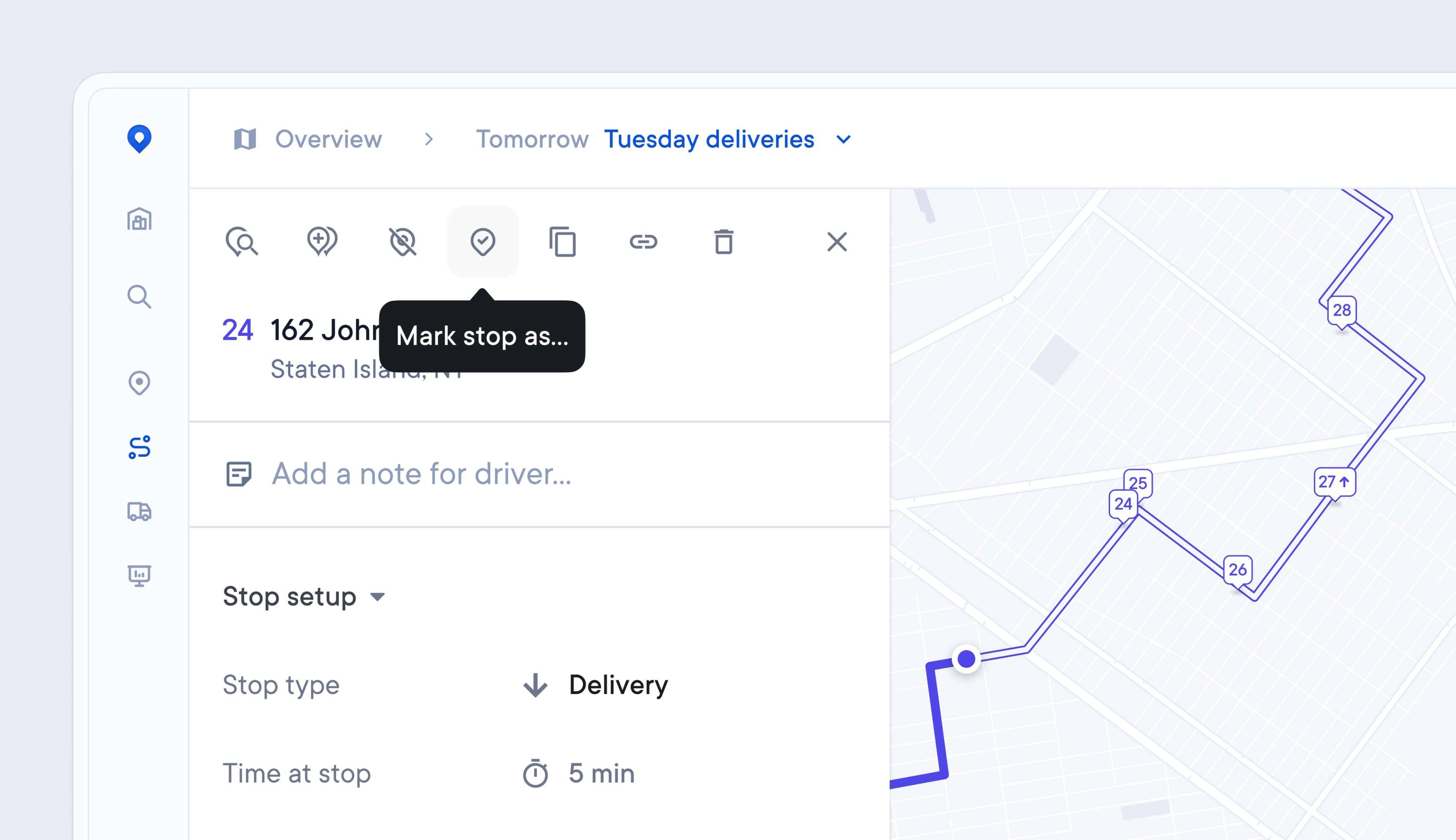
Occasionally, Drivers make mistakes, and previously, it was hard for Dispatchers to correct the delivery status of a stop that was marked incorrectly.
Now, Dispatchers can edit the delivery status of a stop from the Dispatcher Dashboard, ensuring that any errors are easily rectified and that recipients receive the latest, accurate tracking information.
- Click on a stop
- Use the pin icons to Clear delivery status
- Use the pin icons to Mark stop as > Delivered or Failed
- Edit the delivery method, date, and time
- Click Confirm to apply your changes
This will trigger an updated recipient notification to be sent.
Get Started