All updates
14 Aug 202314 Aug 2023
Easily export detailed delivery data for deeper insight
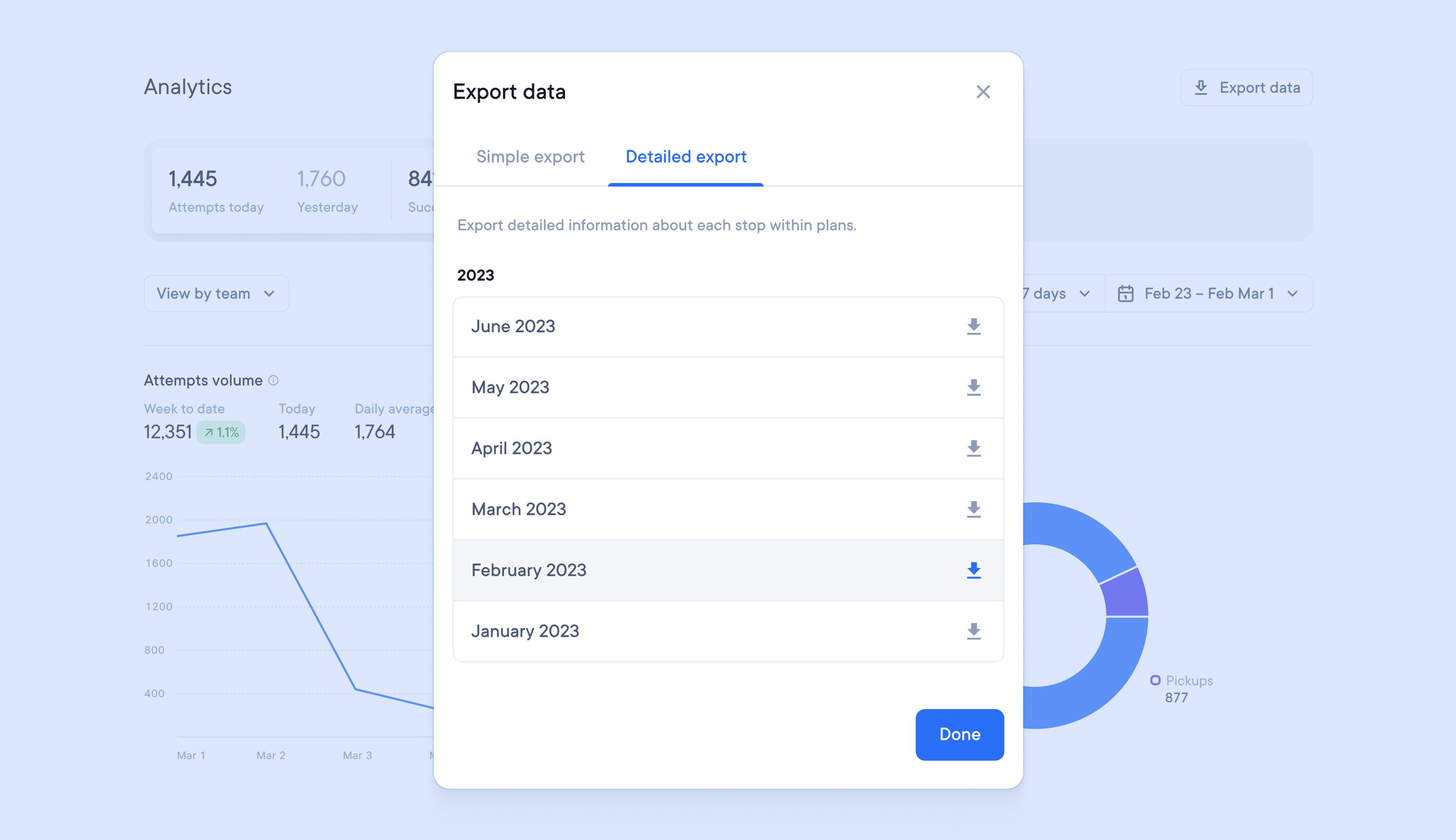
It was previously only possible to access detailed delivery data by performing a global account search. This would only provide results for the specific information that was searched for.
Now monthly reports containing detailed delivery data can be exported at the touch of a button, giving you instant access to granular performance information.
How to download detailed delivery data:
- Go to Settings > Analytics
- Click > Export data
- Select > Detailed export
- Select the month
- Click done
Get Started