All updates
13 Feb 202513 Feb 2025Spoke Dispatch
Easily find drivers, deliveries, and stops with sortable tables
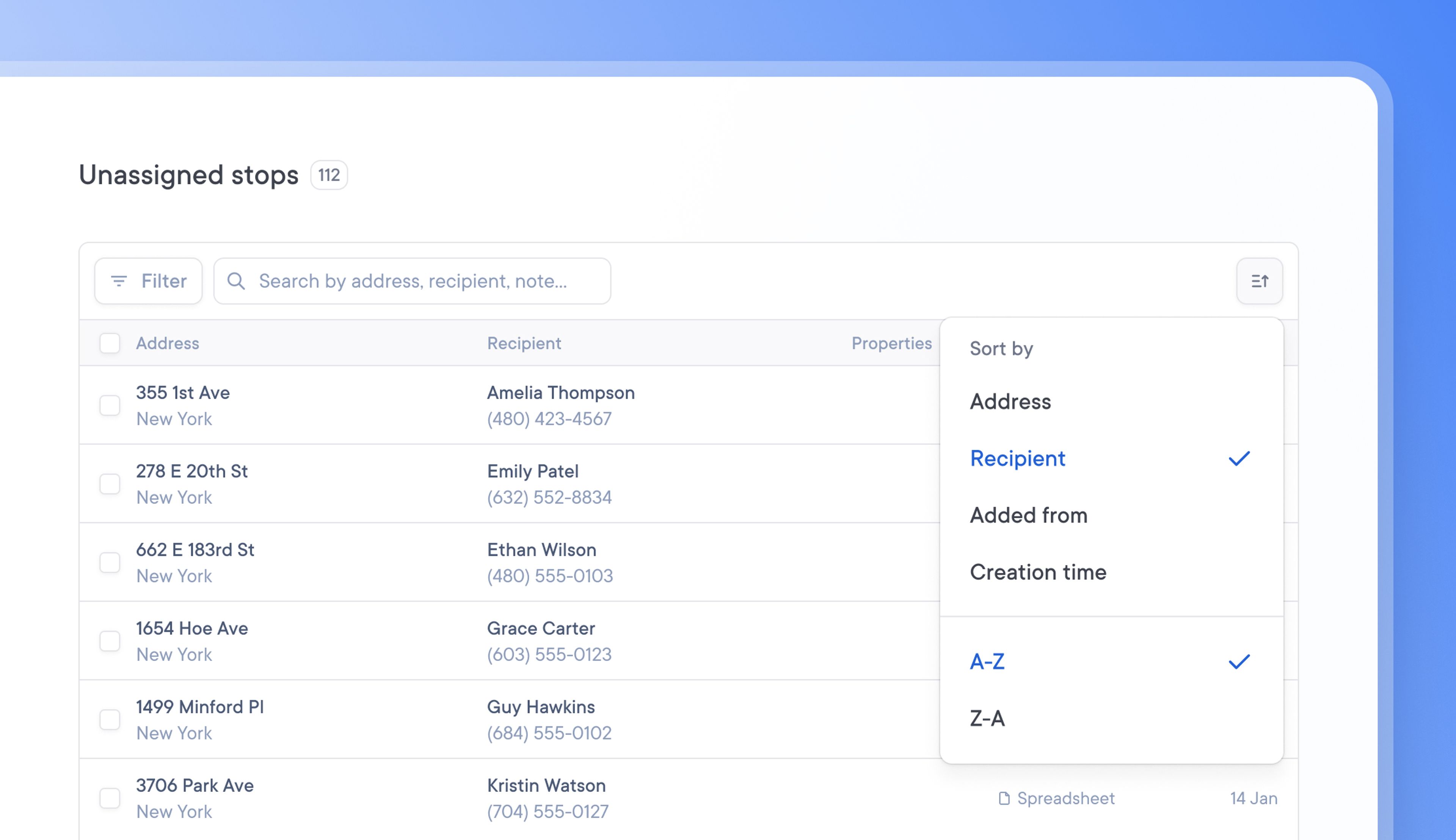
When dealing with large tables of delivery data, it can be tricky and time-consuming to find a specific driver, delivery, or unassigned stop.
Now, tables can be sorted chronologically or alphabetically.
You can sort your data by clicking the sort icon in the top right corner of a table. Order information in a way that works best for your needs, and find the information you’re looking for faster.
How to sort tables
- Drivers, Unassigned stops, and Spoke Connect tables can be sorted
- Go to the table > Click the sort icon in the top right corner
- Choose the field you want to sort your table data by eg Name
- Select the order you want that field sorted in eg A-Z or Z-A
Get Started