All updates
19 May 2026Expand tracking visibility with persistent tracking links for all stops
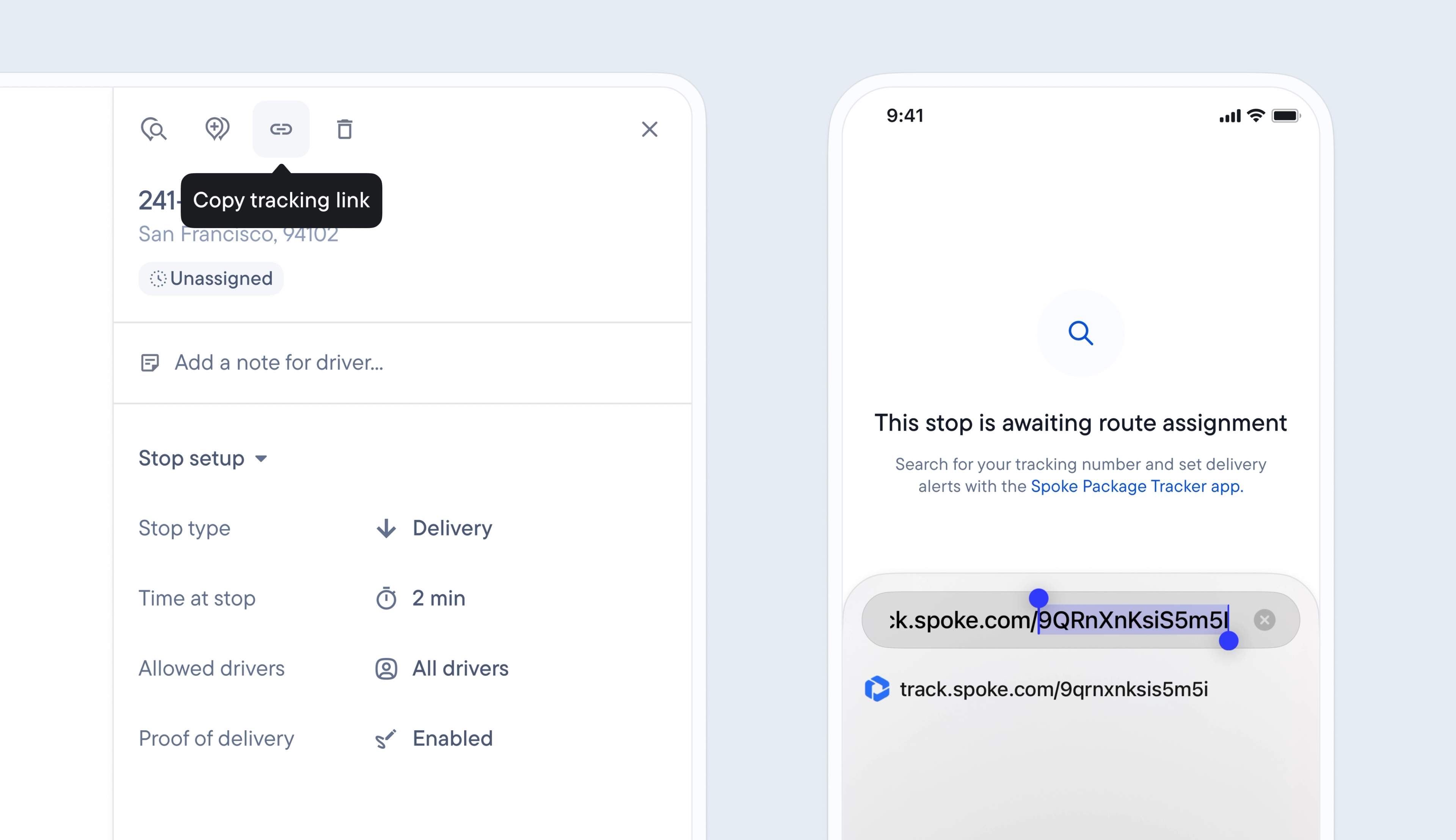
Previously, it was only possible to track a stop after the driver had started the route containing it, which didn’t provide any pre-transit visibility into deliveries.
Now, when a stop is added (manually, via spreadsheet, using the API, or from Shopify) it is automatically given a unique tracking link and status.
Stops can be tracked from the moment they are ‘awaiting assignment to a route’ through every status change until they are successfully delivered.
This provides additional tracking visibility to recipients and the opportunity for users to build and expand the capability of their own automated workflows to include this early update.
Each stop’s unique tracking link contains a token, making it quick and easy to search for individual stops using this unique identifier.
Recipients who have customized their browser language settings will now also be able to view their delivery updates on the tracking page in their native language of English, Spanish, German, Brazilian Portuguese, or Hebrew.
- Click search or press S on your keyboard
- Refine your search by selecting a depot or time period
- Take the unique tracking token from the end of a stop’s tracking link
- Example tracking token https://track.spoke.com/efzqwLliTdZYCw
- Copy and paste the tracking token into the search box