Driver app
Request and collect cash on delivery
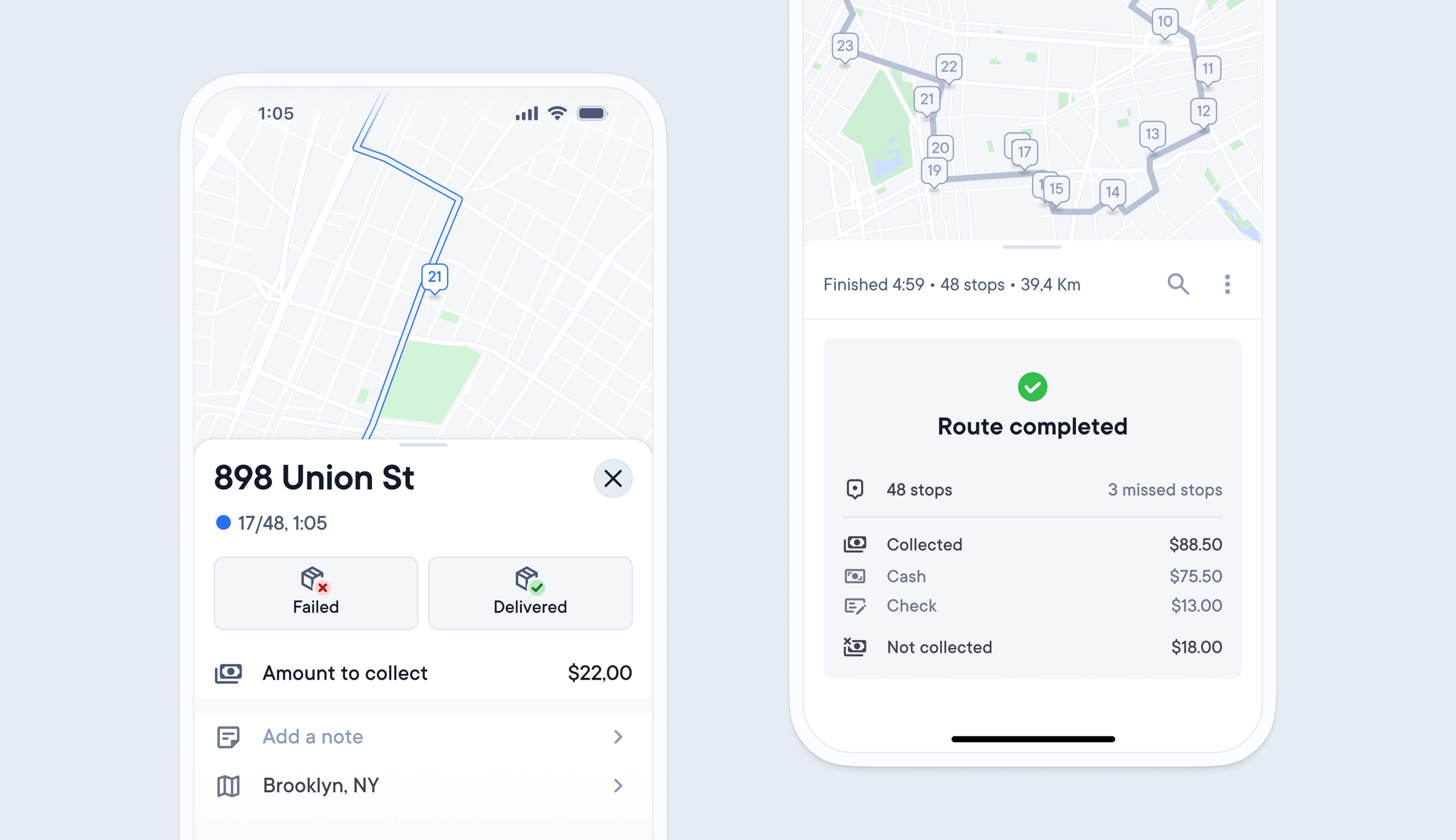
Previously, requesting cash-on-delivery was not possible using Spoke Dispatch, and couriers had to find their own way to request, collect, and record any cash received at a stop.
Now, any cash on delivery requirements for a stop can be imported into Spoke via API, spreadsheet, or manually added.
Recipients are notified of any money that is due on their delivery tracking link.
Drivers are prompted on their driver app to select the payment type, confirm that the amount has been received, and collect the recipient’s signature. At the end of every route, they are shown a breakdown of the payments collected.
Dispatchers can edit, view the live status, and export a cash on delivery summary in the Dispatcher Dashboard.
- Go to Settings > Operations > Proof of delivery
- Go to the Cash on delivery tab
- Toggle the feature to ON
- You can edit the currency type in General Settings
- Import delivery data containing cash on delivery requirements via the API, spreadsheet or by manually adding it to stops