Save time managing routes by batch editing stops
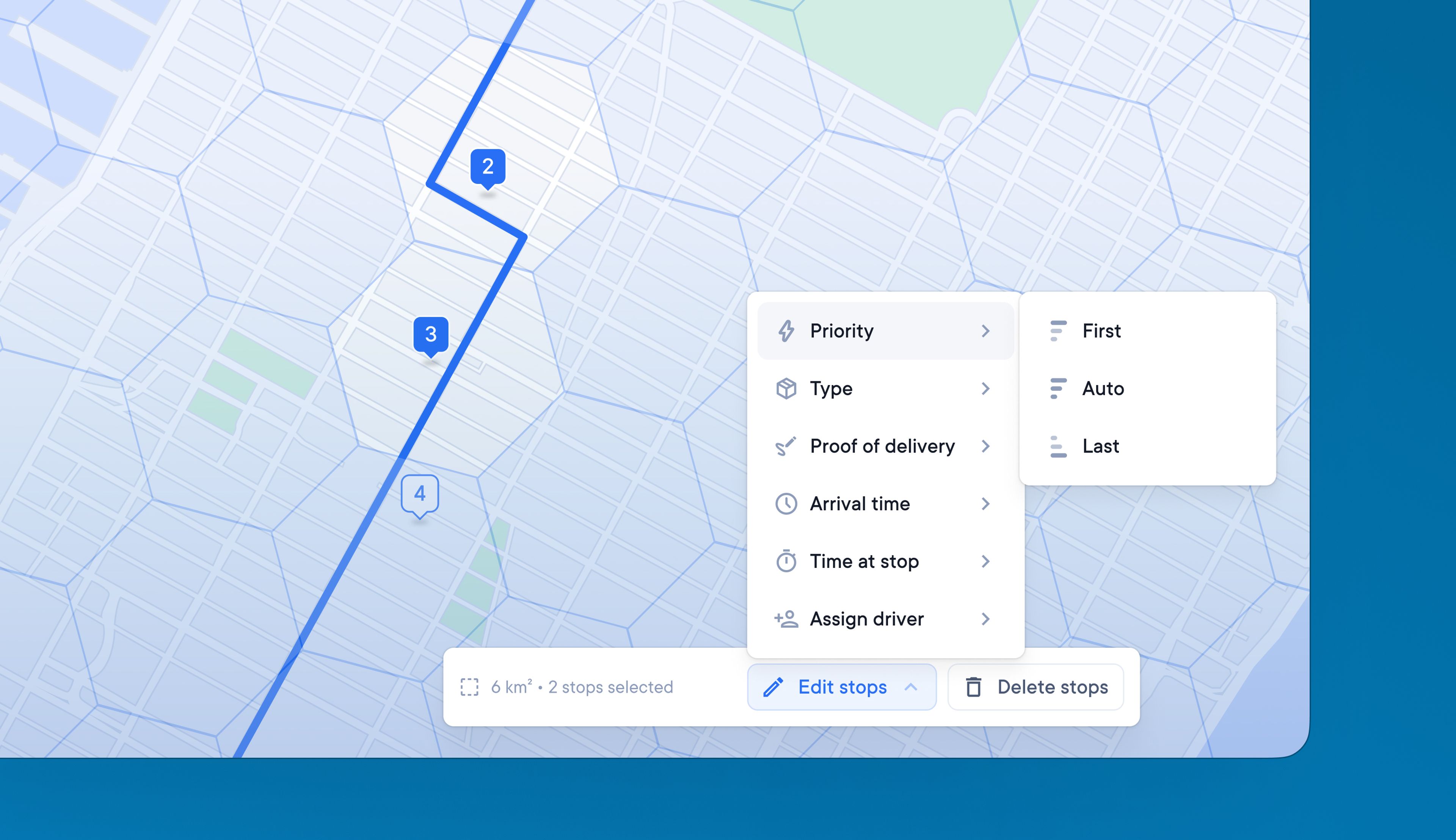
Dispatchers often need to make the same change to multiple stops on a route, but individually updating stops is inefficient and prone to human error.
Now dispatchers can save time managing stops with batch editing. It provides a quick and easy way to apply the same change to a group of stops.
How to batch edit stops:
- Click on a route
- Click the dotted square ‘select area’ icon on the map
- A hexagonal grid will appear on the map
- Select the hexagons that contain the stops you want to edit
- Use the toolbar on the map to make changes
- Preview and save your changes
- Your changes will be applied to all the stops selected