Select map or satellite view
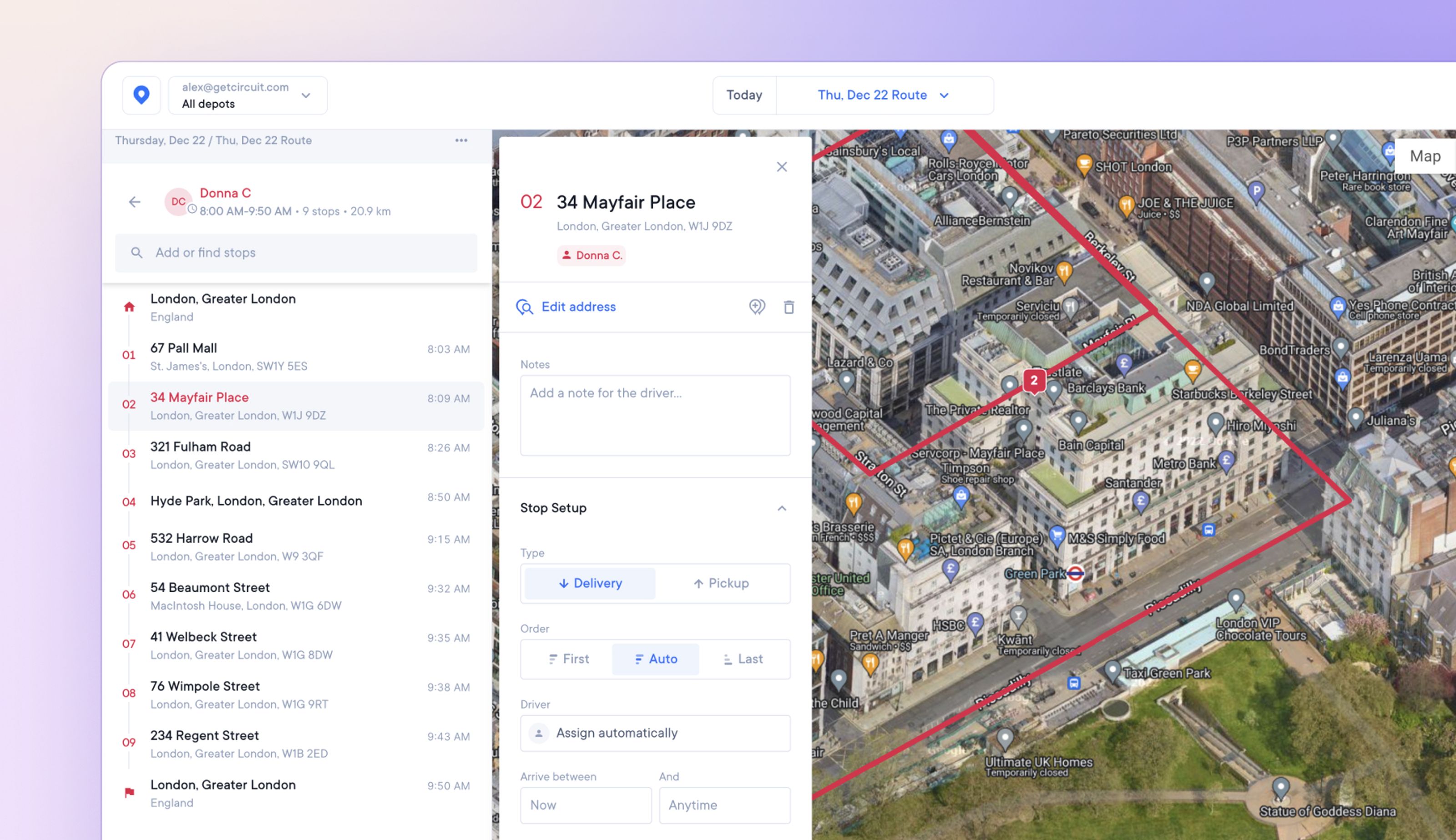
In addition to the default map view, dispatchers and admins can now select satellite view for a photographic bird’s eye view of routes.
This provides detailed satellite imagery of the landscape, which can help when trying to pinpoint hard-to-find or incorrectly mapped stops.
How to select satellite view
- Select a route
- In the top, right-hand corner of the map view are the options Map/Satellite
- Click on Satellite
- Click Map to swap back to the default map view