All updates
30 Jun 202630 Jun 2026Spoke Dispatch
Trace delivery progress and provide proof of custody even earlier with barcode scanning
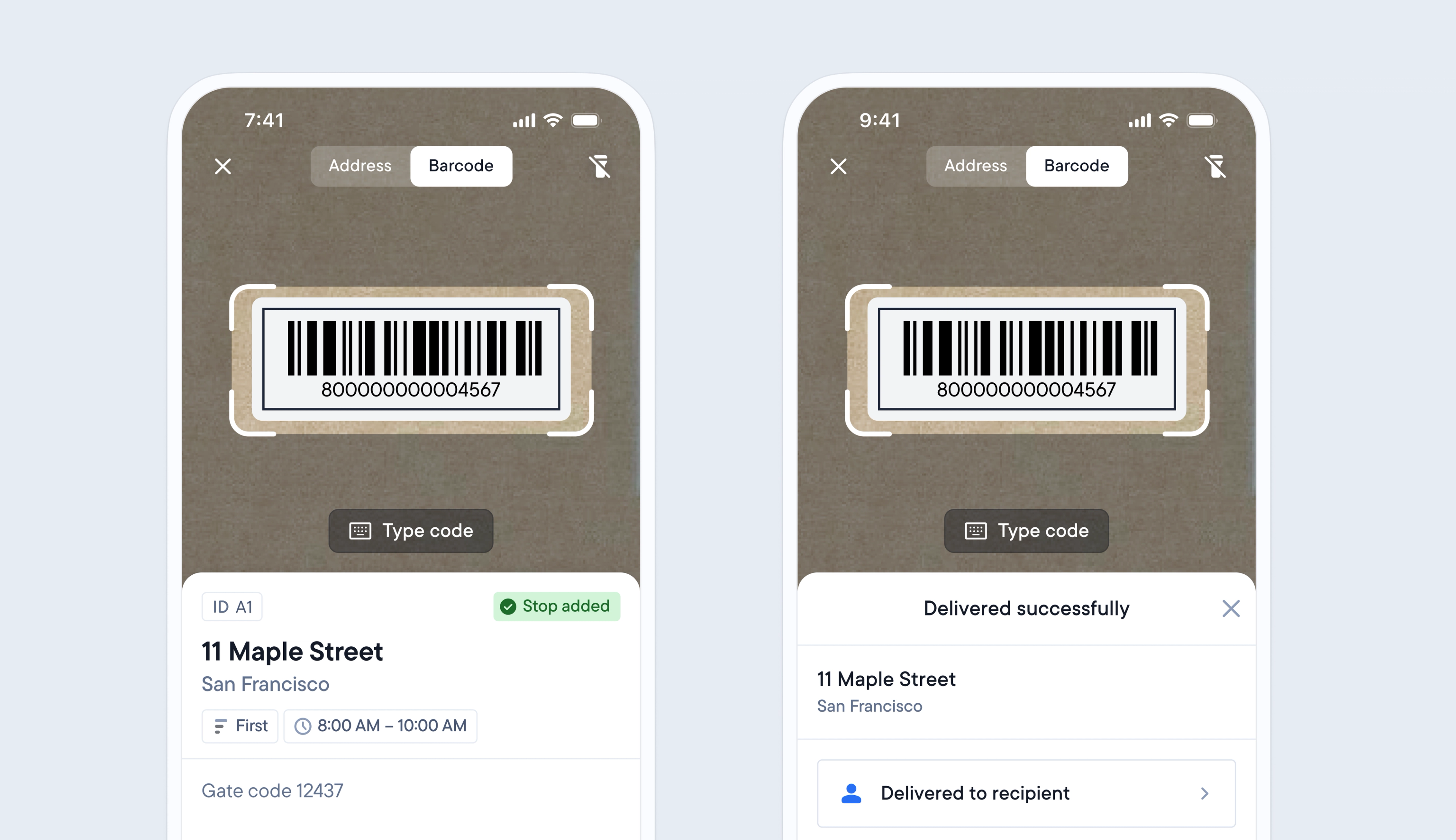
Previously, barcode functionality was limited to allowing drivers to scan barcodes to add stops to their route, and when attempting delivery. This only provided a partial record of a package’s journey.
Now, when a barcode is added to a stop, drivers can scan a package’s barcode when they add it to their route, load it to their vehicle, and attempt to deliver it.
This provides additional proof of custody moments and delivery status updates, which are displayed on the dispatcher dashboard and for the recipient via their tracking link.
Import your own barcodes into Dispatch, or let your courier clients generate barcodes via Spoke Connect.
- Import your stop data into Spoke Dispatch and include barcode IDs
- Allow clients to generate barcodes for their stops in Spoke Connect
- On the dispatcher dashboard, go to > Controls > Barcode scanning
- Enable barcode scanning
- Select which actions require the driver to scan a barcode
Get Started