All updates
09 Oct 202409 Oct 2024
Use in-app Google Maps to simplify navigation and reduce stress for your drivers
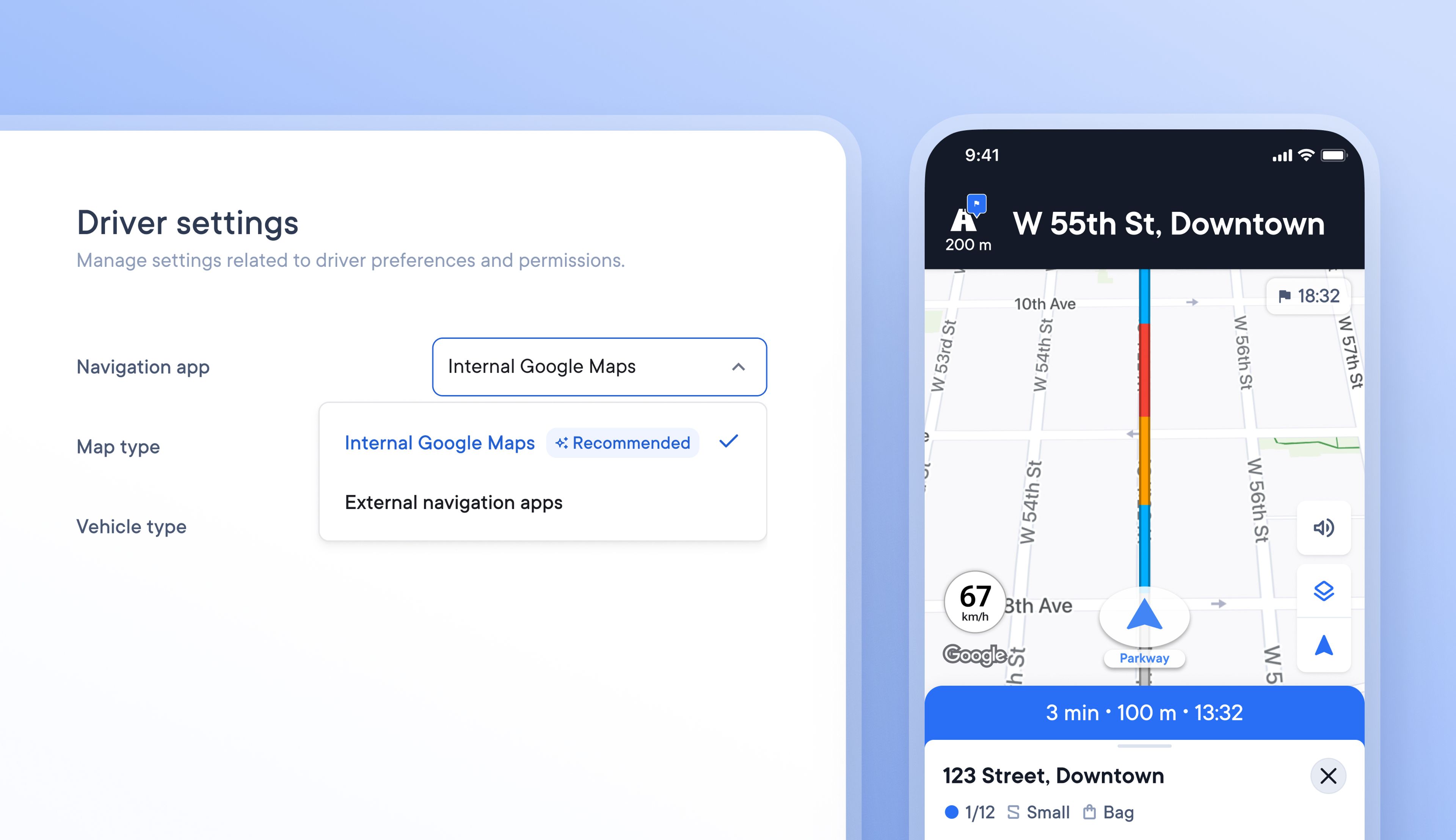
Formerly, drivers who used navigation while delivering had to use the Spoke driver app along with a navigation app of their choice. Using two apps simultaneously isn’t easy or stress-free for the driver.
Drivers can now navigate using Google Maps within Spoke Route Planner so that they can carry out every task along their delivery route with just one app.
How to select Internal Google Maps for navigation
- In the Dispatcher dashboard go to > Settings > Operations > Driver Settings
- Under Preferences > Navigation app select Internal Google Maps from the dropdown
- In the driver app go to Settings > Navigation app > Select Spoke internal navigation
Get Started