Product updates
What’s new in Spoke Dispatch
Feature updates and improvements to make last mile delivery more dynamic
Feature updates and improvements to make last mile delivery more dynamic
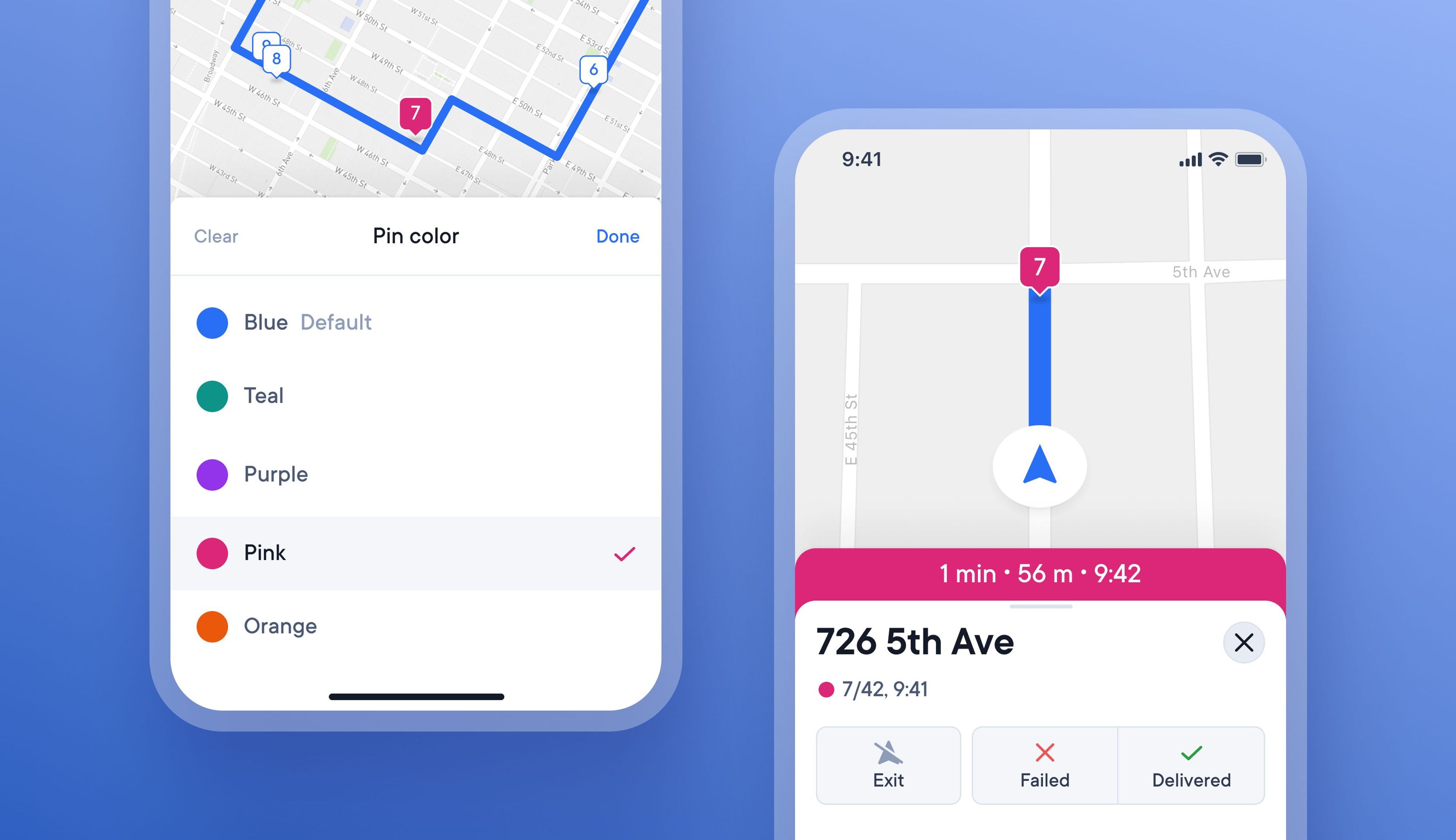
On busy routes with many similar deliveries, it can be tricky for drivers to remember when certain stops have special conditions attached to them.
Now, drivers can choose to color-code specific stops with special requirements to help highlight them better on their route.
Within the driver app there are four different colors to choose from, and when a stop is color-coded, the pin on the map and progress bar change color.
This feature is currently only available within the driver app.
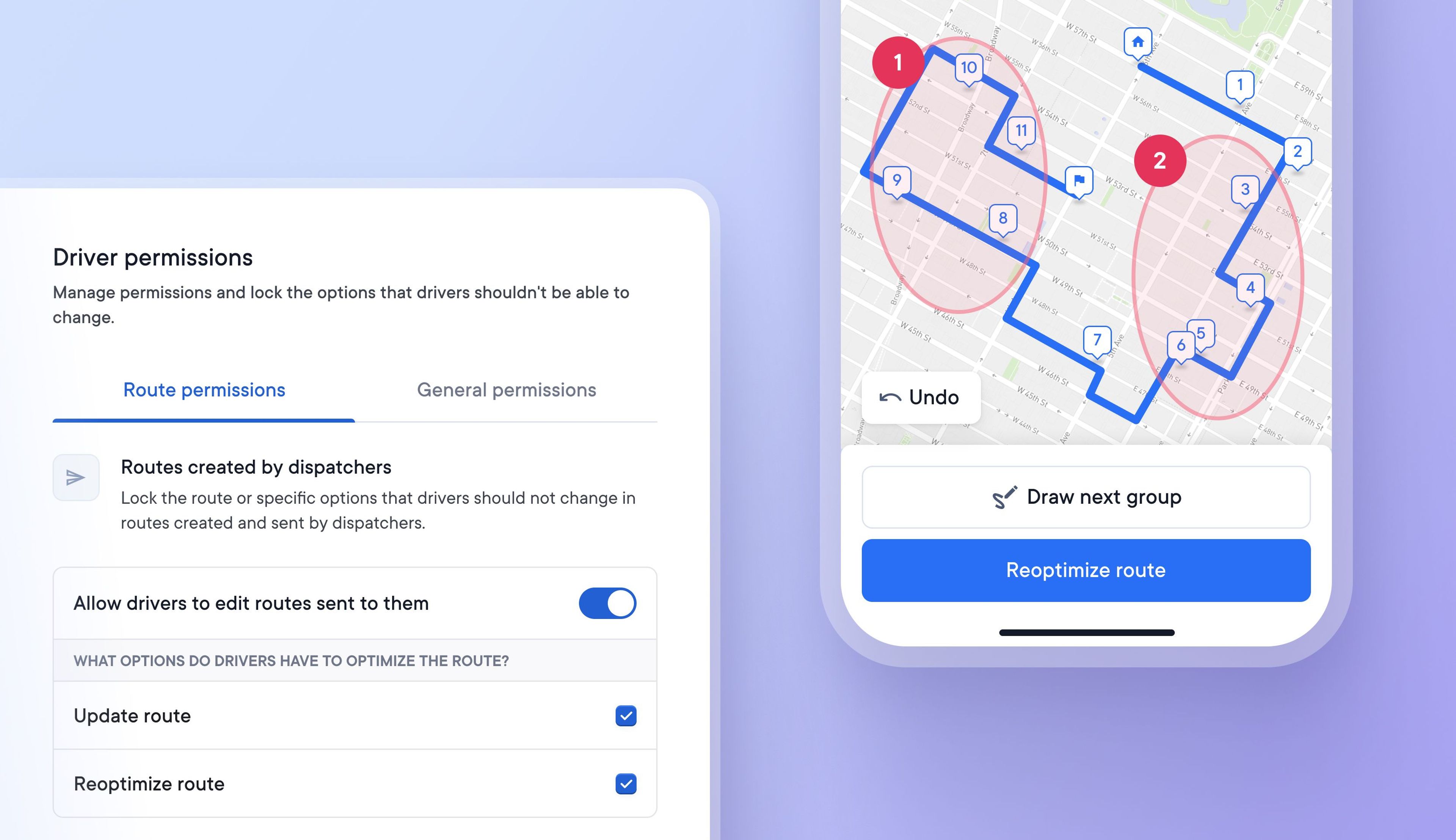
Some businesses rely on their drivers to create delivery routes because it is more efficient than requiring dispatchers to create and allocate routes to drivers.
Drivers now have even greater flexibility over route creation with the option to manually select the order in which groups of stops are attempted.
Dispatchers
Drivers
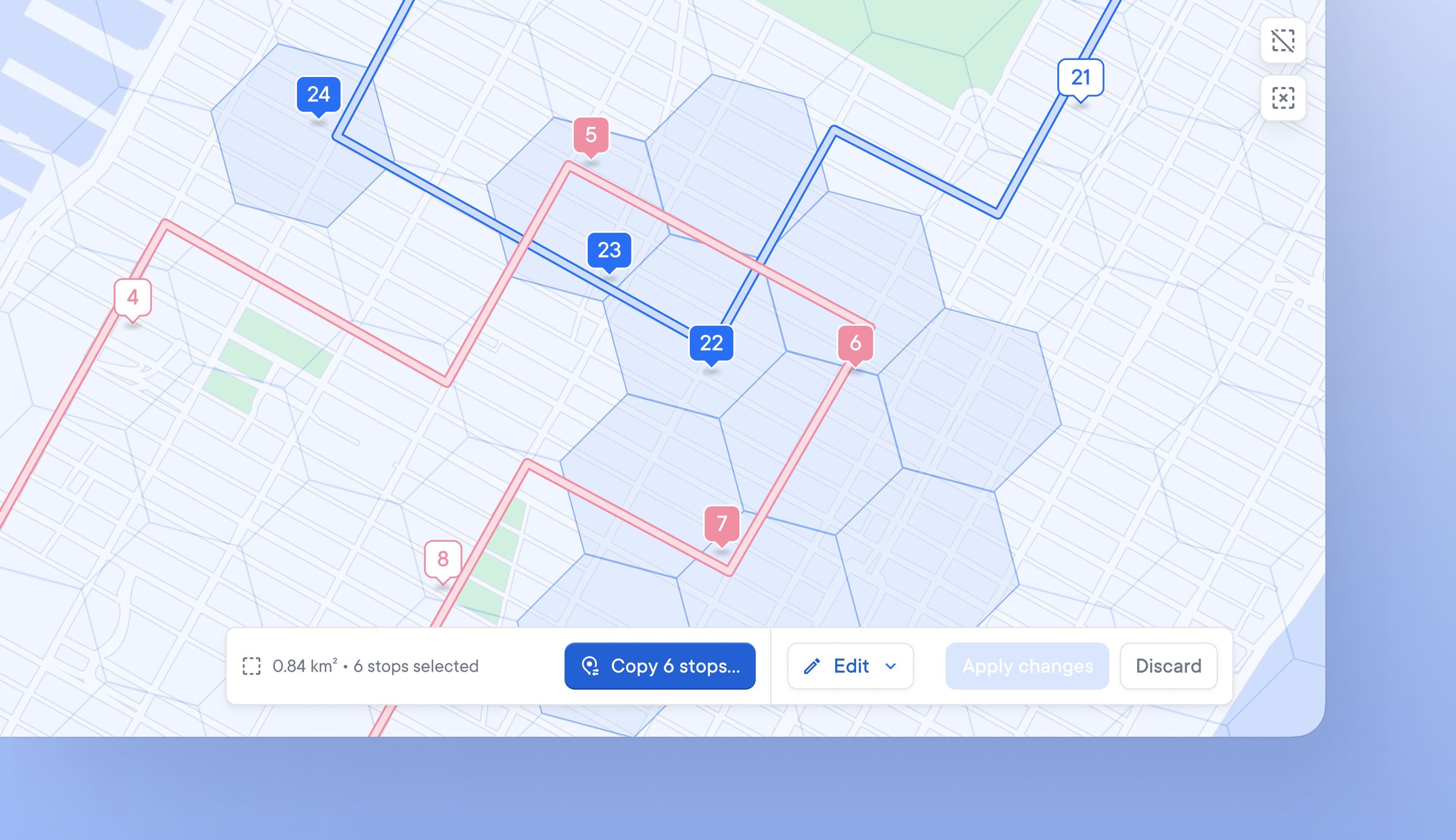
When real-time changes impact delivery, dispatchers need to edit routes quickly. Often, this means moving one or more stops from one driver’s route to another to stay on schedule.
The batch editing function makes it easier and faster to select a group of stops and copy them from one route to another.
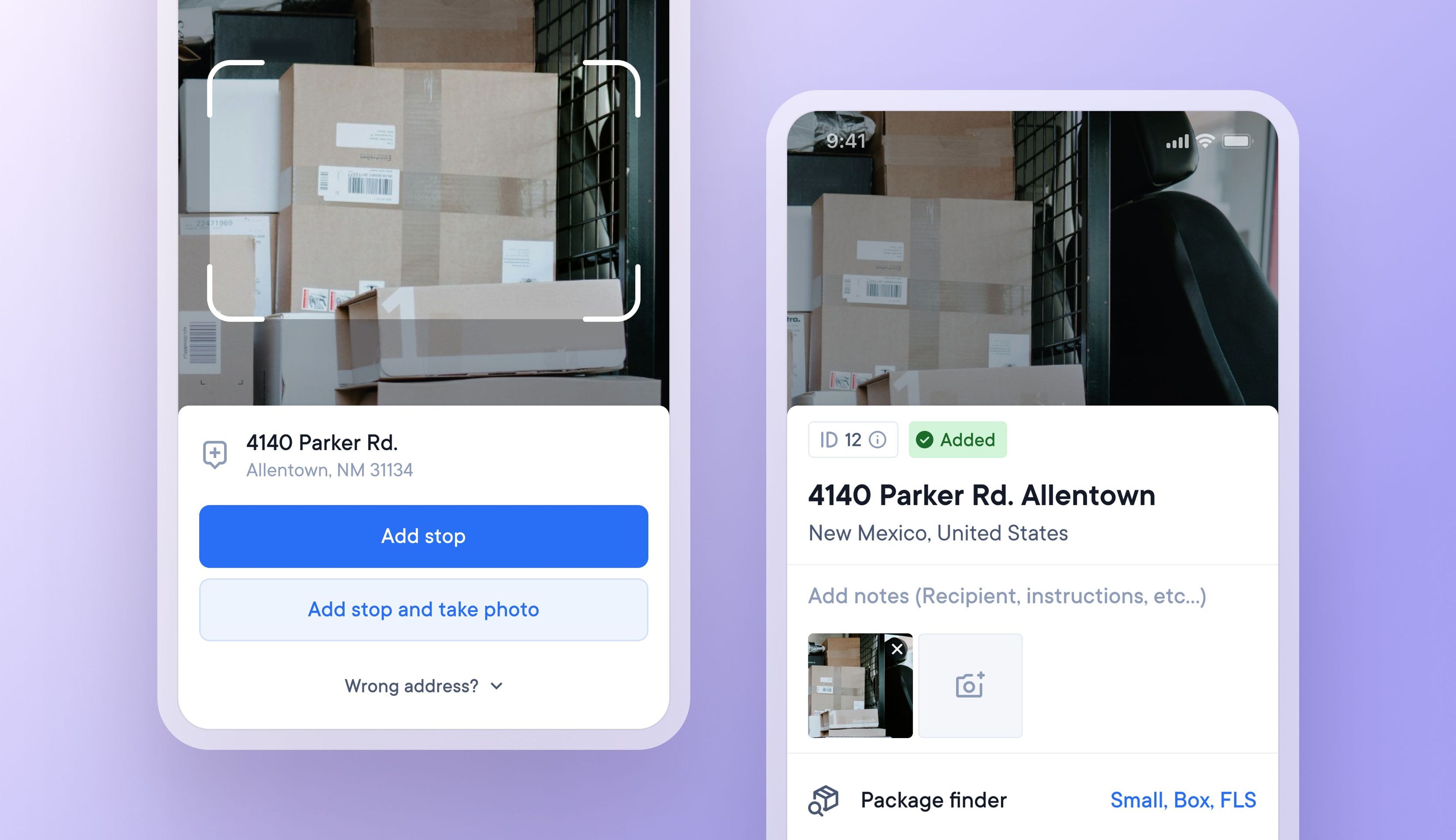
Finding one particular item in a delivery vehicle full of similar looking brown packages can be confusing at times.
Now drivers can choose to take a photo of a package as they add that delivery address to their route. Upon arrival at the stop, the driver can view the package photo again to remind themselves what the package looks like.
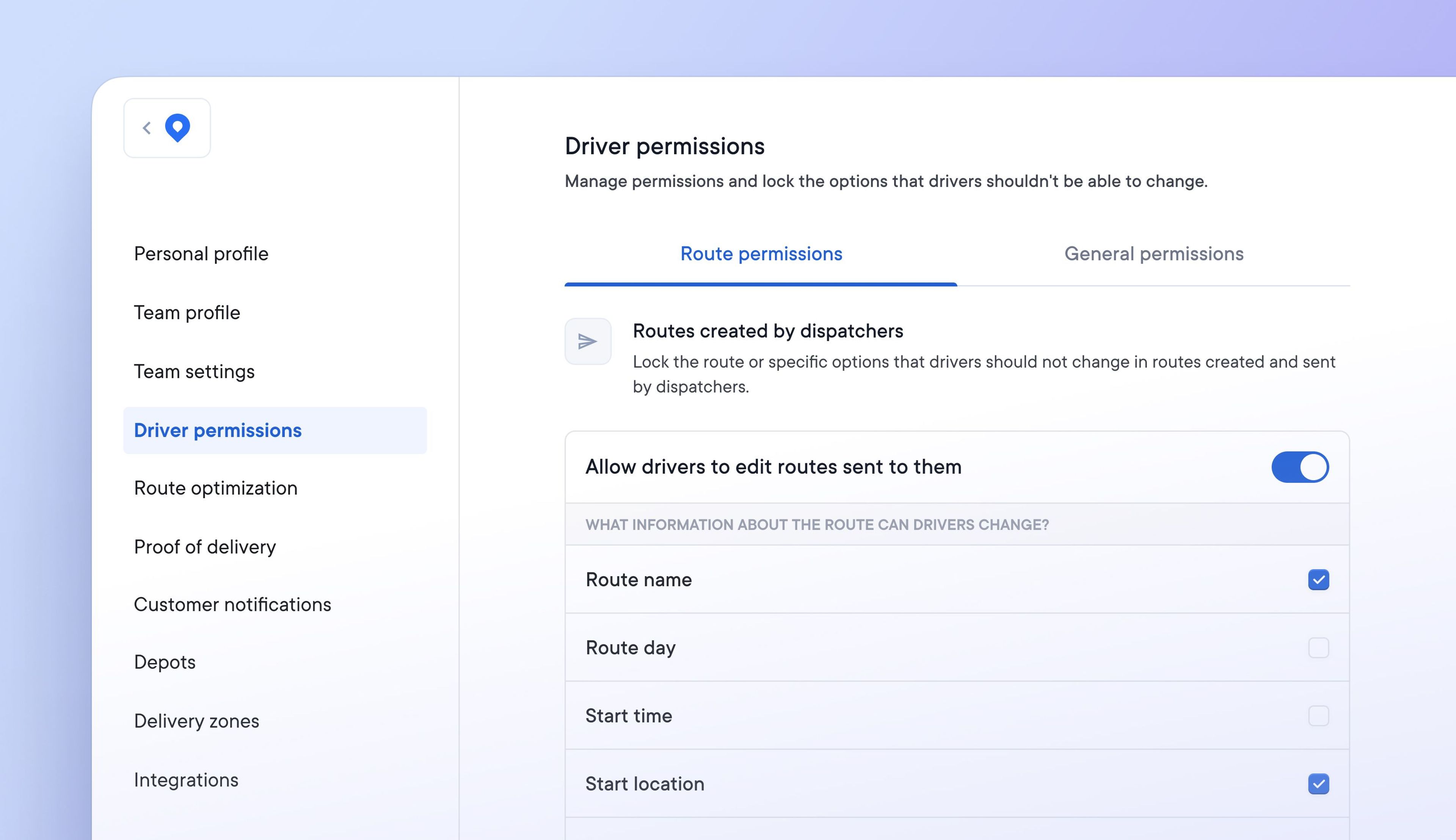
Previously there were no restrictions on a driver’s ability to make changes to routes. If changes were not communicated to dispatchers or had an unforeseen knock-on effect, this could cause problems.
It’s now possible to specify which aspects of a route drivers can edit by setting specific driver route permissions. Manage what drivers can and cannot do in order to suit your delivery process.
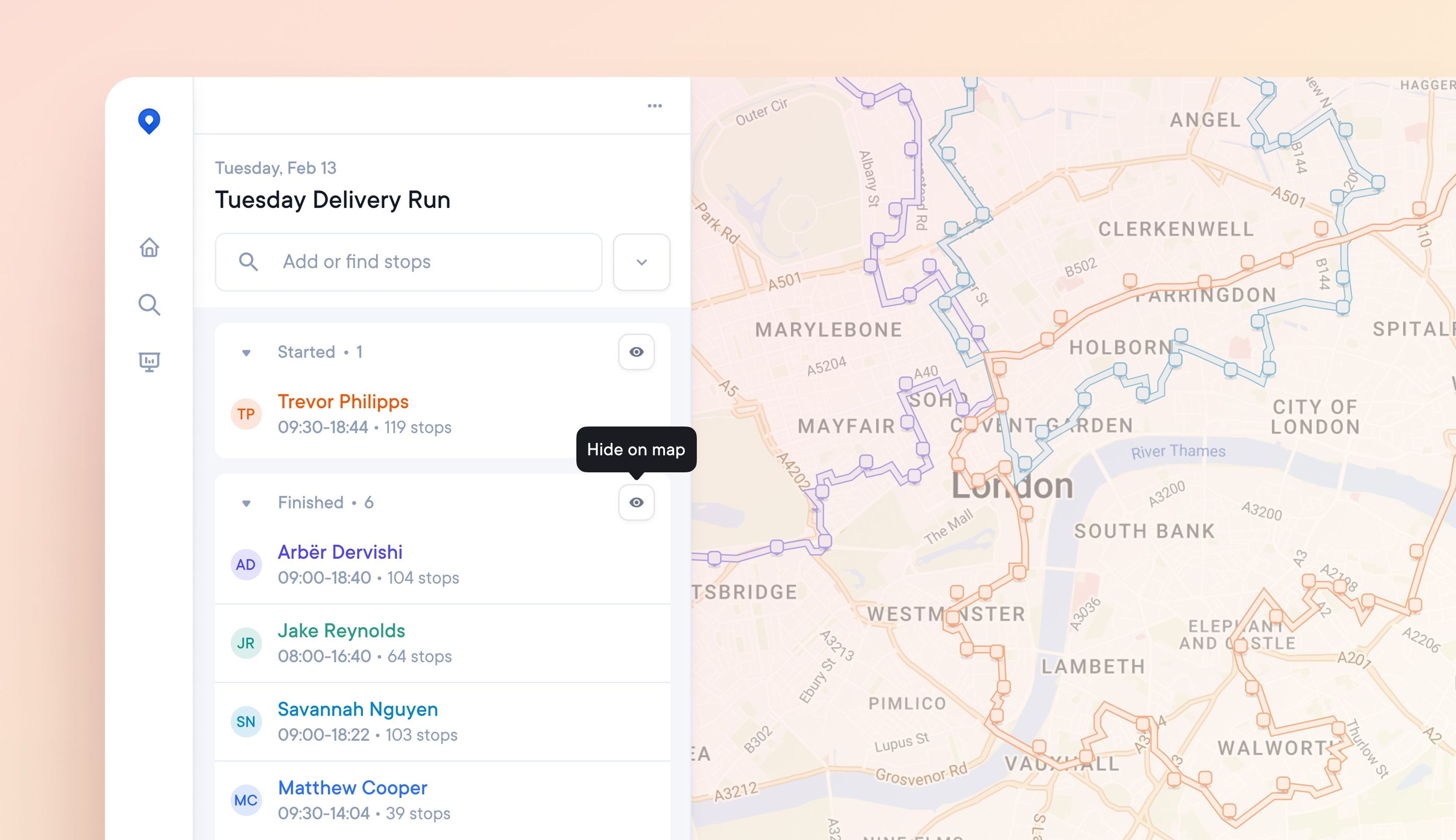
Days with many routes in the same location can create a cluttered and hard-to-read map view.
Now, you can toggle on and off which routes appear on the map for a more streamlined view. For example, you can toggle off finished routes as the day progresses to view only the active routes.
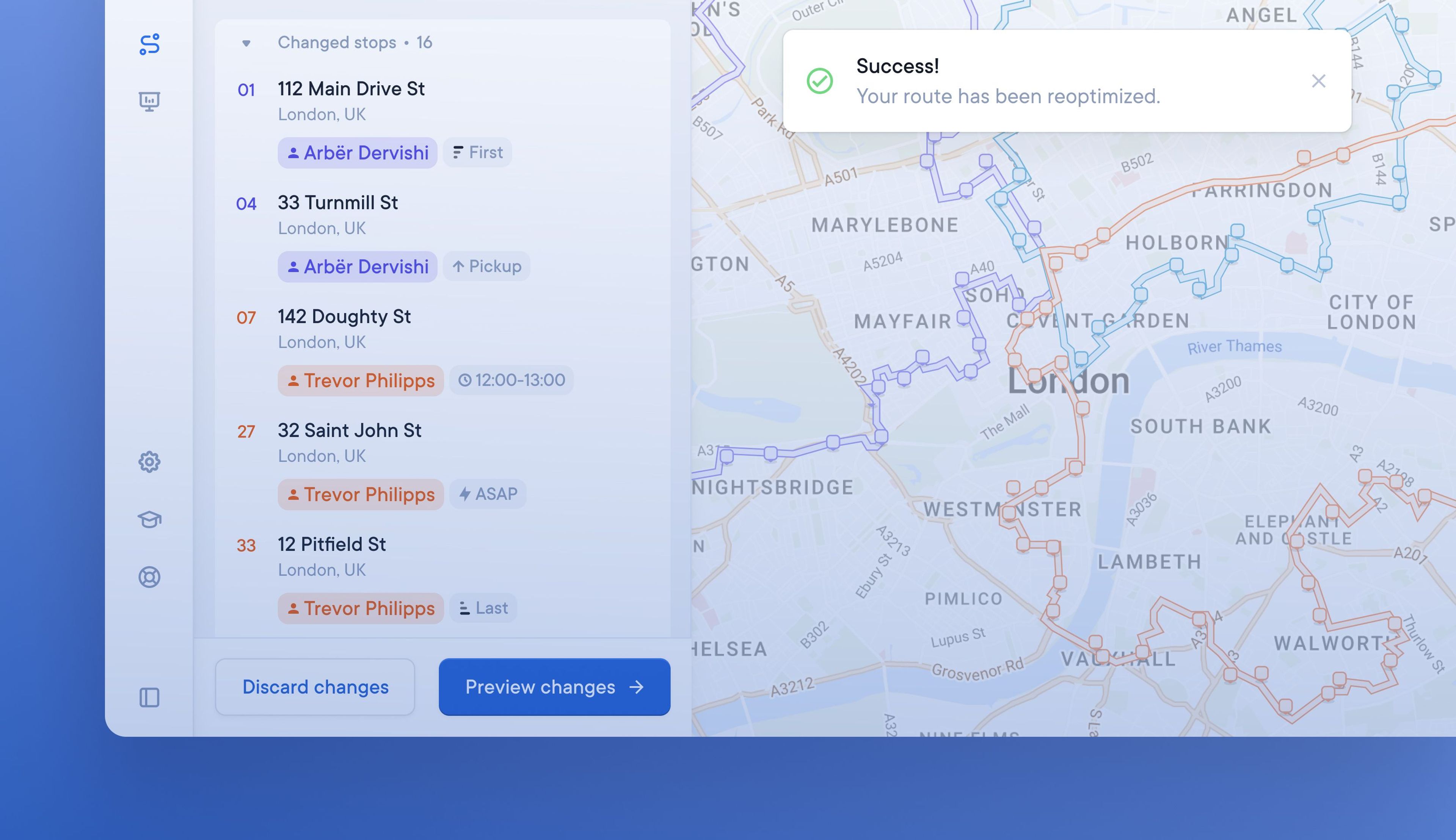
Minor changes to existing routes previously took a few minutes to reoptimize, which slowed down dispatchers.
A significant increase in processing speed has reduced the amount of time it takes for edited routes to be recalculated. Modified routes can now be reoptimized up to 10 times faster.

Watch our latest product update video and discover more about the following features:
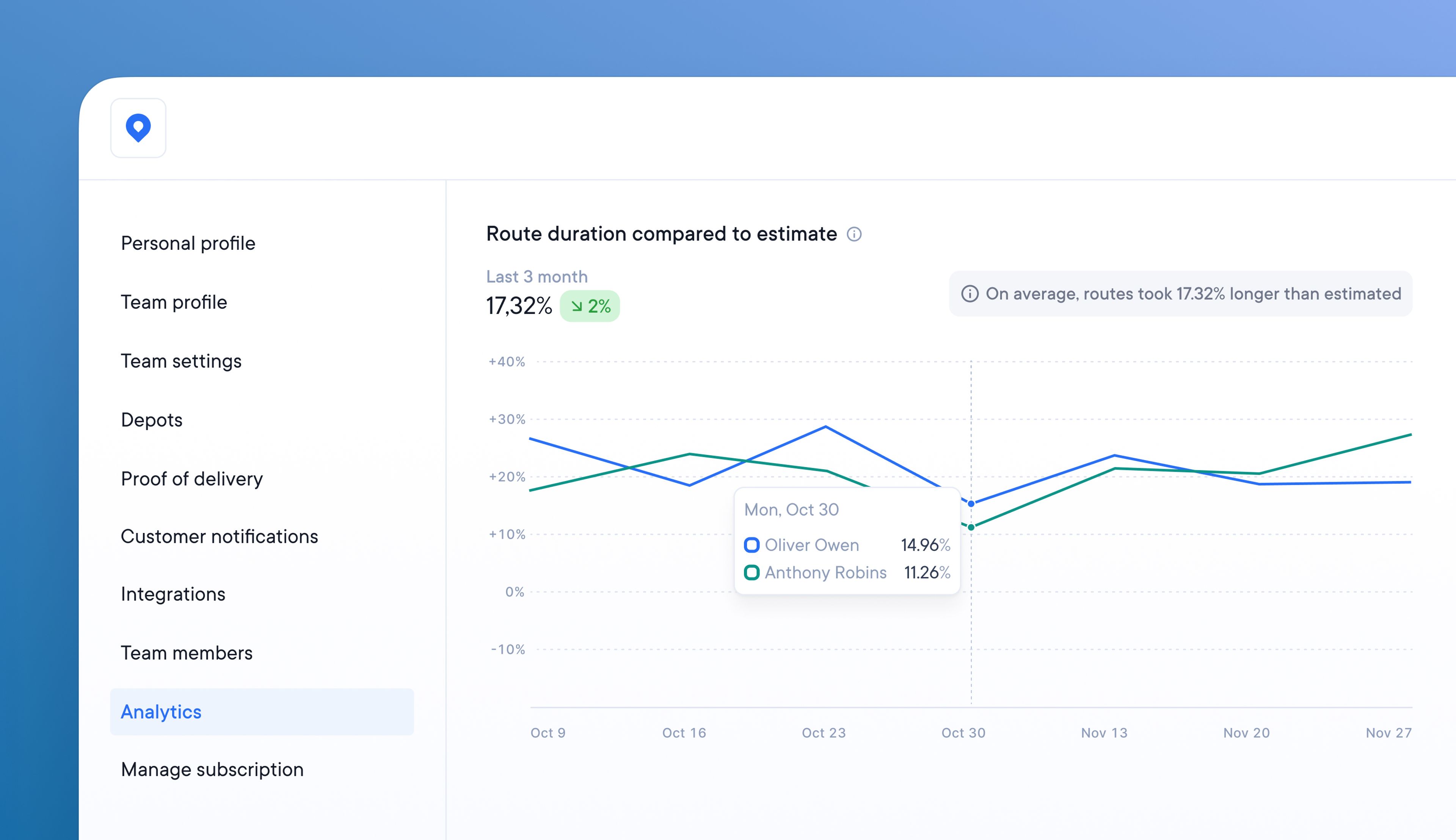
Understanding how long routes should take your drivers helps determine capacity and manage daily workflow.
Using the most recent analytics report, compare the actual route duration time with the average route duration time.
Find out how much the average and estimated duration differ. Examine performance factors and make changes to improve these values.
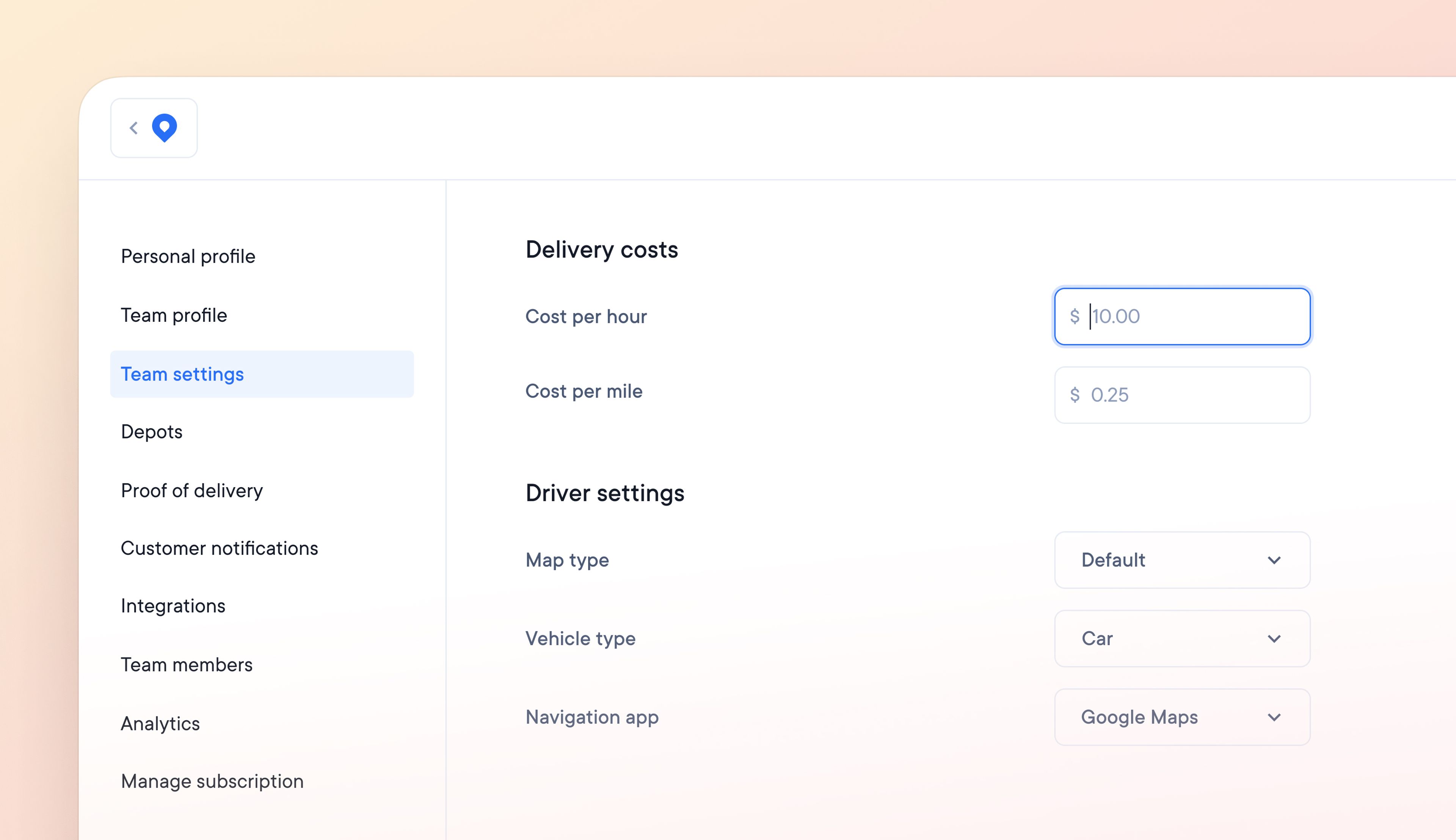
Knowing if you are achieving good business margins on delivery operations is difficult because there are so many variables.
Now, you can set a custom cost per delivery, taking into account the cost per hour and cost per mile.
Create a cost per delivery that accurately reflects your business expenses and stay on top of outgoings.