Product updates
What’s new in Spoke Dispatch
Feature updates and improvements to make last mile delivery more dynamic
Feature updates and improvements to make last mile delivery more dynamic
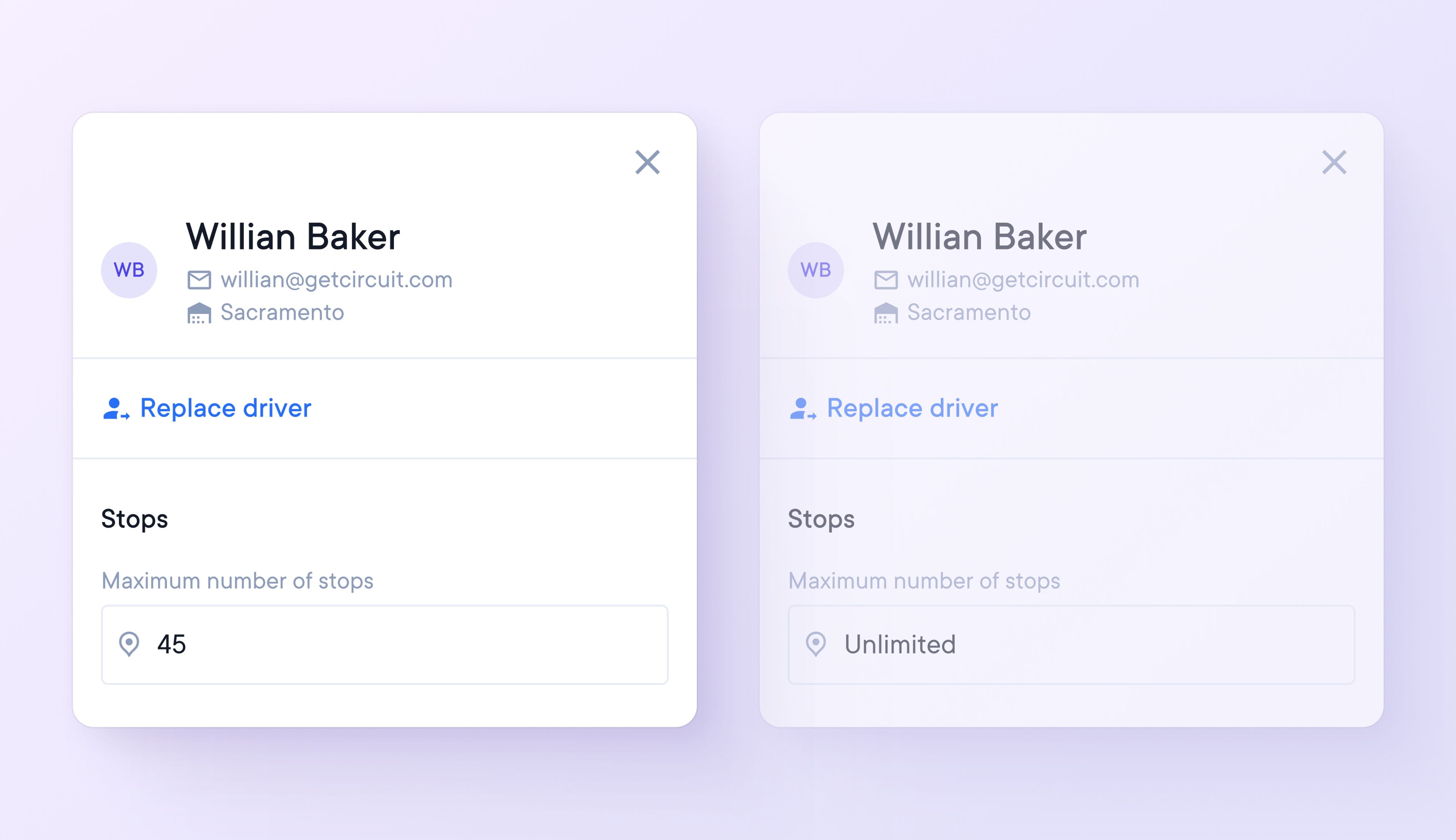

Not being able to set a maximum number of stops per driver per route can lead to dispatchers having to edit routes manually. Moving stops between drivers to ensure those with the right vehicle capacity receive the correct number of deliveries is tricky and time-consuming.
The ability to set a maximum number of stops per driver per route is possible in two ways.
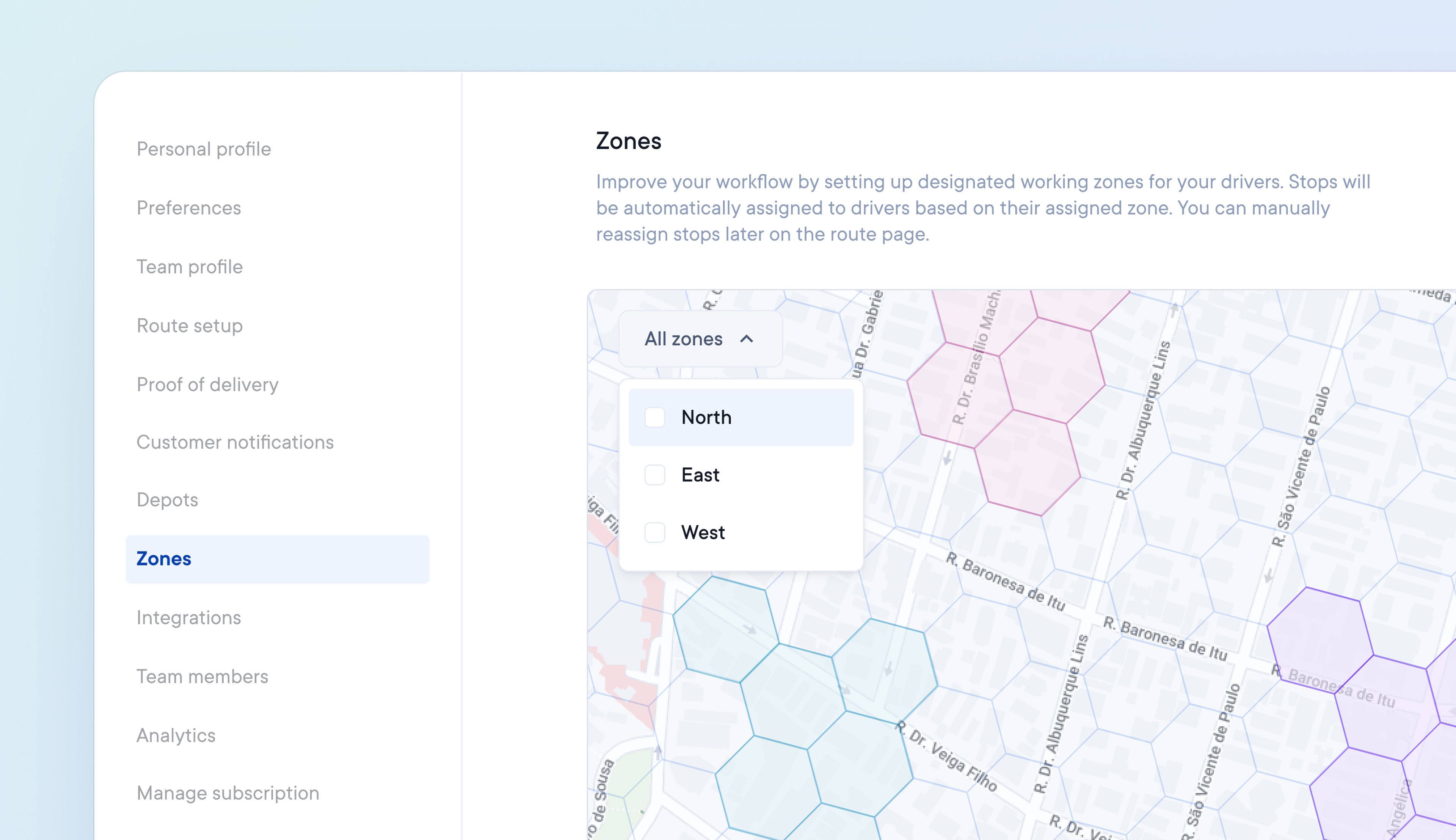
In the past, dispatchers had to format delivery data or make changes to optimized routes if they wanted to assign stops in specific locations to selected drivers.
It is now possible to create custom delivery zones. Any stops within a zone are automatically added to a route in that area. The route is then sent to the driver assigned to that zone.
Earlier versions of the Spoke Dispatch API did not facilitate the optimization and distribution of routes to drivers.
The latest version allows users to integrate their existing systems with the Spoke Dispatch API for end-to-end automation of delivery operations. From data import through to optimizing and distributing routes to drivers.
Go to Settings > Integrations to read the complete technical documentation and best practices.
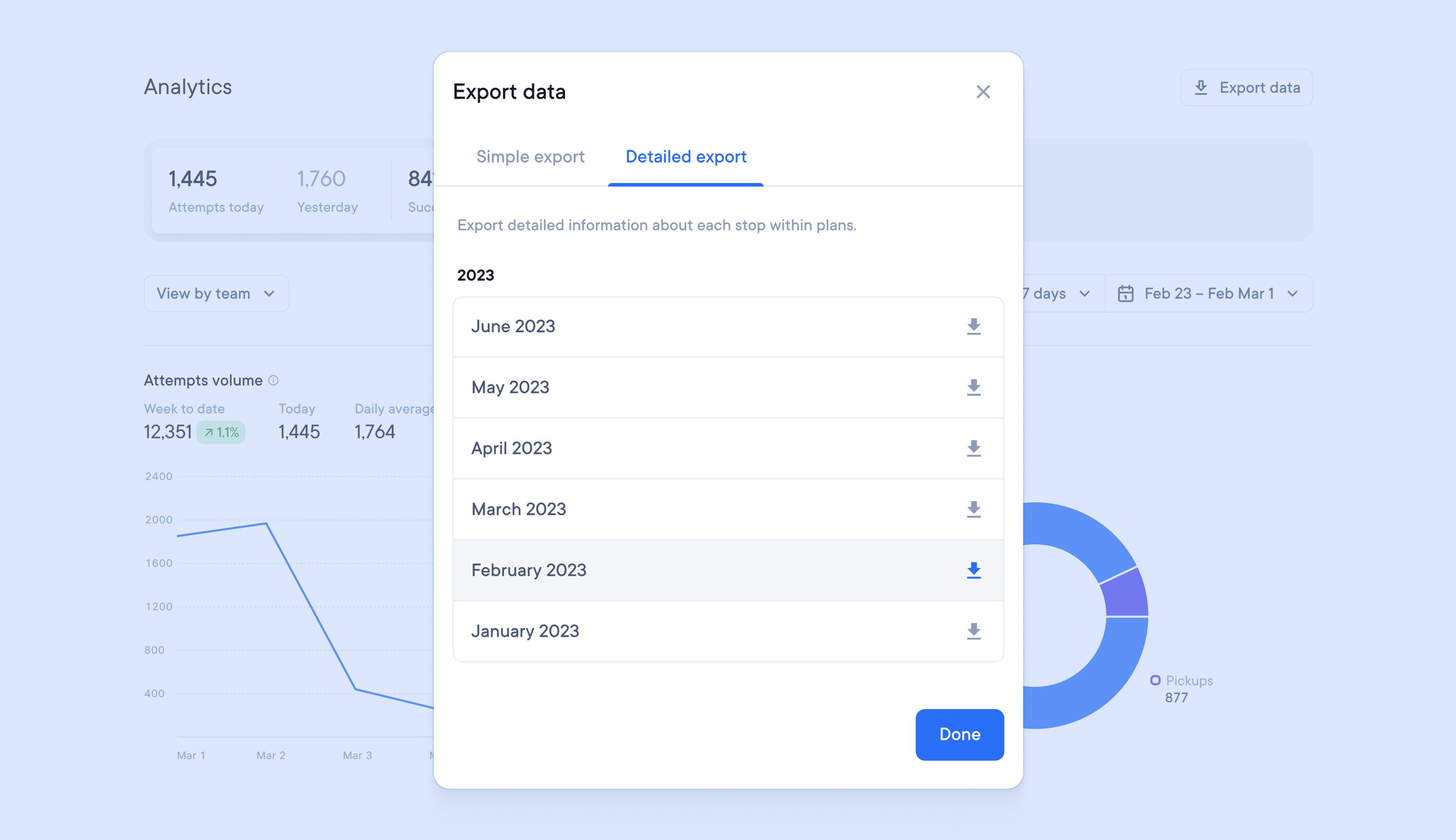
It was previously only possible to access detailed delivery data by performing a global account search. This would only provide results for the specific information that was searched for.
Now monthly reports containing detailed delivery data can be exported at the touch of a button, giving you instant access to granular performance information.
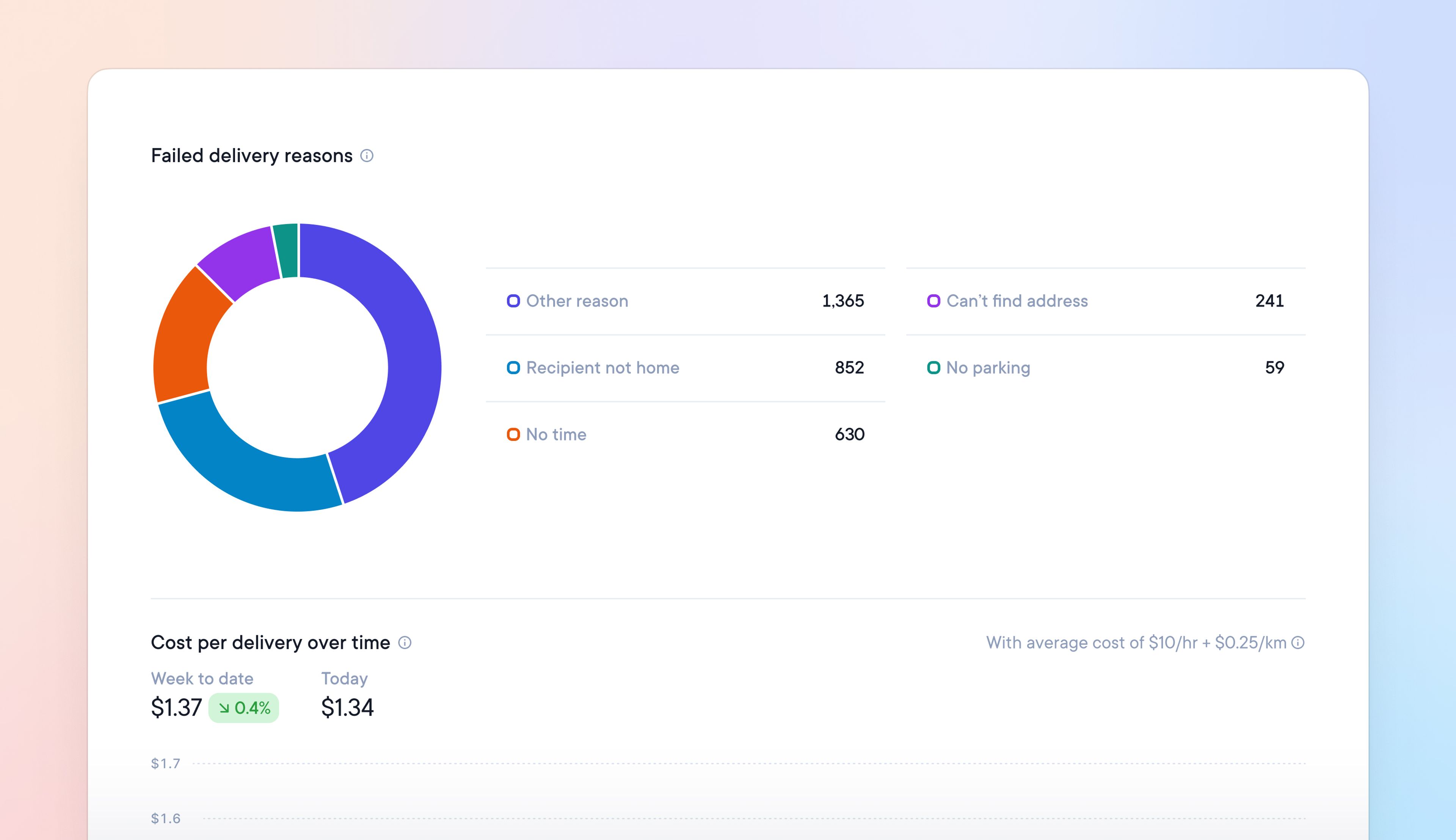
With four new delivery analytics reports, you can further analyze delivery costs and performance metrics.
Understand the most common reason for failed deliveries, monitor the percentage of late stops, and track the average cost per delivery over time.
Filter each report by depot, team, or driver for a more granular view of activity.
Go to Settings > Analytics to access the delivery reports dashboard.
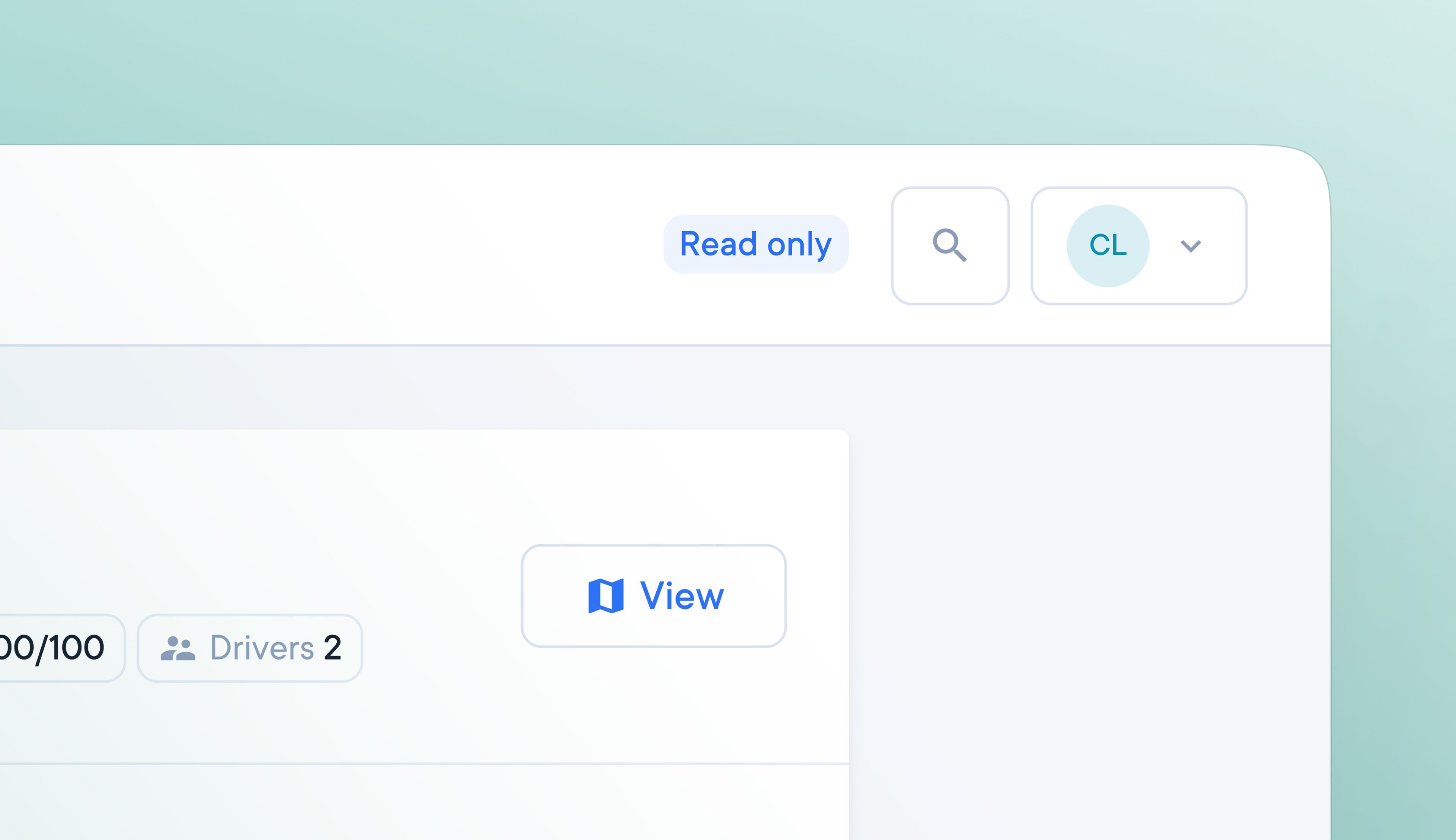
Now you can safely and securely provide read-only access to your account, allowing specific roles the ability to view and search all account data without being able to make any changes.
Read-only roles have access to view all available account information as it happens but cannot make any edits or access account settings.
This restricted role can be useful for teams looking to safely outsource their customer support to a third party or share the real-time route tracking view with partners.
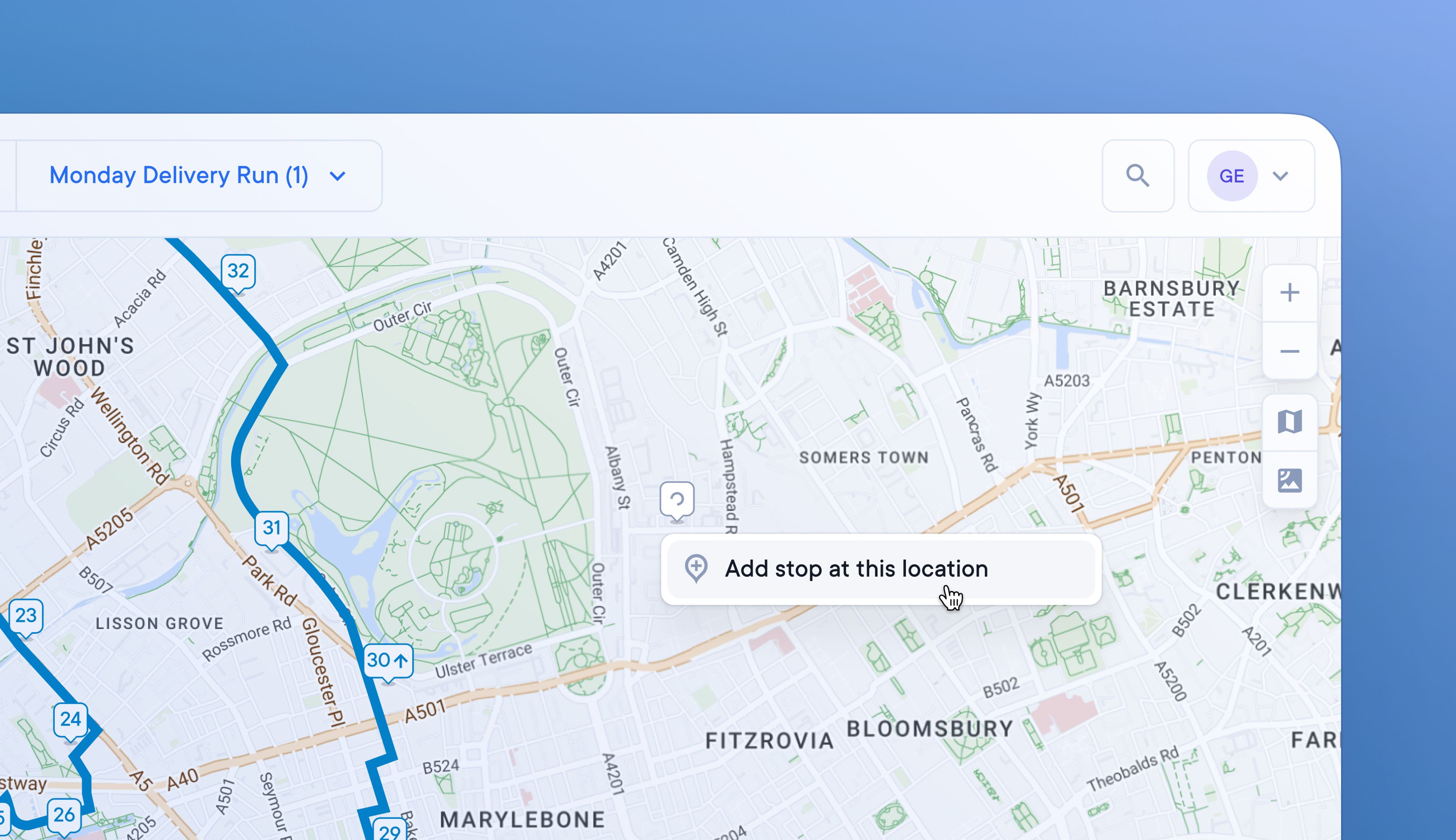
Dispatchers can sometimes encounter incorrectly located addresses on a route due to inconsistencies in mapping data provided by third parties. These can be corrected by reporting the issue to Google Maps or Open Street View, but those updates take time.
Now dispatchers can instantly correct or pin the location of a stop simply by clicking on the map.
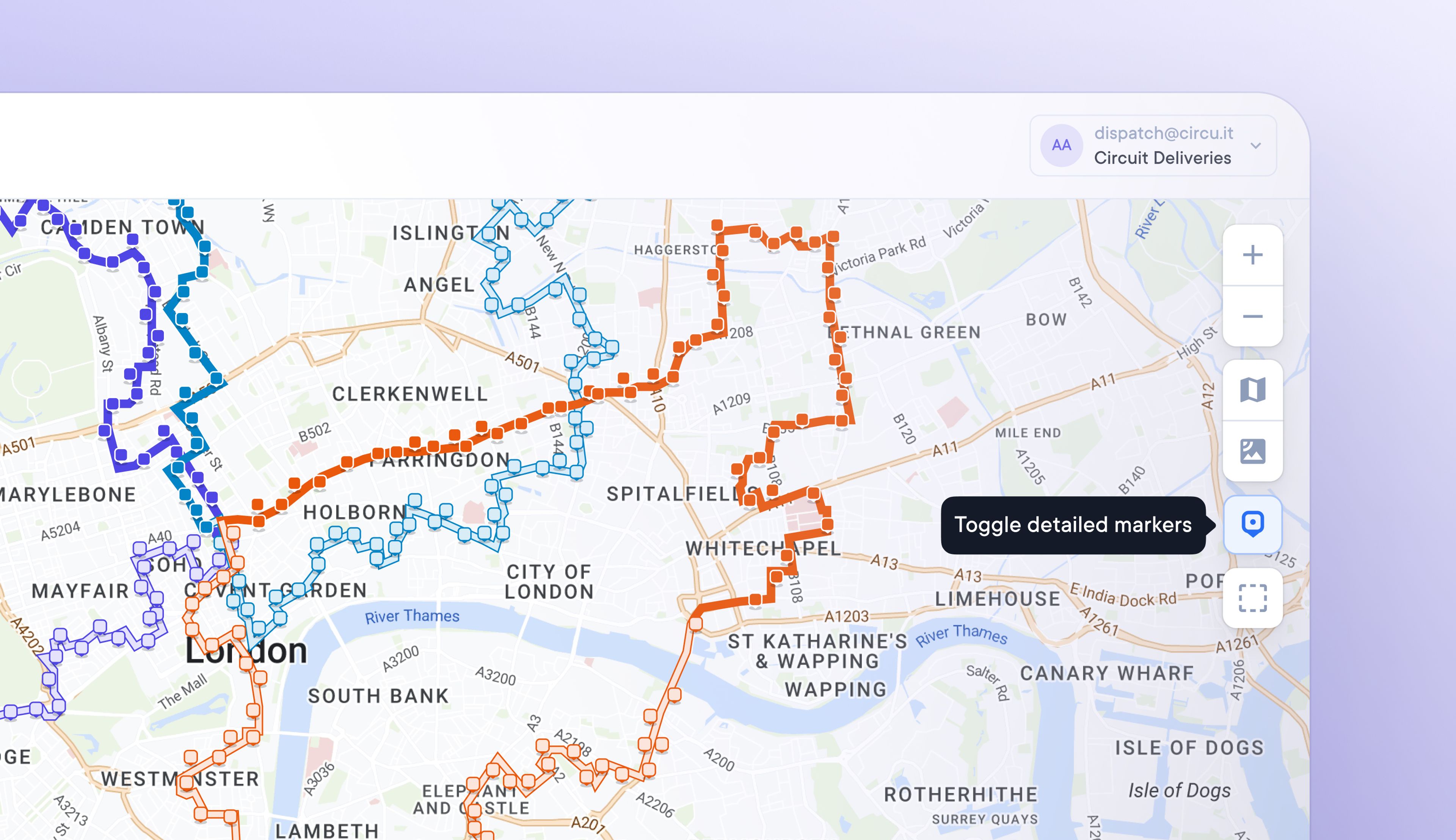
Managing multiple routes in the same geographical region can create a visually crowded map, making it hard to see individual stops and route progress clearly.
Now dispatchers can toggle between detailed and simplified stop markers on the map view.
Simplified stop markers reduce each stop on the map to a small square.
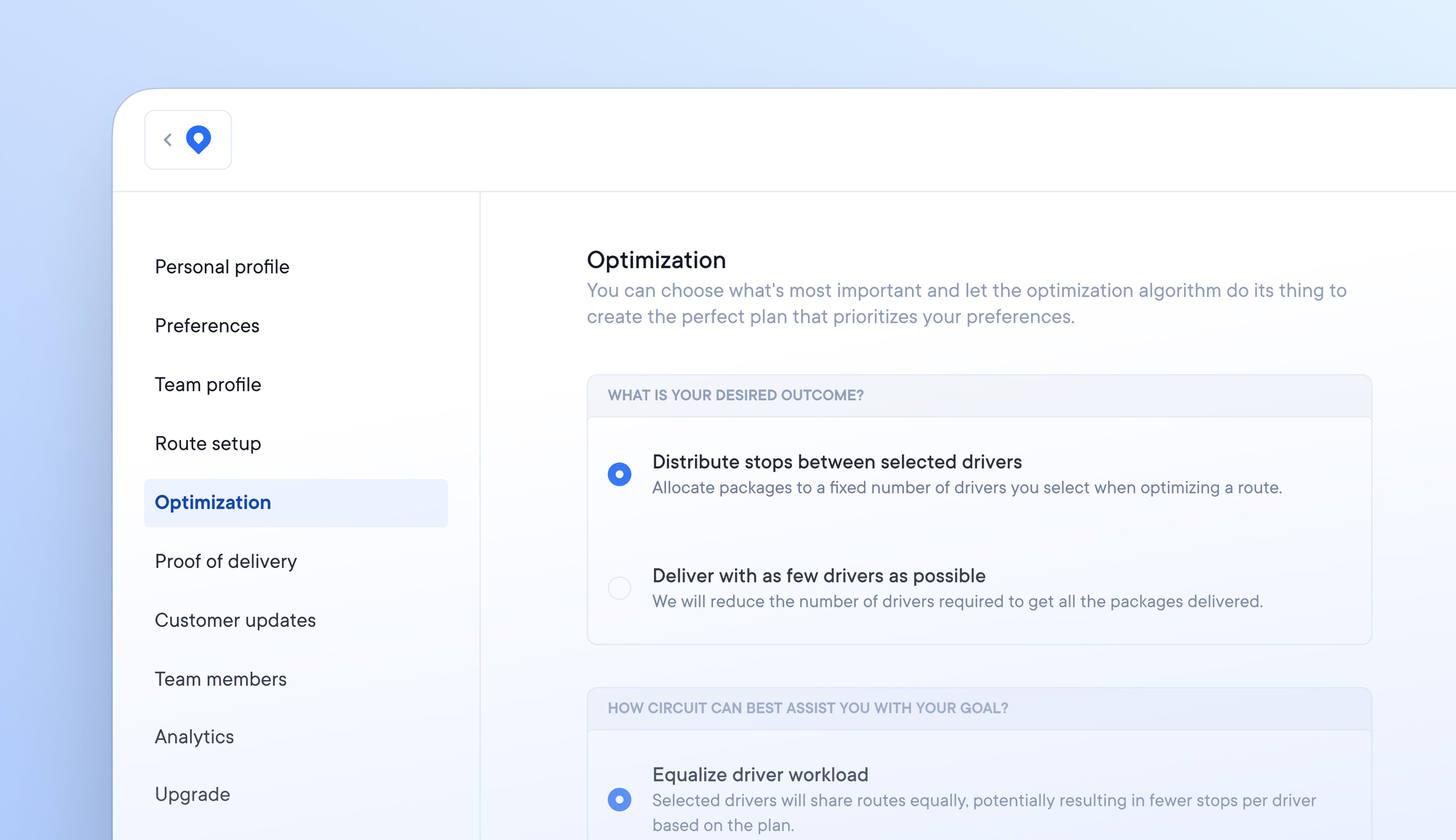
Every business model handles delivery in a different way and has unique needs when it comes to how routes are optimized. Companies that pay their drivers by the hour may want to optimize routes based on speed.
It’s now possible to customize your route optimization settings to suit your delivery style better.
Watch our latest product update video and discover more about the following features: